Must-Have Backlinks in SEO Strategy
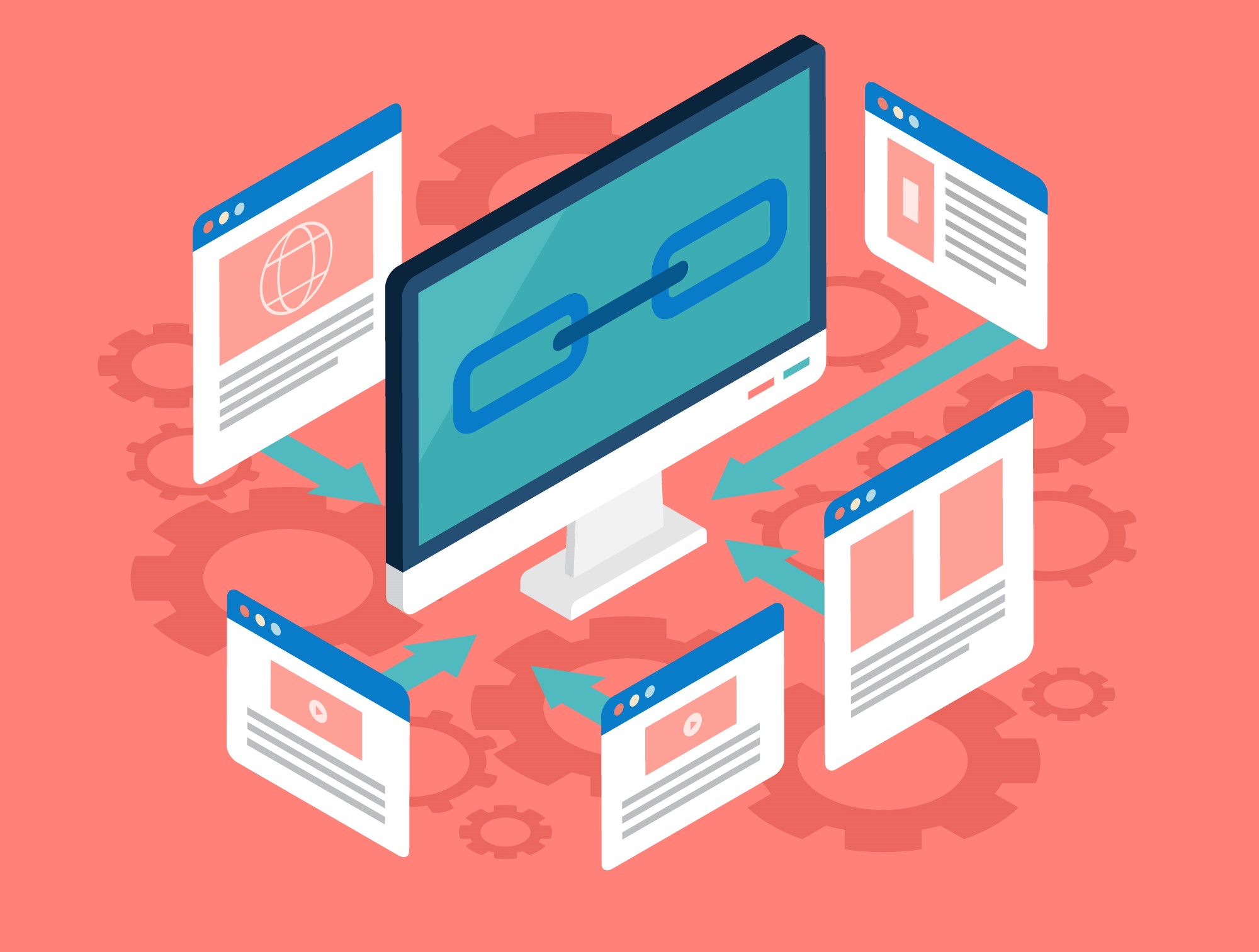
If you want your website to appear in the top 3 results of Google, ignoring backlinks can become a major barrier to your SEO growth. In today’s competitive digital landscape, backlinks are not just a ranking signal but directly impact your site’s domain authority (DA), page authority (PA), link equity (link juice), and trust flow. High-quality backlinks make your content more credible and relevant in the eyes of search engines — which ultimately converts into better visibility and organic traffic. In this guide, we will cover: Whether you are an SEO specialist, content marketer, small business owner, or web developer, this guide will create a strong backlink foundation for you that can bring long-term SEO results. So, let’s start decoding the world of backlinks! What are Backlinks? A backlink serves as a connecting link pointing from one website domain to another domain. When another website links your content to its blog or page, that is called a backlink. Your content quality allows Google to understand that your information stands as both useful and reliable. Search engines consider backlinks to be vital SEO elements because sites with numerous reputable backlinks achieve better positions and improved domain authority and organic visitor traffic. When a reputed site like Moz, Ahrefs, or Neil Patel links to your content, you get link juice — the SEO power that can take your site to the top results. But backlinks are not just a game of quantity — today, quality, relevance, and source also matter. You can track and enhance backlinks through three popular tools known as SEMrush, Moz, and Ahrefs. In short, backlinks are the backbone of SEO — growing your site’s trust, traffic, and ranking over the long term. Technical Explanation: Importance of Backlinks Backlinks are the backbone of SEO. When trusted websites link to your content, it signals to Google that your content is valuable. These signals boost your domain authority, trust level, and ranking potential. Let’s break this down: Domain Authority (DA) DA is a score (0-100) that indicates how much your website is trusted. The higher the DA, the more value that backlink has. Reference Tool: https://www.semrush.com/ Page Authority (PA) PA is the SEO strength of a specific page, which tells how much that page can rank in Google results (score: 0-100). If a high PA page gets a backlink, then its SEO impact is higher. Check PA using tools like Small SEO tools Link Juice The SEO value that is passed to your site through backlinks is called link juice. Do-follow backlinks pass link juice, which helps in ranking. Referring Domains vs. Backlinks If you link to the same domain repeatedly, you will have more backlinks but the referring domain will be the same. Multiple unique referring domains are more valuable for SEO. Organic Traffic Growth Quality backlinks increase your organic traffic without ads. High-authority links improve rankings and bring genuine visitors to your website. What are the Varieties of Backlink Types? There is not just one kind of backlink. Every backlink has its own SEO impact and use-case. Let’s understand different backlink types: Natural Backlinks When someone links to your site without asking for it, considering your content valuable, it is a natural backlink. These backlinks are the most trusted and high-value for Google. Example: A blogger used your research report for reference in his blog. Manual Backlinks You create these backlinks yourself by putting in a little effort — through outreach, guest posts, or networking. It takes a little time, but these links are relevant and safe for SEO. How-to-do: Self-Created Backlinks When you put your website link in a forum, comment or directory. If overused, Google may consider it spam and penalize it. Warning: Do this only on trusted websites, otherwise ranking may go down. Editorial Backlinks When high-authority websites like Forbes or HubSpot naturally include your link in their content. These backlinks are received organically and increase your credibility. Example: Your blog was featured in an article on a reputed website. Guest Post Backlinks When you write a blog on another site and add a link to your site, you get a guest post backlink. These backlinks give you both traffic and authority. Recommended Sites: Comment Backlinks When you comment on a blog post, you add your site URL in the website field. If the blog is relevant and trusted, these backlinks help in indexing and visibility. Note: Use only on high-quality and niche-related blogs. Forum Backlinks While answering questions on forums like Quora, Reddit, Stack Overflow, giving a link to your site. If the link is giving valuable information, then targeted traffic is also received. Tip: Give links only where your content genuinely helps. Directory Backlinks You can list your business on directories, which include Justdial, Yelp, and Sulekha. These backlinks are very effective for local SEO. Note: Business info (NAP) should be the same everywhere. Profile Backlinks When you create a profile on any website or platform and add your link there. These backlinks help in basic SEO, especially for startups and freelancers. Examples: Social Media Backlinks Sharing your link through Twitter and LinkedIn, along with Instagram and Facebook, helps people discover your content. These are mostly NoFollow, but they help in branding and fast indexing. Note: Direct SEO effect is low, but exposure is high. Press Release Backlinks When you share news of your business or product on media sites through press releases. If the news is genuine and interesting, then backlinks are received, and brand trust also increases. Tip: Avoid spammy press releases — share only newsworthy content. Sponsored Backlinks When you publish paid content or articles on any site in which your link is there. Labeling this type of link “sponsored” is a must as per Google guidelines. Use carefully: Paid links can have less SEO value if overused. Resource Page Backlinks Websites that create “Best Tools” or “Top Resources” lists can add your tool or content. Such pages are trusted and provide long-term SEO benefits to your link. Tip: Approach