📍 Panipat, Haryana
Video Editing Course in Panipat
Learn video editing through assignments, activities and creative production to gain expertise in video cutting, transitions, audio editing, colour correction and export for jobs, freelance gigs and content making.
Google rating
Students trained
Placement support
What You Learn in Our Video Editing Course in Panipat
Our 3–6 month Video Editing Course in Panipat teaches video editing fundamentals and production activities to let students learn and practice editing techniques and make engaging videos for social media, advertisements, YouTube and other digital platforms.
Video Editing Fundamentals
Learn about video formats, timelines, organisation, cutting, trimming and sequencing to understand how editors arrange footage, cut unwanted portions and arrange scenes for smooth video production.
Video Cutting & Timeline Editing
Practise organising footage, splitting clips, adjusting sequences and multiple layers to learn how to edit raw footage into promotional, interview and digital platform-ready videos.
Transitions, Effects & Visual Enhancement
Learn how transitions, filters, overlays, visual effects and more help editors produce engaging videos and learn how to use effects carefully for polished editing.
Audio Editing & Synchronisation
Learn how to adjust audio levels, cut unwanted sounds and synchronise voiceovers with videos and explore background music, sound effects for enhanced editing.
Colour Correction & Grading
Learn about brightness, contrast, saturation, white balance and colour tones to understand how colour correction enhances footage quality and how colour grading adds visual appeal.
Motion Graphics, Titles & Exporting
Learn to add titles, subtitles, animated text, lower thirds, graphic elements to videos and understand resolution, frame rates, aspect ratios and export settings for different platforms.
Skills You Develop During the Course
- Video Editing Fundamentals
- Timeline Management
- Footage Organisation
- Video Cutting & Trimming
- Clip Sequencing
- Scene Arrangement
- Video Transitions
- Influencer Marketing
- Effects & Filters
- Layer Management
- Audio Editing
- Audio Synchronisation
- Background Music Integration
- Sound Effects
- Colour Correction
- Colour Grading Basics
- Text & Title Animation
- Motion Graphics Basics
- Subtitles & Captions
- Visual Effects Integration
- Video Storytelling
- Social Media Video Editing
- YouTube Video Production
- Video Export Settings
- Portfolio Development
Why Students from Panipat Choose DigiManiac
- Placement support with 100+ hiring partners
- Live projects on real client accounts
- Guidance for freelance and client projects
- Resume and interview preparation
- Small batches so every student gets attention
- Lifetime support and free course updates
- Career guidance throughout the learning process
Classes run near Sector 5 / New Bus Stand. Weekend and evening batches are available for working professionals and college students.
Students and business owners across the region review us on Google with an average rating of 4.9 out of 5, based on 300+ reviews.
Digimaniac - Digital Marketing and Graphic Design course and institute in Kurukshetra Haryana
316 Google Reviews
 Trustindex verifies that the original source of the review is Google.

 Trustindex verifies that the original source of the review is Google.
 Trustindex verifies that the original source of the review is Google.
 Trustindex verifies that the original source of the review is Google.
 Trustindex verifies that the original source of the review is Google.
 Trustindex verifies that the original source of the review is Google.
 Trustindex verifies that the original source of the review is Google.
 Trustindex verifies that the original source of the review is Google.

Why Learn Video Editing in Panipat?
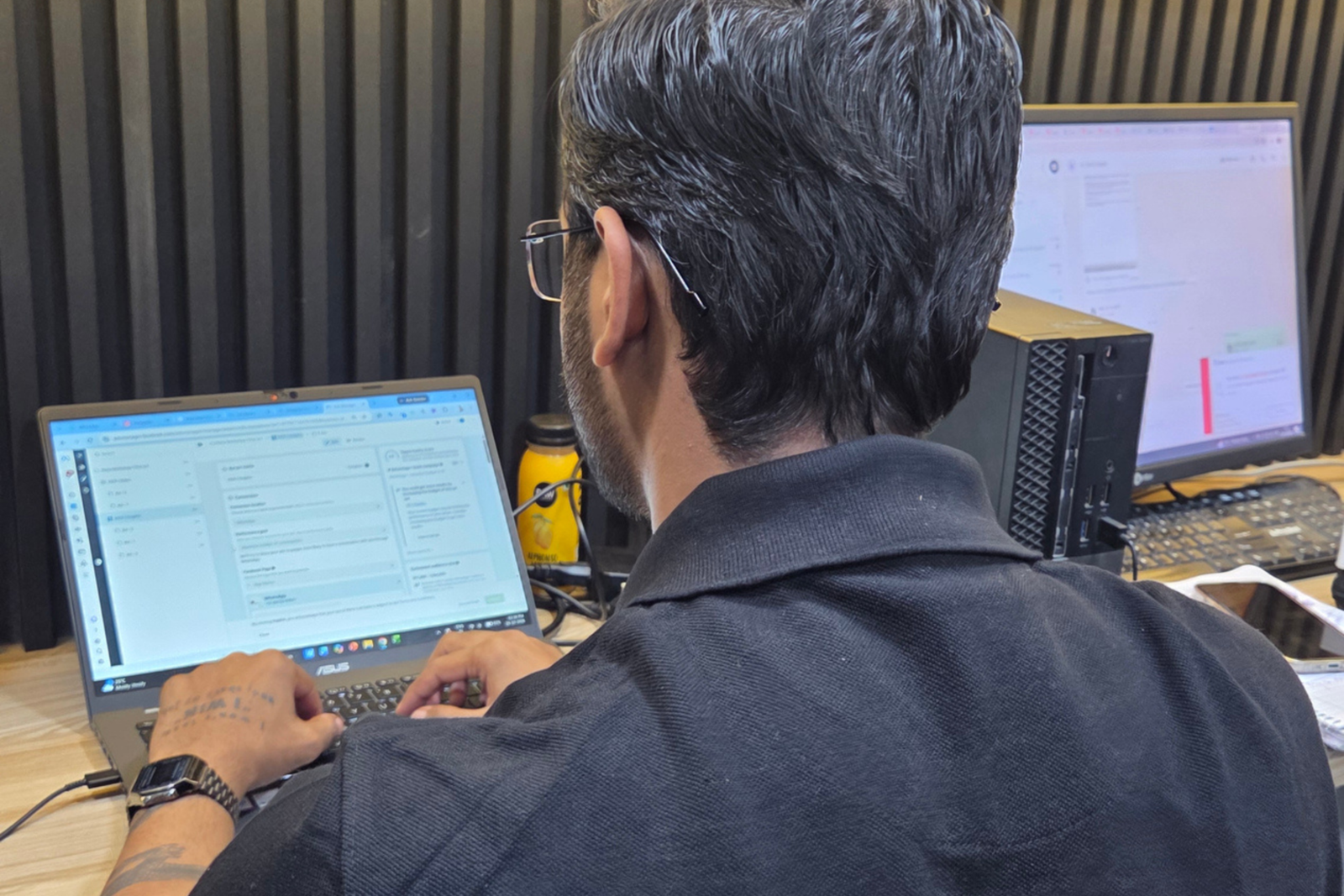
Businesses, content creators and marketing teams utilise videos to market products, offer services, share information and engage audiences and this creates opportunities for skilled video editors who understand editing, storytelling and digital production techniques.
Depending on your skills, you could work on promotional edits, reels, YouTube videos, interviews, product videos, advertisements, corporate videos and more. Video editing training in Panipat can help you gain experience with practical assignments to build a portfolio of work.
Which can open up opportunities in nearby cities like Karnal, Sonipat, Chandigarh, Delhi NCR and more or enable remote opportunities.
Our Video Editing Course in Panipat follows practical training to teach the essential skills, not just the software, to help students learn and practice organising footage, editing scenes, audio editing, colour corrections and exporting videos.
Students can work on short-form video assignments, promotional edits, YouTube edits, interview edits and social media content that can become samples for the portfolio. Students who are interested in working on freelance gigs can also learn how to understand the requirements from the client, plan the editing projects, present the work and prepare the final file for delivery.
Typical training period for video editing skills and practical project experience.
Editing concepts and creative production skills covered during training.
Creative techniques and editing skills introduced during the course.
Video Editing Career Opportunities in Panipat
Video editing skills can be utilised in production houses, advertising agencies, digital marketing companies, YouTube channels and social media teams. The rates below are indicative figures and can vary depending on your skills, portfolio, experience and employer.
Indicative ranges for the Panipat district and Delhi NCR job market. Actual offers depend on your portfolio and interview performance.
Video Editor
Edit raw footage into videos for businesses, creators, advertisements and digital platforms.
- Video Cutting & Trimming
- Timeline Editing
- Scene Arrangement
- Transitions
- Audio Synchronisation
- Colour Correction
- Text & Titles
- Video Export
YouTube Video Editor
Edit long-form videos, tutorials, interviews and vlogs to enhance their flow, clarity and viewing.
- YouTube Video Editing
- Footage Organisation
- Jump Cuts
- Audio Editing
- A/B Testing
- Subtitles & Captions
- B-Roll Integration
- Basic Motion Graphics
- Platform Export Settings
Social Media Video Editor
Create short-form videos, reels, promotional clips and vertical content for social media platforms.
- Reels Editing
- Short-Form Video Production
- Vertical Video Formats
- Animated Text
- Transitions & Effects
- Music Synchronisation
- Captions
- Social Media Export
Motion Graphics Video Editor
Integrate video footage, animated text, graphic elements and transitions for advertisements and promotional campaigns.
- Motion Graphics Basics
- Animated Typography
- Title Animation
- Graphic Overlays
- Keyframe Animation
- Visual Composition
- Transitions
- Promotional Video Editing
Corporate & Advertisement Video Editor
Create professional videos for company profiles, product promotions, internal communication and advertising campaigns.
- Corporate Video Editing
- Product Video Editing
- Brand Visuals
- Audio Enhancement
- Colour Correction
- Text & Titles
- Footage Management
- Final Video Delivery
Freelance Video Editor
Work with businesses, content creators, agencies and online clients on different types of video editing projects.
- Video Editing
- Reels & Shorts
- YouTube Videos
- Promotional Videos
- Audio Synchronisation
- Colour Correction
- Client Communication
- Project Pricing
- Revision Management
- Freelance Portfolio
Indicative ranges for the Panipat district and Delhi NCR job market. Actual offers depend on your portfolio and interview performance.
Who Can Join This Video Editing Course?
Students from Panipat do not need to have professional editing experience, as the course starts with the fundamentals and progresses towards editing techniques, creative tools and production projects.
Final-Year Students & Graduates
Develop and hone creative and technical skills before or after graduation and build video samples for job applications or freelance opportunities.
Job Switchers
If you are switching from teaching, sales, administration or another field, video editing training can help you explore a creative career.
Content Creators
Learn how to edit engaging reels, YouTube videos, tutorials and promotional content for your own channels or clients.
Working professionals
Learn video editing alongside your current job and gradually build skills for freelance assignments or a future career change.
Freelancers & designers
Enhance your existing services by adding video editing, motion graphics, promotional videos and social media content to your client offerings.
Career-break returners
Refresh your creative skills through editing software, practical assignments and current video production techniques while building portfolio samples.
Tools you will actually use
The training is focused on using editing tools and techniques to practical video production work. The software coverage may vary depending on the current syllabus and selected program.
Video Editing & Timeline Management
- Video Editing Software
- Timeline Editing
- Clip Cutting & Trimming
- Scene Sequencing
- Multi-Layer Editing
- Transitions & Effects
- Video Playback & Review
- Ubersuggest
- Ahrefs / SEMrush (demo access)
Audio Editing & Enhancement
- Audio Editing Tools
- Voiceover Synchronisation
- Background Music Integration
- Sound Effects
- Audio Level Adjustment
- Noise Reduction Basics
- Audio Transitions
- Final Audio Review
Colour Correction & Visual Effects
- Colour Correction Tools
- Brightness & Contrast
- Saturation Adjustment
- Colour Grading Basics
- Filters & Overlays
- Green-Screen Editing Basics
- Masking Basics
- Visual Effects Integration
Motion Graphics & Titles
- Motion Graphics Tools
- Animated Typography
- Title Animation
- Lower Thirds
- Subtitles & Captions
- Graphic Overlays
- Transition Effects
- Subtitles & Captions
Social Media & Digital Content
- Reels Editing
- YouTube Video Editing
- Short-Form Content
- Vertical Video Formats
- Promotional Videos
- Product Video Editing
- Aspect Ratio Selection
- Platform-Specific Export
Portfolio & Career Skills
- Video Editing Portfolio
- Project Presentation
- Creative Brief Understanding
- Client Communication
- Feedback & Revision Management
- Project Pricing
- Resume Preparation
- Interview Preparation
Areas We Serve Around Panipat
Our video editing training is suited for learners from Panipat, as well as the surrounding areas. If commuting to the classroom often is not convenient, feel free to get in touch and enquire about the available online batches and flexible learning options.
- Panipat
- Samalkha
- Israna
- Madlauda
- Bapoli
- Gharaunda
- Assandh
- Karnal
Course duration and fee structure
The Video Editing Course in Panipat generally takes around 3 to 6 months to complete, depending on the selected program, practice time and learning pace. The course may cover editing fundamentals, timeline management, transitions, audio editing, colour correction and practical video production projects.
The fees vary depending on the selected program and training structure and payment options and batch schedules may also vary. Please get in touch with DigiManiac to enquire about the latest course fee, available batches and payment options.
Other career courses at DigiManiac Panipat
Student reviews from our recent batches
Proud moments from students who completed their training. Every certificate is a symbol of effort, dedication and skills that open real career doors. You could be next.
Video Editing Course in Panipat — FAQs
Here are some of the common questions asked by learners that want to join a Video Editing Course in Panipat.
The fee for the course depends on the program, so please get in touch with DigiManiac to get information on the current fee structure, payment options and the upcoming batches.
The training duration is generally around 3 to 6 months. The exact length may vary depending on the program and learning speed.
No, you do not need previous experience, as we start with the fundamentals and then gradually move towards timeline editing, transitions, audio synchronisation, colour correction and video production.
The software may vary depending on the program and the current syllabus, so please get in touch with DigiManiac to get more information on the software covered.
Yes, video editing skills can help you create YouTube videos, Instagram reels, short-form content and promotional videos. The exact formats covered depend on the syllabus, so please get in touch to enquire further.
Yes, you will work on practical assignments, such as short-form videos, promotional edits, YouTube videos, audio editing and editing social media content that can be samples for your portfolio.
DigiManiac offers career guidance that may include portfolio development, resume preparation, interview preparation and finding potential opportunities. However, the outcome depends on different factors, such as current hiring requirements and your profile.
Yes, if your area does not allow commuting often, please get in touch and enquire about the available online batches.
Is this Video Editing course right for you?
DigiManiac’s Video Editing institute in Panipat gives you the skills, the live-project experience and the portfolio that employers and clients actually ask to see. Whether you are a student, a working professional, a freelancer or a business owner, the program is built to leave you job-ready — with expert trainers, real campaigns, flexible batches and placement support behind you.
Start your Video Editing career in Panipat
Limited seats per batch so every student gets personal attention. Book a free demo class and see the classroom before you enrol.