📍 Kaithal, Haryana
Video Editing Course in Kaithal
Learn video editing through practical projects, professional editing software and real content formats. Our Video Editing Course in Kaithal covers YouTube editing, Reels, motion graphics, audio, colour correction and post-production while helping you build a portfolio you can actually showcase.
Google rating
Students trained
Placement support
What You Learn in Our Video Editing Course in Kaithal
This 3–6 month program takes you through the complete editing process, starting with basic concepts and gradually moving into professional workflows. You’ll practise with different types of footage and learn how to prepare videos for YouTube, Instagram, advertising and other digital platforms.
Video Editing Fundamentals
Understand timelines, cuts, sequencing, pacing and transitions while learning how to turn unedited footage into a structured and engaging video.
Adobe Premiere Pro
Learn to work with Premiere Pro for interviews, YouTube videos, promotional content, social media videos and other projects, from timeline editing to final export.
Reels & Short-Form Content
Create vertical videos for Instagram Reels and YouTube Shorts using quick cuts, captions, music, transitions and visual effects suited to short-form content.
YouTube Video Editing
Work on longer videos using B-roll, jump cuts, subtitles, sound effects and pacing techniques that help maintain a clear flow throughout the content.
Motion Graphics & Visual Effects
Create animated titles, text elements, logo reveals, transitions and other motion graphics that can be used in promotional and digital content.
Audio & Colour Work
Learn the basics of dialogue cleanup, music balancing, sound effects, colour correction, exposure adjustment and creating a consistent look across your footage.
Skills You Develop During the Course
- Professional Video Editing
- Adobe Premiere Pro
- Adobe After Effects
- Timeline & Sequence Editing
- Reels & Shorts Editing
- YouTube Video Editing
- Motion Graphics
- Text & Title Animation
- Audio Editing
- Sound Effects
- Colour Correction
- Basic Colour Grading
- Transitions & Effects
- Green Screen Editing
- Motion Tracking
- Subtitle & Caption Editing
- Video Export & Formatting
- Portfolio Development
Why Students from Kaithal Choose DigiManiac
- Project-based video editing practice
- Training on professional editing software
- YouTube, Reels and social media editing assignments
- Portfolio-focused learning
- Guidance for freelance and client projects
- Resume and interview preparation
- Small batches for better trainer interaction
- Career guidance throughout the learning process
The course is suitable for beginners, students, graduates, working professionals, content creators and freelancers from Kaithal. Flexible batch timings can also make it easier to learn alongside college, work or other commitments.
Average rating from 300+ reviews shared by students and business owners across the region.
Digimaniac - Digital Marketing and Graphic Design course and institute in Kurukshetra Haryana
316 Google Reviews
 Trustindex verifies that the original source of the review is Google.

 Trustindex verifies that the original source of the review is Google.
 Trustindex verifies that the original source of the review is Google.
 Trustindex verifies that the original source of the review is Google.
 Trustindex verifies that the original source of the review is Google.
 Trustindex verifies that the original source of the review is Google.
 Trustindex verifies that the original source of the review is Google.
 Trustindex verifies that the original source of the review is Google.

Why Learn Video Editing in Kaithal?
Video is now part of everyday digital communication. YouTube creators, local businesses, educators, agencies, influencers and brands regularly need videos for promotion, information, entertainment and social media.
This has expanded the role of a video editor beyond traditional media. Editors may work on YouTube channels, Instagram Reels, advertisements, product videos, educational content, interviews, corporate videos and other digital projects.
Learning video editing in Kaithal can give you a practical foundation while allowing you to build your portfolio locally.
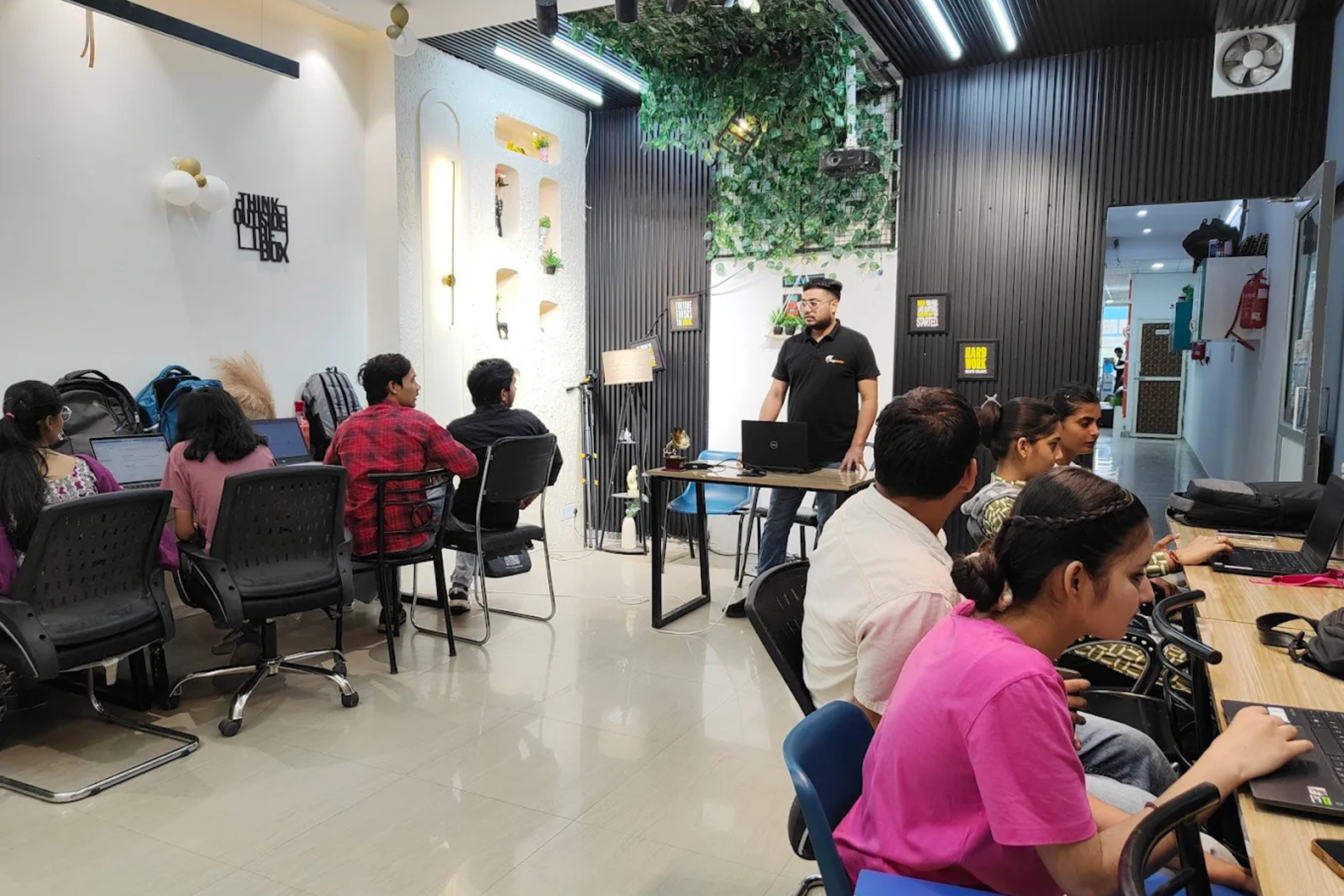
Our Video Editing Course in Kaithal is built around this practical approach. You don’t just learn which buttons to press in editing software. You work with footage, organise timelines, improve audio, adjust colours, add graphics and prepare finished videos for different platforms.
Throughout the training, you can work on different project formats such as YouTube videos, Reels, promotional videos and social media content. These projects can later become useful samples for your portfolio.
If you’re interested in freelancing, you can also learn the basics of understanding a client brief, planning an edit, handling revisions, presenting your work and preparing final deliverables.
Techniques and production workflows practised during training
Editing, audio, colour and motion-related skills covered
Typical training period for developing editing skills and portfolio projects
Video Editing Career Opportunities in Kaithal
Video editing skills can be used across several creative roles. Salary figures mentioned below are indicative and can vary depending on your portfolio, software skills, experience, employer and interview performance.
Indicative ranges for the Kaithal and Chandigarh job market. Actual offers depend on your portfolio and interview performance.
Video Editor
Edit raw footage into finished videos for businesses, creators, agencies, events and digital platforms. The work may include cutting, sequencing, transitions, audio, colour correction and final exports.
- Adobe Premiere Pro
- Timeline Editing
- Video Cutting
- Transitions & Effects
- Audio Editing
- Colour Correction
- Subtitle Editing
- Video Export
YouTube Video Editor
Work on long-form videos such as interviews, tutorials, podcasts, educational content and entertainment videos while focusing on pacing, clarity and storytelling.
- YouTube Editing
- Story-Based Editing
- B-Roll
- Jump Cuts
- Captions
- Sound Effects
- Motion Graphics
- Video Formatting
Reels & Short-Form Video Editor
Create vertical content for Instagram Reels, YouTube Shorts and similar platforms using quick cuts, captions, music, transitions and visual elements.
- Instagram Reels
- YouTube Shorts
- Vertical Video Editing
- Fast Cuts
- Caption Animation
- Transitions
- Visual Effects
- Short-Form Storytelling
Motion Graphics Editor
Design animated text, titles, logos and promotional graphics that can be incorporated into videos, advertisements and social media campaigns.
- Adobe After Effects
- Text Animation
- Kinetic Typography
- Logo Animation
- Shape Animation
- Animated Titles
- Motion Tracking
- Basic Visual Effects
Social Media Video Editor
Produce video content for brands, agencies and businesses, including Reels, promotional videos, product videos and other social media assets.
- Social Media Videos
- Reels Editing
- Promotional Content
- Captions
- Motion Graphics
- Platform-Specific Formatting
Post-Production Editor
Handle the finishing stages of video projects by working on edits, sound, colour, subtitles, effects and final output preparation.
- Video Editing
- Audio Processing
- Colour Correction
- Basic Colour Grading
- VFX Basics
- Final Output Preparation
Freelance Video Editor
Work directly with creators, businesses, agencies and online clients on individual projects or recurring editing assignments.
- YouTube Editing
- Reels Editing
- Short-Form Content
- Promotional Videos
- Motion Graphics
- Client Communication
- Project Pricing
- Portfolio Development
- Revision Management
Indicative ranges for the Kaithal district and Chandigarh job market. Actual offers depend on your portfolio and interview performance.
Who Can Join This Video Editing Course?
You don’t need professional editing experience to start. The training begins with basic editing concepts and gradually moves into software, creative techniques and complete post-production workflows.
Final-Year Students & Graduates
Develop a practical creative skill before or after graduation and build editing samples that can be included in your job or freelance portfolio.
Job Switchers
If you’re moving from teaching, sales, BPO or another field, structured video editing training can help you develop a new creative skill through guided projects.
Content Creators & YouTubers
Learn to handle your own YouTube videos, Reels and Shorts with better pacing, captions, audio, transitions and visual effects.
Working professionals
Learn editing alongside your current job and gradually build skills for freelance assignments, part-time creative work or a future career change.
Freelancers & designers
Expand your existing creative services by adding video editing, Reels and motion graphics to your client offerings.
Career-break returners
Refresh your editing knowledge through current project work and create new portfolio samples that demonstrate your updated skills.
Tools you will actually use
The training focuses on using editing software for actual creative work. Instead of learning software features separately, you practise how different tools fit into a complete video production workflow.
Video Editing
- Adobe Premiere Pro
- Timeline Editing
- Video Cutting & Sequencing
- Transitions & Effects
- B-Roll Editing
- Multi-Camera Editing
- Sequence Management
- Video Export & Formatting
Audio & Sound
- Dialogue Editing
- Voiceover Editing
- Background Music
- Sound Effects
- Audio Syncing
- Basic Noise Reduction
- Audio Level Adjustment
- Basic Final Mix
Colour & Visual Enhancement
- Colour Correction
- Basic Colour Grading
- Exposure Adjustment
- White Balance
- Contrast Adjustment
- Skin Tone Correction
- Shot Matching Basics
- Visual Consistency
Social Media Video
- Instagram Reels
- YouTube Shorts
- YouTube Videos
- Vertical Video Editing
- Captions & Subtitles
- Platform-Specific Formats
- Promotional Videos
- Short-Form Content
Portfolio & Career Skills
- Portfolio Development
- Project Presentation
- Behance Basics
- Client Brief Understanding
- Freelancing Basics
- Client Communication
- Project Pricing
- Resume Preparation
- Interview Preparation
Freelancing Tools
- Upwork & Fiverr basics
- Freelancer.com
- LinkedIn optimisation
- Indeed & Naukri profiles
- Google Looker Studio
- Performance reporting
- Client proposals & pricing
Areas We Serve Around Kaithal
Our Video Editing training is available for learners from Kaithal and surrounding areas. If travelling to the classroom regularly isn’t convenient, you can enquire about current online batches and flexible learning options.
- Kaithal
- Pundri
- Cheeka
- Kalayat
- Rajound
- Dhand
- Siwan
- Guhla
Course duration and fee structure
The Video Editing Course in Kaithal generally takes around 3 to 6 months, depending on the selected program, practice time and learning pace. Training covers professional editing, Reels, YouTube content, motion graphics, audio, colour correction and portfolio projects.
Fees vary according to the selected program and training structure. Payment options and batch schedules may also differ. Contact DigiManiac for the latest course fee, available batches and payment details.
Other career courses at DigiManiac Kaithal
Student reviews from our recent batches
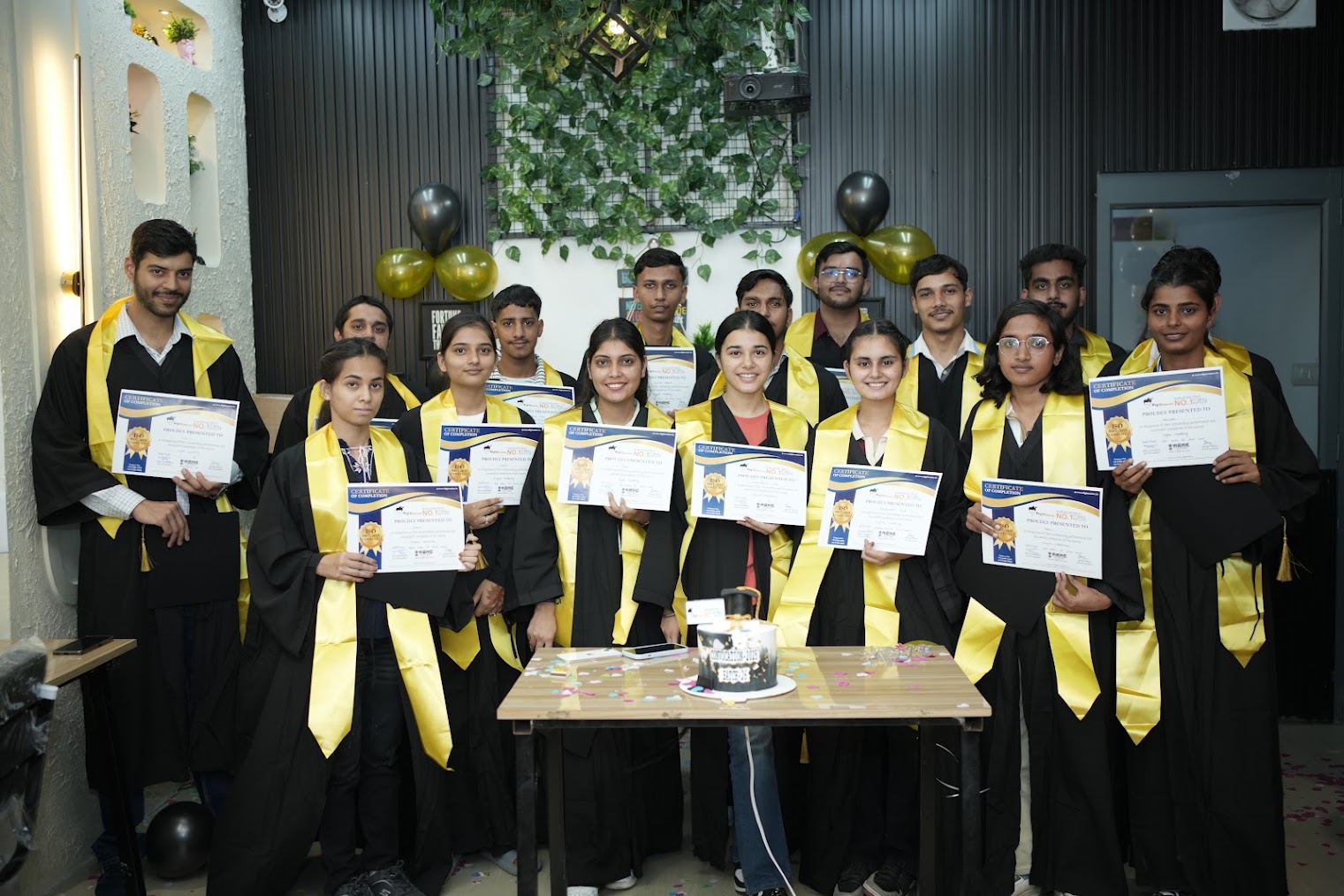
Proud moments from students who completed their training. Every certificate is a symbol of effort, dedication and skills that open real career doors. You could be next.
Video Editing Course in Kaithal — FAQs
Here are some common questions learners ask before joining a Video Editing Course in Kaithal.
The fee depends on the program, duration and modules included. Contact DigiManiac for the current fee structure, payment options and upcoming batch information.
The training generally takes around 3 to 6 months. The exact duration depends on the selected program, learning pace and amount of practical work completed.
No. Beginners can start with basic editing concepts and gradually move into Premiere Pro, After Effects, audio, colour correction, motion graphics and practical projects.
The training focuses on software such as Adobe Premiere Pro and After Effects, along with practical techniques for editing, motion graphics, audio, colour correction and social media content.
Yes. The course covers both long-form YouTube editing and short-form formats such as Instagram Reels and YouTube Shorts, including pacing, captions, transitions, audio and platform-specific formatting.
Yes. Practical assignments are an important part of the training. You can work with different types of footage and create finished projects that can be added to your portfolio.
You can explore freelance services such as YouTube editing, Reels, promotional videos, social media content and motion graphics. Your portfolio, editing quality, communication and ability to deliver projects will play an important role in finding clients.
DigiManiac provides career guidance that may include portfolio development, resume preparation, interview preparation and assistance with relevant opportunities. Specific placement outcomes depend on current hiring requirements and the student's profile.
Online learning options may be available depending on the current batch schedule. Contact DigiManiac to check available online batches, timings and learning format.
Is This Video Editing Course Right for You?
DigiManiac’s Video Editing Course in Kaithal is focused on practical software training, editing assignments and portfolio development. The program can suit students, working professionals, content creators, freelancers and career switchers who want to develop skills in professional editing, Reels, YouTube videos, motion graphics, audio and colour correction.
Start Learning Video Editing in Kaithal
Learn professional editing workflows, work on practical projects and build a portfolio that shows what you can create. Contact DigiManiac to check the upcoming batch, course structure and current fee details.