
There’s no shortage of tools purpose-built for keyword research (literally hundreds of them), and they run the gamut from beginner-focused to highly advanced. They also range from totally basic and unhelpful to super valuable.
When done right, the best keyword research tools simplify and streamline your workflow—they make it easier to find the right keywords to target and give you the data you need to actually rank for them. But they shouldn’t require you to empty out your bank account and sell your first-born child in order to access that data. That’s why using free SEO tools for keyword research has become a smart choice for beginners and professionals who want powerful insights without the heavy price tag.
1. Google Keyword Planner ( keyword Research Tool)
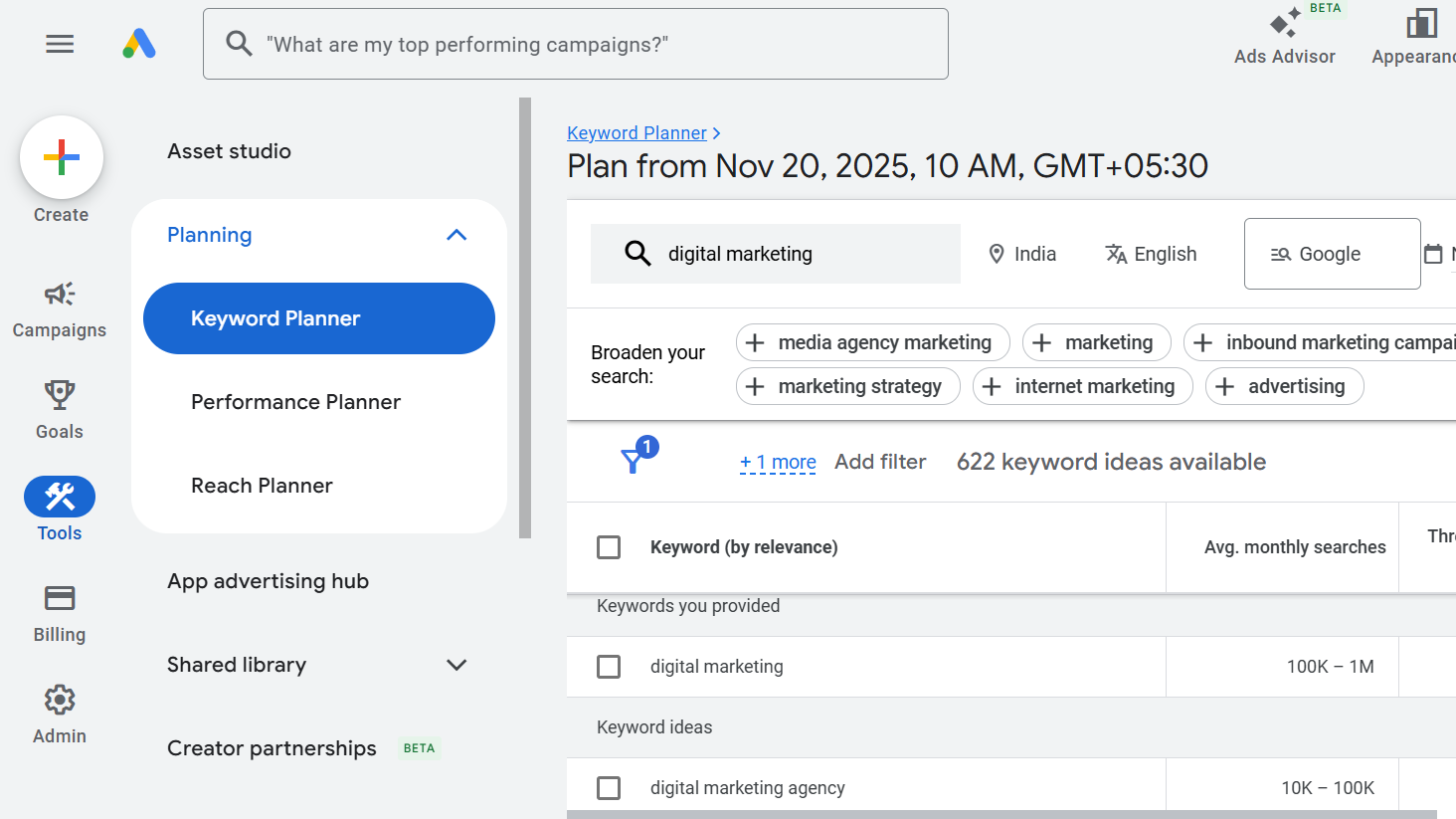
Google Keyword Planner has long been considered the gold standard for keyword research, primarily because it’s the only tool that pulls data directly from Google’s advertising platform. It’s also one of the most reliable free SEO tools, making it accessible for beginners and professionals who want accurate keyword insights without paying for expensive software.
While it remains a powerful option, especially for PPC campaigns, my extensive testing reveals some significant limitations compared to specialized keyword research tools.
The tool’s greatest strength lies in its direct access to Google’s advertising data. You get real search volume ranges, bid estimates, and competition levels straight from the source. I particularly appreciate its ability to show historical trends and provide location-based data, which can be invaluable for seasonal planning and local SEO campaigns.
However, there’s a catch – you need to create a Google Ads account to access the tool, and non-advertisers only receive broad search volume ranges rather than specific numbers. While Answer Socrates might not provide direct search volumes, its ability to generate over 1,000 related keywords and organize them into topic clusters offers far more value for content planning and SEO strategy.
In my experience, Keyword Planner’s keyword suggestions tend to be limited and heavily focused on commercial intent. It often groups similar keywords together, which can mask valuable long-tail opportunities. Compare this to Answer Socrates, which uses recursive search to uncover deeper layers of related queries and questions that people actually ask.
The mobile vs. desktop breakdown feature is useful, but without the advanced clustering capabilities of Answer Socrates, you’ll spend considerable time manually organizing keywords into a coherent content strategy. I’ve found that what takes hours in Keyword Planner can be accomplished in minutes with Answer Socrates’s automated clustering.
2. Google Autocomplete
- Best for: Finding real-time, trending keywords that tools miss
- How I use it: Type topics slowly in incognito mode and note suggestions
- Pricing: Free
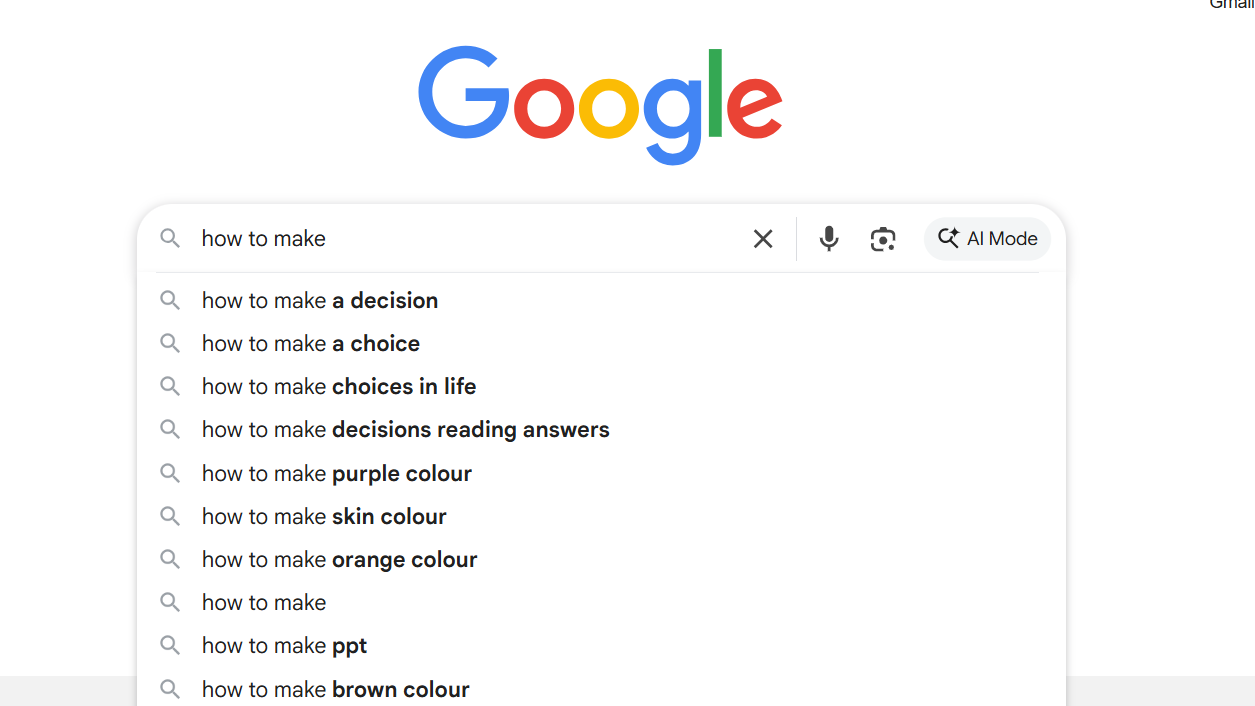
While some might not consider this a tool, it’s the first thing I start with every time I do keyword research. Google Autocomplete means simply going to google.com (ideally in an incognito window) and slowly typing out a topic that you want to write about.
As you type, you want to look at the autocomplete options. These are great keyword ideas because they are things that people are searching for in real time. And often, some paid SEO keyword research tools don’t even show these keywords because they might be brand new.
This strategy is how I have been able to drive some of my highest performing blog posts. And I combine this with Google Keyword Planner to find hidden gem keywords (mentioned earlier in this post).
Anyways, this tool is probably the best one out of any keyword research tool because it’s actually how people are searching for things in Google.
What is autocomplete in Google Search?
Autocomplete in Google Search is simply typing in a topic and seeing what results show up to autocomplete the keyword. These are things that people are searching for in real time, so they often can change based on search trends and what’s currently happening in whatever topic that you’re writing about.
Google Autocomplete pros and cons
Here are some of the pros and cons of using Google Autocomplete for keyword research.
Pros:
- Keywords people are searching for in real time
- Some of these keywords have high search volume but will show little to no search volume in paid keyword research tools
- How I found keywords that have driven me a lot of traffic and conversions
Cons:
- It doesn’t give you search volume data (so you can use another tool we’ll go over in this list to make that happen)
That’s it, there really are no cons to using Google Autocomplete. It’s free, always up to date, and shows you exactly what people are searching for right now.
3. Semrush
Semrush pros:
- Tons of granular keyword data
- Wide range of specialized keyword research tools
- Pretty generous free plan
Semrush cons:
- Can be overwhelming for those less experienced with keyword research
- Most expensive upgrade
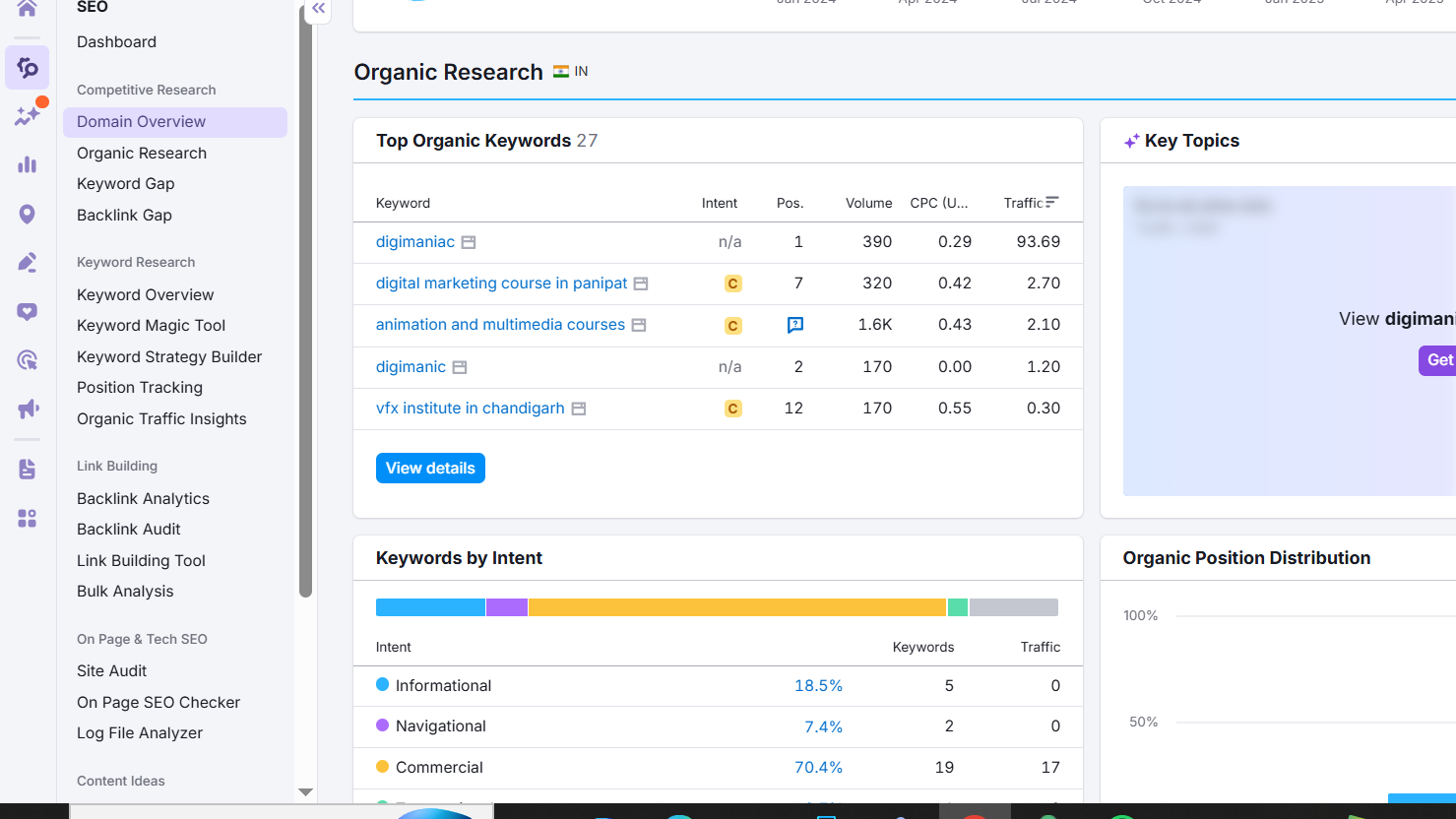
If you’re looking for something more advanced, Semrush shares a ton of keyword data and makes it easy to dig into the details, like SERP features (featured snippet, reviews, site links, image pack, and so on) and granular analysis of current results. Semrush offers a broad range of keyword research tools, too, from the standard traffic and search volume data to content-driven keyword research and competitive keyword gap analysis.
That range is what really sets Semrush apart, including the standard Keyword Overview, the Keyword Magic Tool for exploratory keyword research, a Keyword Manager and position tracking, competitive Keyword Gap analysis, keyword cannibalization report, and Organic Traffic Insights, which—when connected with your Google Analytics or Search Console account—can uncover those famously tricky “not provided” keywords.
As an added bonus, the SEO Content Template tool lets you automatically create a content brief and optimize content as you write by grading your content in real-time for readability, originality, tone of voice, and SEO: it uses a handy bullseye graphic to help you strike the right balance. Plus, the tool visually checks off SEO recommendations (like using your target and related keywords and adding relevant links and images) as you go.
The app’s Copilot AIwill even make proactive recommendations: flagging when your rankings drop for tracked keywords, for example, making technical SEO recommendations, and prompting you to add additional information to help fine-tune your data.
All of this means that upgrading will cost you a pretty penny—but you can use it for free at low volumes to start.
You can do more with Semrush by connecting it with Zapier, turning keyword insights into orchestrated workflows across your business. For example, you can automate site edits and re-crawls. At the same time, AI can flag keywords with sudden ranking drops, create prioritized tasks in your project management tool, and update campaign dashboards with real-time data.
4. KWFinder
KWFinder pros:
- Tons of datapoints available free
- Unique data like keyword opportunities
- Part of a broader SEO suite
KWFinder cons:
- Limited to 5 searches per day
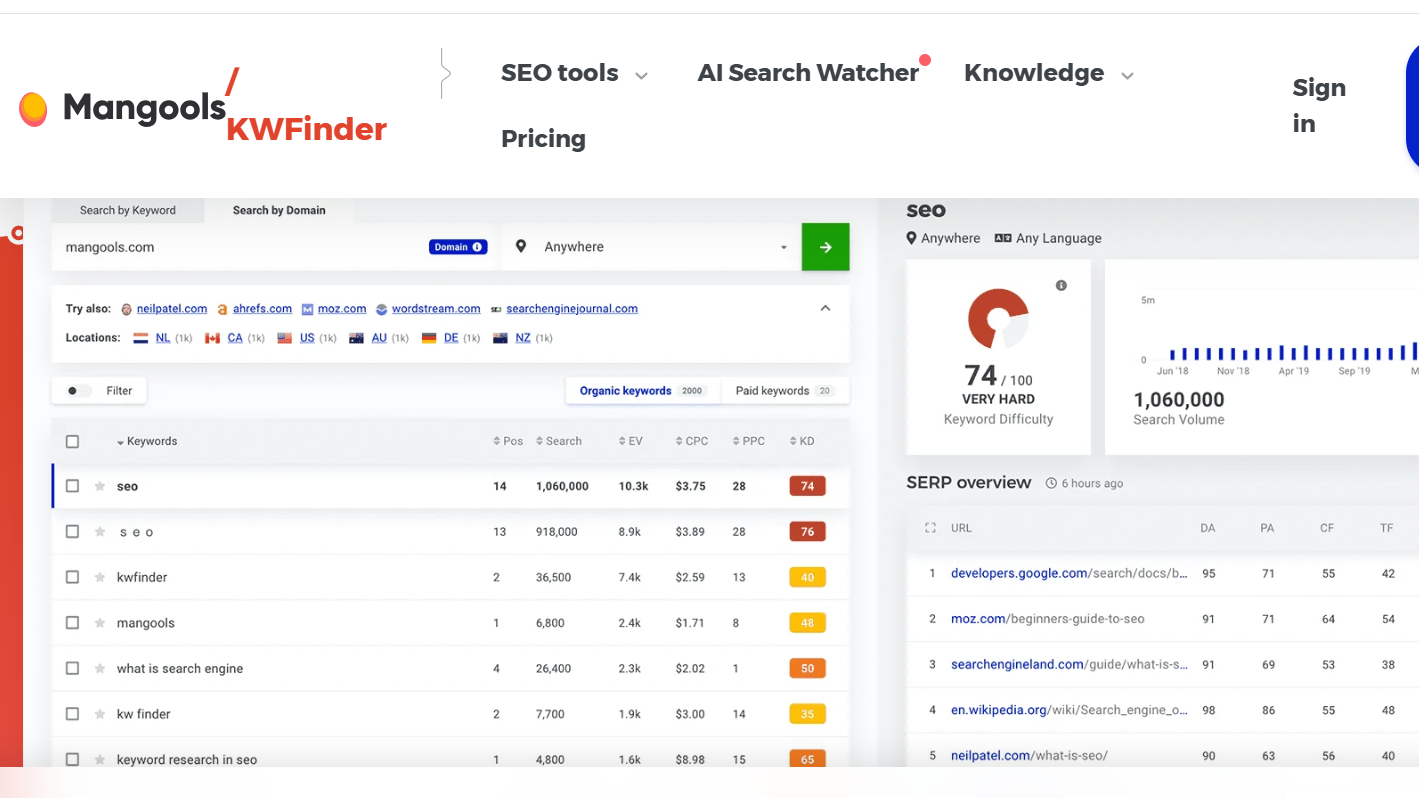
If you don’t need to do a lot of keyword research in your day-to-day, KWFinder is a strong option. The free plan limits you to 5 searches per day, but each keyword search offers a ton of data. That includes standard metrics like monthly search volume, keyword difficulty, related keywords, and a breakdown of the pages currently ranking for your keyword.
But KWFinder also includes a number of unique and super helpful details, like searcher intent for each keyword and the type of content already ranking (e.g. listicle, homepage, blog, or product page).
My favorite of these is the keyword opportunities column, which identifies weak points in the top five results and suggests how you can capitalize on those weaknesses and outrank them. For example, it can identify if the top results are outdated (more than six months old) or missing the full keyword in their meta title.
KWFinder is also part of the broader Mangools suite, which includes a number of other SEO tools, many of which are available for free in some limited way—like the SERP simulator, AI search grader, and SEO content optimizer.
5. AnswerThePublic
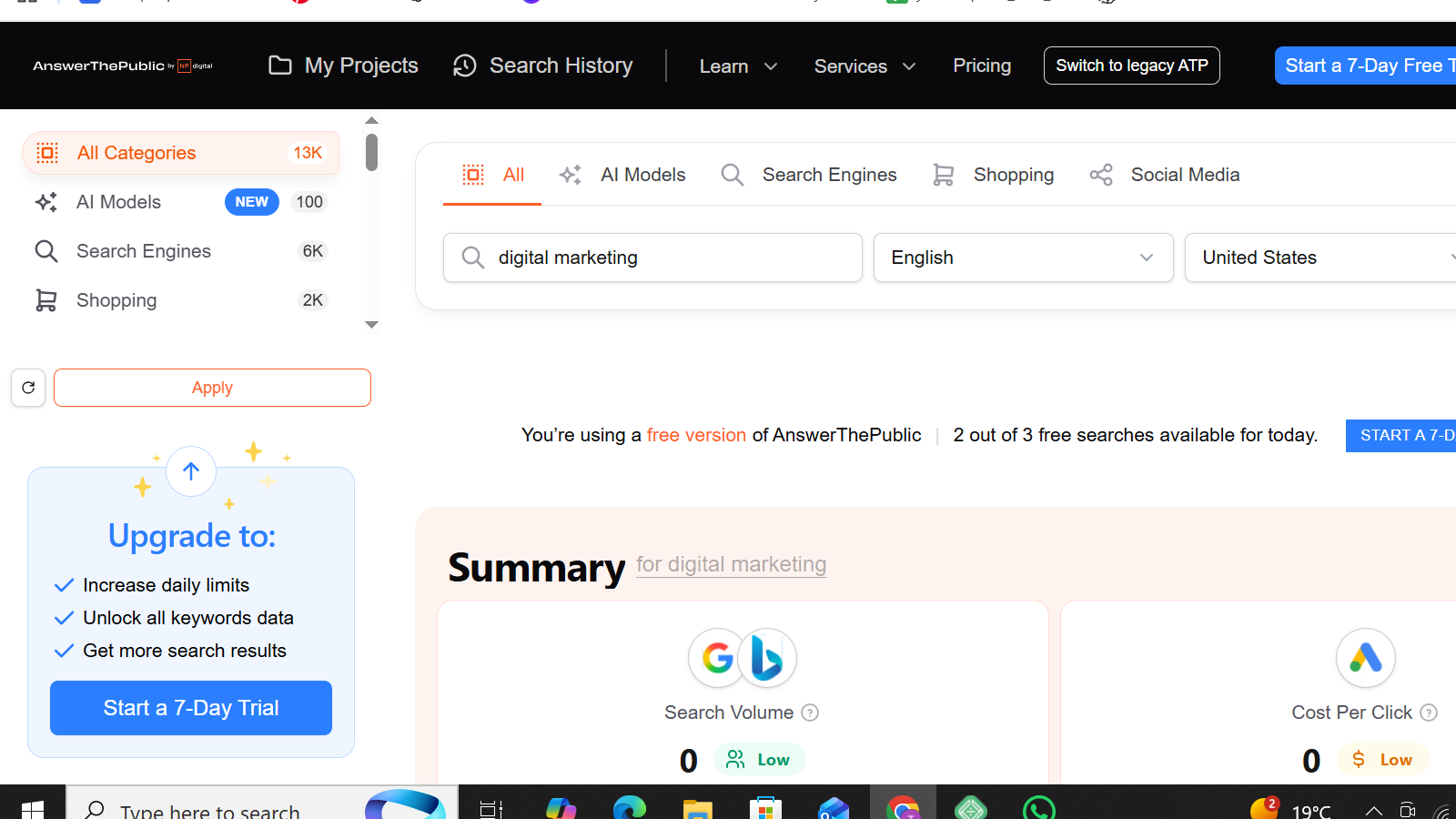
AnswerThePublic made waves in the SEO community with its innovative visual presentation of question-based searches before being purchased by Neil Patel. While it remains a useful tool for basic content ideation, my testing shows it’s become increasingly limited compared to newer alternatives like Answer Socrates.
The tool’s signature feature is its visual “search cloud” that displays questions, prepositions, and comparisons in an eye-catching radial format. This can be helpful for quick inspiration, but I’ve found it can actually slow down the research process compared to more structured presentations. The visual approach, while novel, often becomes overwhelming when dealing with large volumes of keywords.
One of the most significant limitations is the three-search daily limit on the free plan – a fraction of Answer Socrates’s five daily searches. More importantly, AnswerThePublic typically returns far fewer keywords per search. While it might give you 50-100 questions, Answer Socrates generates 1,000+ keywords and automatically organizes them into topic clusters.
The tool also lacks several crucial features that Answer Socrates provides. There’s no search volume data, no trend analysis, and critically, no way to automatically organize keywords into topic clusters. You’ll need to manually sort through the results and create your own content hierarchy – a time-consuming process that Answer Socrates handles automatically.
The export capabilities are basic – you can download a CSV file, but without the sophisticated clustering and organization that Answer Socrates provides. In practice, this means more manual work to transform the raw keyword lists into actionable content plans.
6. Ubersuggest
Ubersuggest pros:
- Lots of data available for free
- Recommended comparison keywords
Ubersuggest cons:
- Limited to 3 keyword searches per day
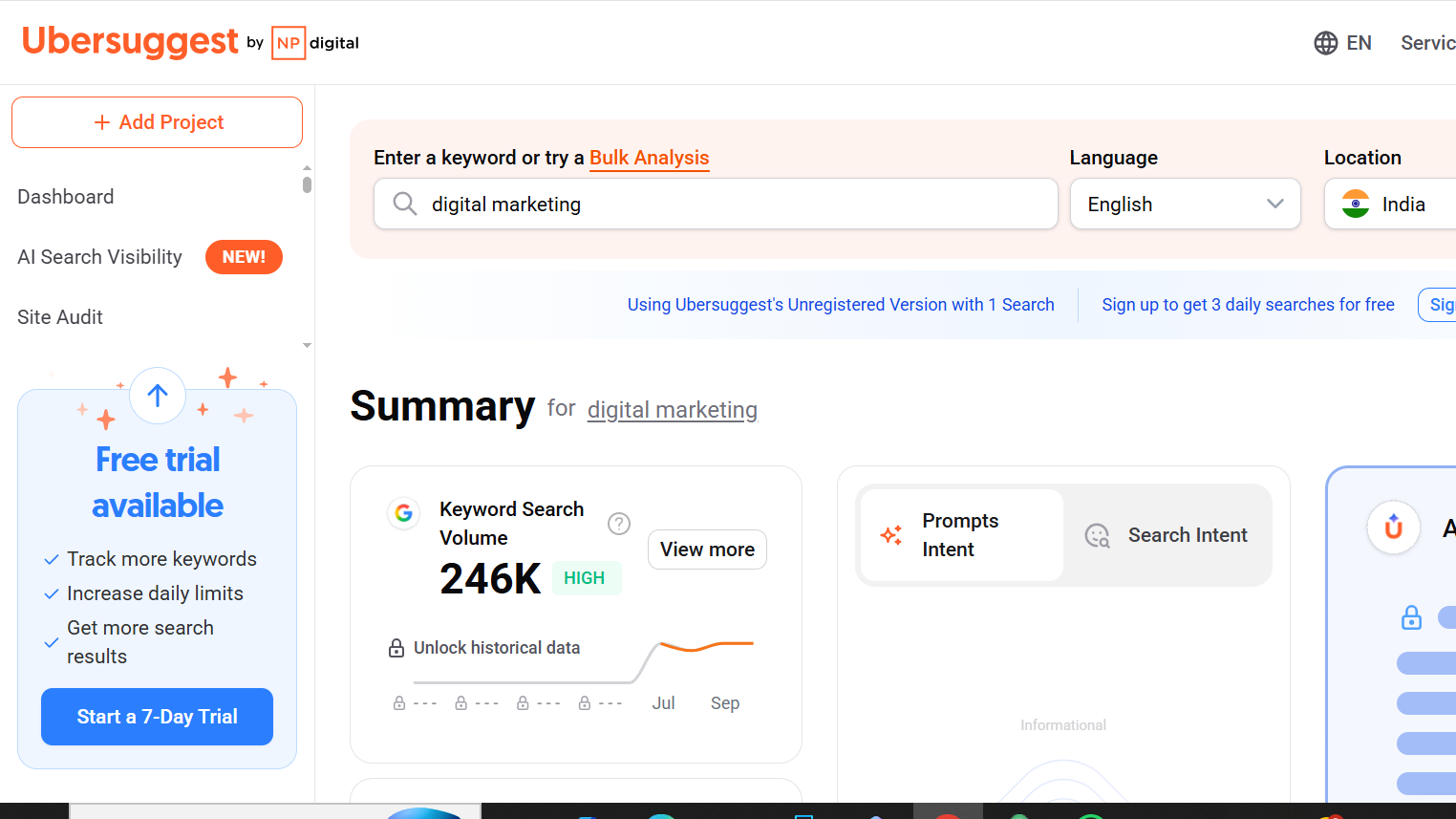
Normally, I wouldn’t consider a keyword research tool with such a low daily limit (the free plan only includes 3 searches per day), but Ubersuggest offers up so much data within each search that it’s worth a look anyway.
The Keyword Overview tool includes monthly search volume (broken down by country), SEO and paid difficulty scores, and Content Ideas—pulled from currently ranking results, with data on visits, other keywords, backlinks, and performance on Facebook, Pinterest, and Reddit. Ubersuggest is also the only tool I tested that breaks out comparison keyword ideas, a big category for content marketers. For anyone looking for a keyword research tool free of heavy costs, Ubersuggest offers powerful insights without the premium price tag.
Beyond keyword research, Ubersuggest also has features for rank tracking, identifying SEO opportunities based on your site, analyzing your backlinks, and an AI writer tool.
While the free plan is pretty limited, it’s workable if you don’t do a ton of keyword research all at once—and the upgrade to an Ubersuggest paid plan is pretty reasonable.
7. Google Trends
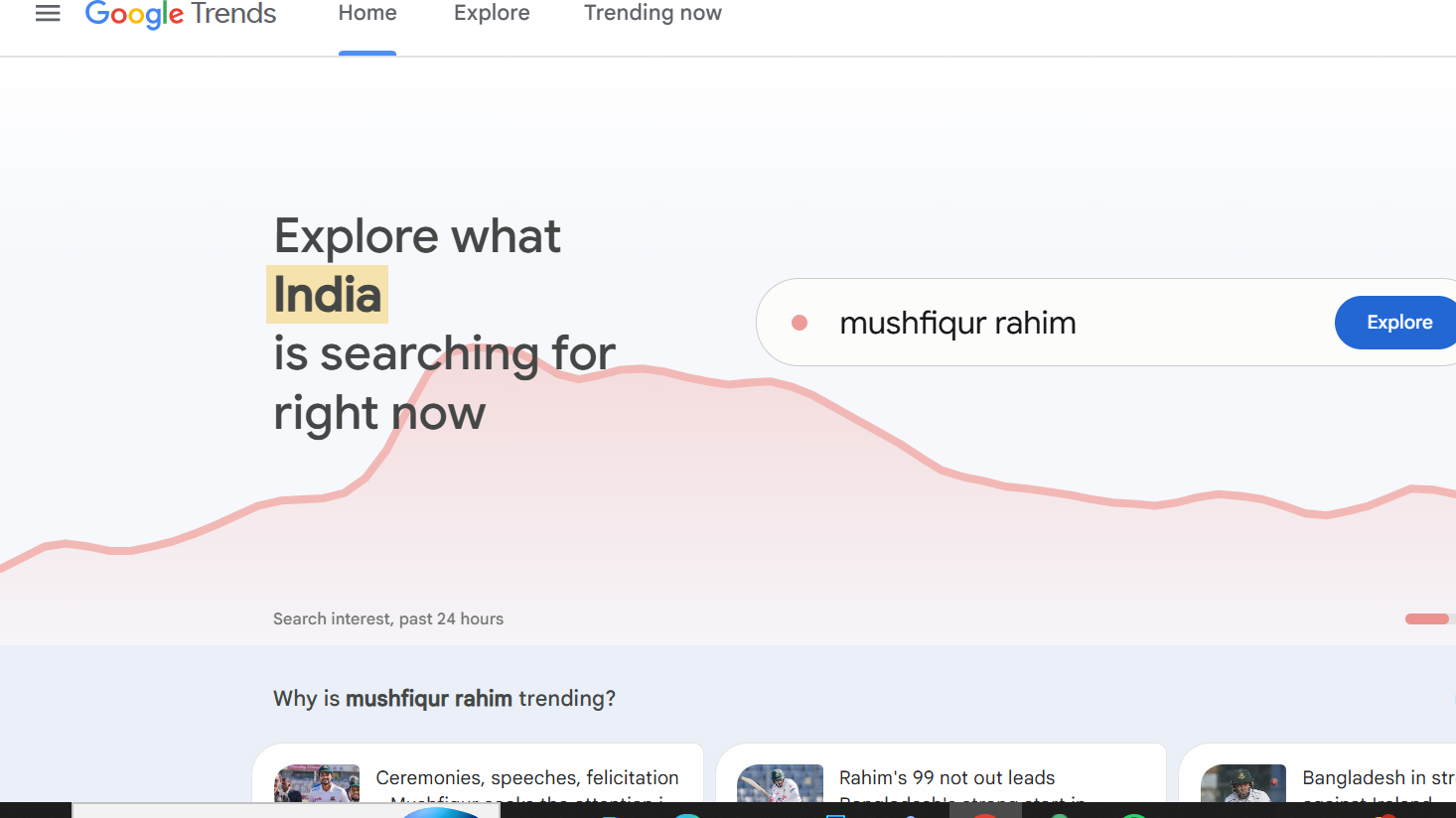
Google Trends offers unique insights into search patterns and topic popularity over time, making it invaluable for timing content and campaign launches.
Key Features:
- Real-time trend data
- Historical search patterns
- Geographic insights
- Related topics and queries
- YouTube search trends
- News and shopping data
Best For:
- Seasonal trend research
- Geographic targeting
- Content timing
- Niche comparison
- YouTube optimization
Limitations:
- No specific search volumes
- Relative data only
- Limited keyword suggestions
- Basic export options
8. AlsoAsked
- Best for: Finding question-based subheadings for blog posts
- How I use it: Generate H2/H3 ideas from related questions
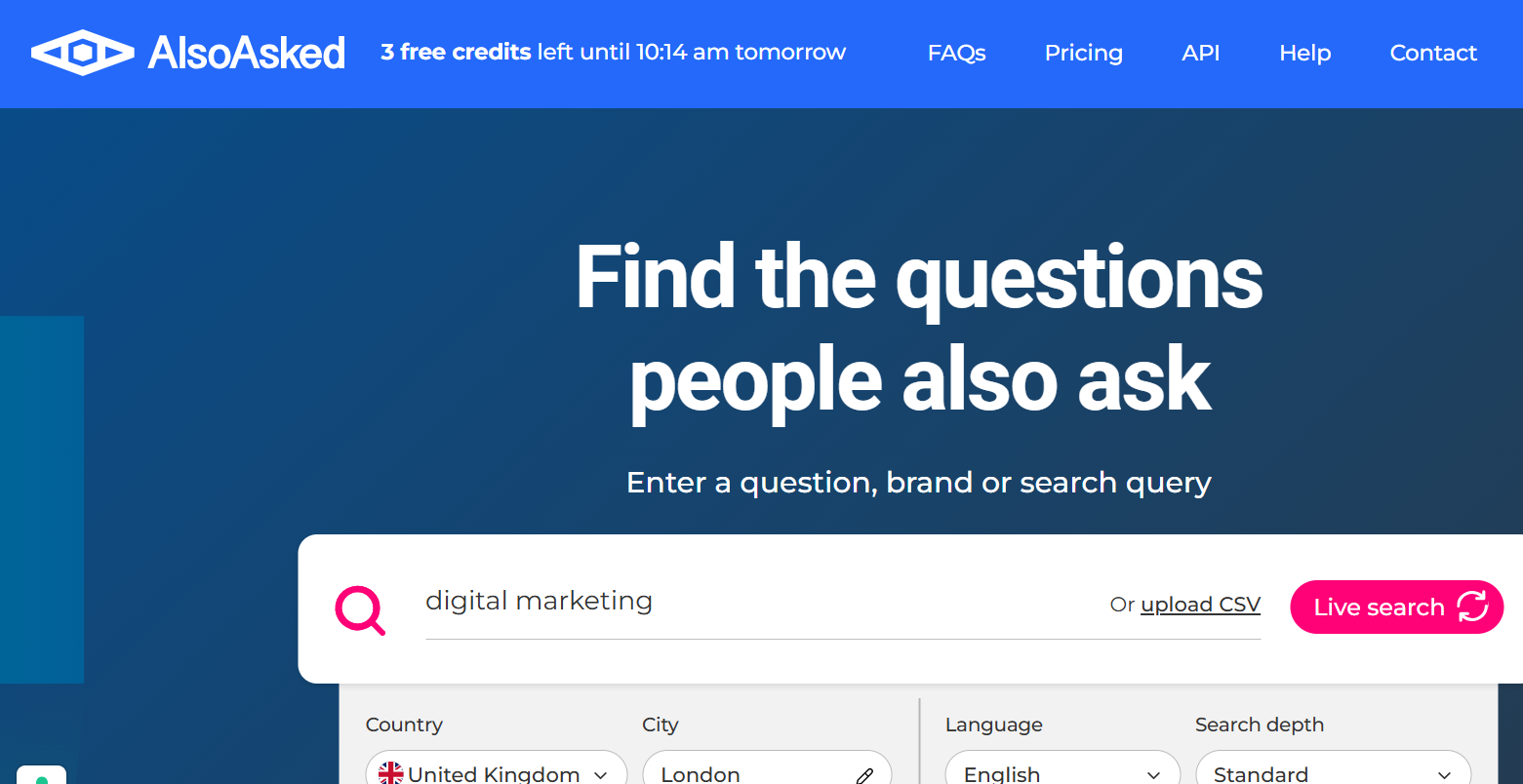
AlsoAsked is a keyword research tool that I have been using a lot recently. It’s quickly become my favorite tool for helping me figure out what headings I should include in a blog post.
So while I don’t necessarily use it to find an initial keyword like I do with some other keyword research tools, I included it because it is such a key component to actually writing blog posts that rank in Google.
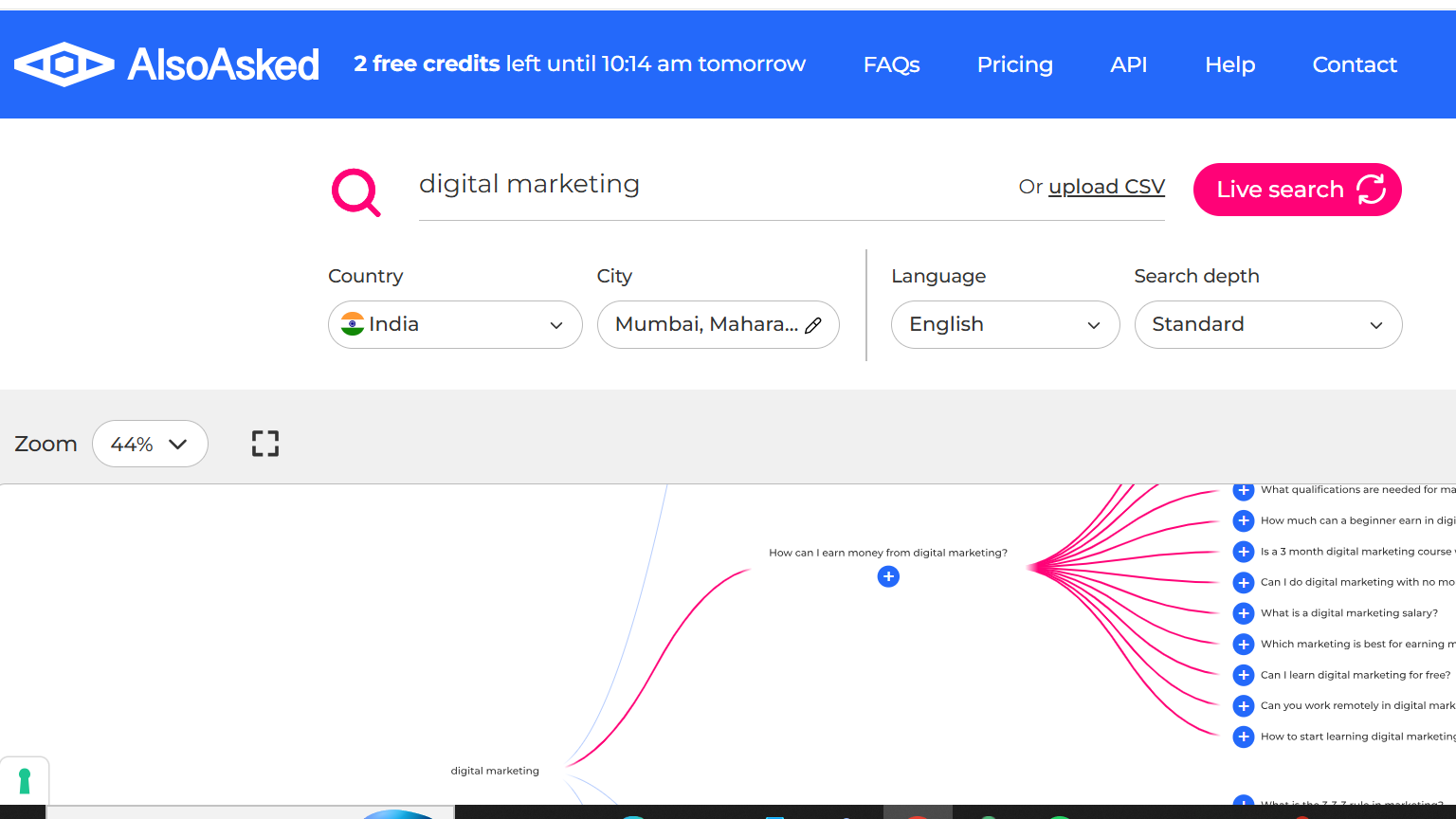
What I mean by this is that once you have a keyword, you can paste it into AlsoAsked and the tool gives you a full mind map of questions that people are asking related to your target keyword. And these questions are perfect for adding as H2 or H3 subheadings in your blog posts.
The tool is free to use for three searches, but after that it’s going to cost you money.
The tool is great for content optimization since it shows you exactly what questions people are asking about your topic. If you’re writing multiple blog posts per month, the Lite plan usually provides enough searches.
If you want to see all the specific features of each plan, you can check out their pricing page here.
AlsoAsked reviews and ratings
Here’s what customers of AlsoAsked rate the platform on third-party review sites:
- Product Hunt: 5/5 star rating (from +2 reviews)
9. WordStream
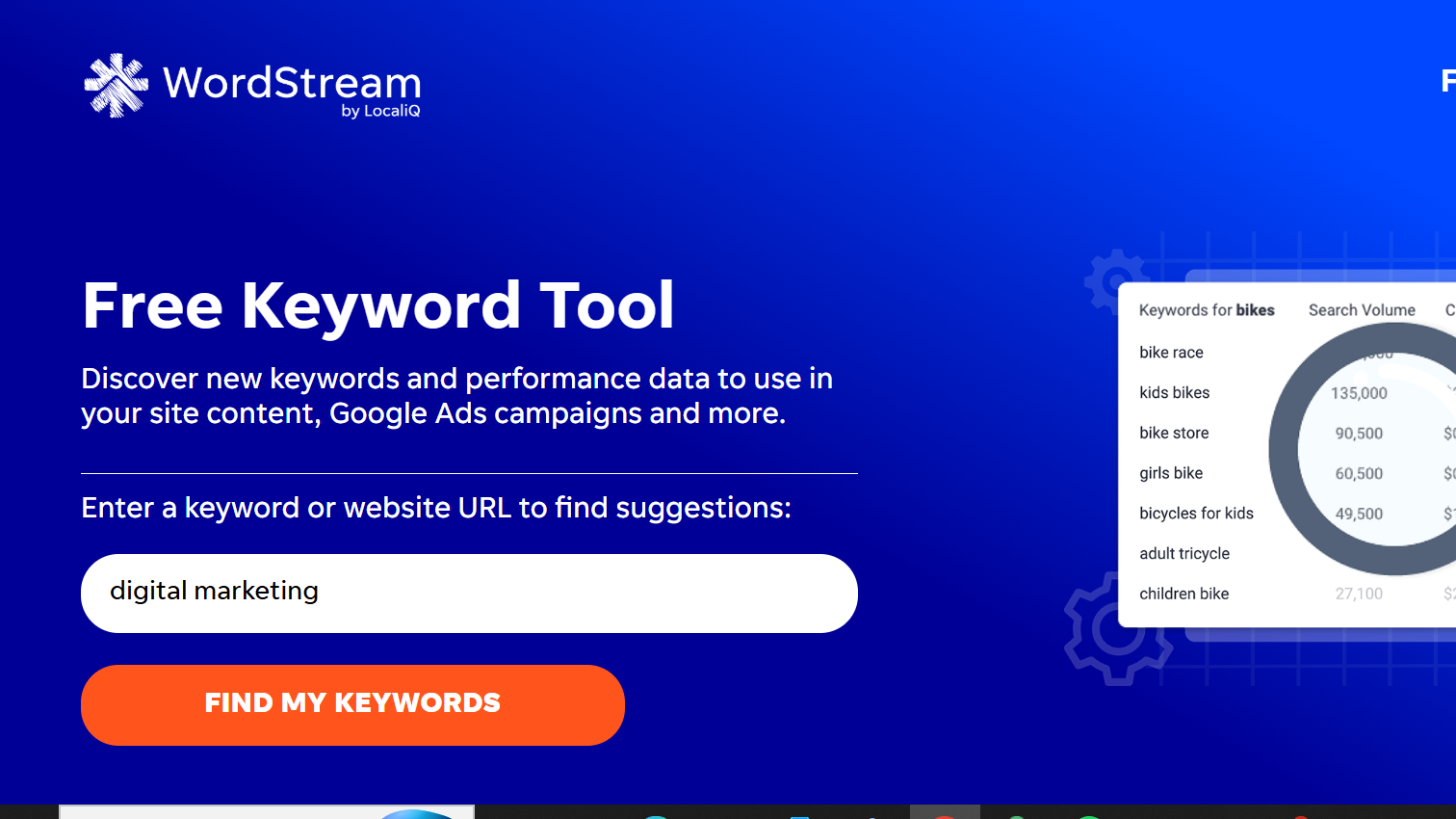
WordStream’s free tools provide valuable insights for both SEO and PPC campaigns, with a focus on practical keyword implementation.
Key Features:
- Industry benchmarks
- Keyword grouping
- Niche suggestions
- Basic metrics
- Account grading
- Performance analysis
Best For:
- PPC campaign planning
- Industry comparison
- Account analysis
- Quick research
- Performance benchmarking
Limitations:
- Limited free features
- Basic keyword data
- Time-restricted trials
- Focus on PPC metrics
10. Soovle
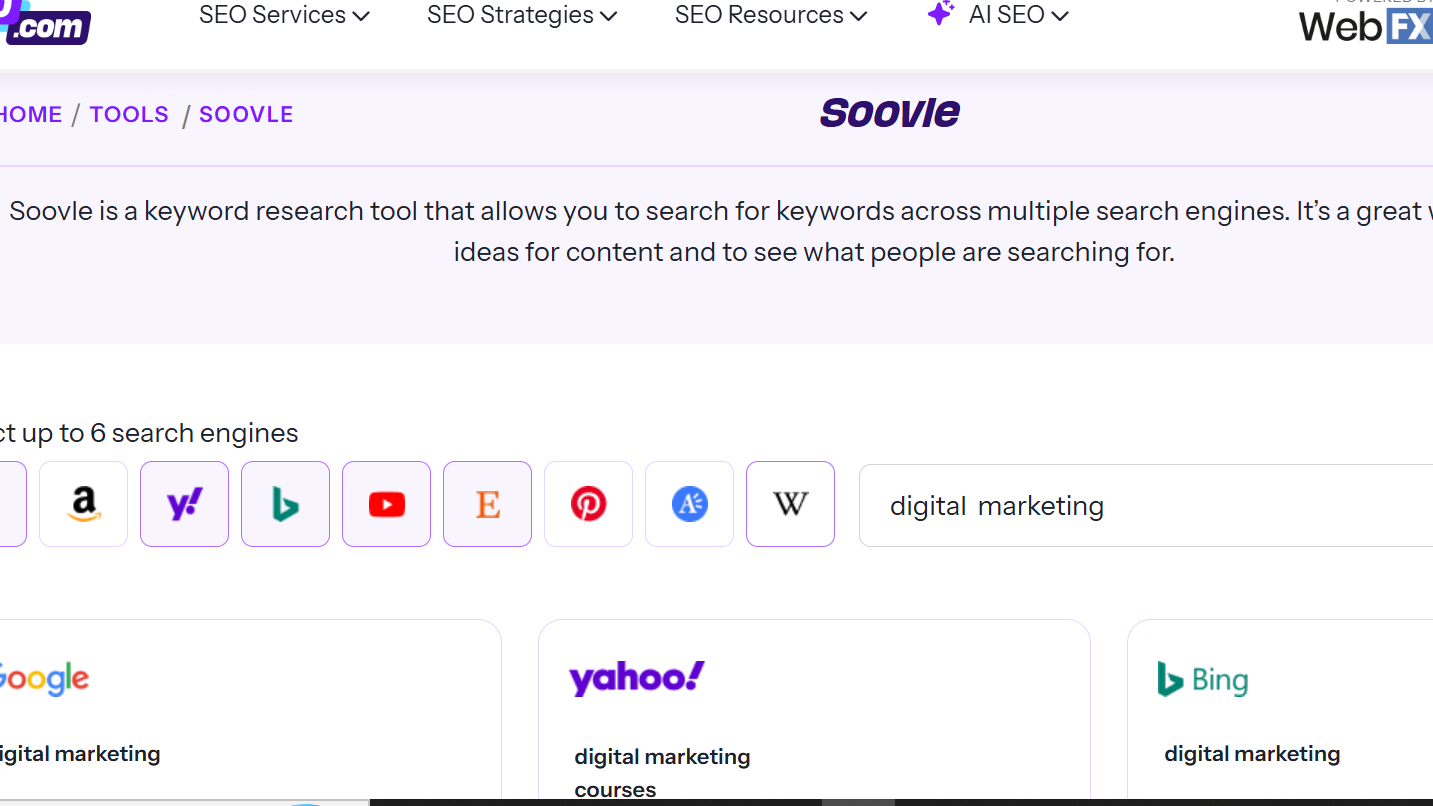
Soovle aggregates suggestions from multiple search engines in real-time, offering a unique perspective on cross-platform keyword opportunities.
Key Features:
- Multi-engine suggestions
- Real-time results
- Quick engine switching
- Bookmark feature
- Simple interface
- Custom engine selection
Best For:
- Quick research
- Cross-platform comparison
- Content ideation
- Niche research
- Multiple platform targeting
Limitations:
- Very basic interface
- No advanced metrics
- No search volumes
- Limited export options
Conclusion
Finding the right keywords doesn’t have to cost you anything — you just need the right tools and strategy. The top 10 free keyword research tools listed in this blog can help you uncover valuable keywords, analyze competition, and identify new content opportunities without breaking your budget.
Whether you’re a beginner blogger, digital marketer, or small business owner, using these tools will give you the insights you need to optimize your content and reach the right audience. Remember, successful SEO isn’t just about finding popular keywords — it’s about understanding user intent and creating content that delivers real value.