Long-form video editing becomes difficult when the footage starts piling up. A one-hour interview can contain multiple takes, pauses, repeated answers, background noise, and sections that never make the final cut. A documentary or YouTube production can create an even larger organizational problem.
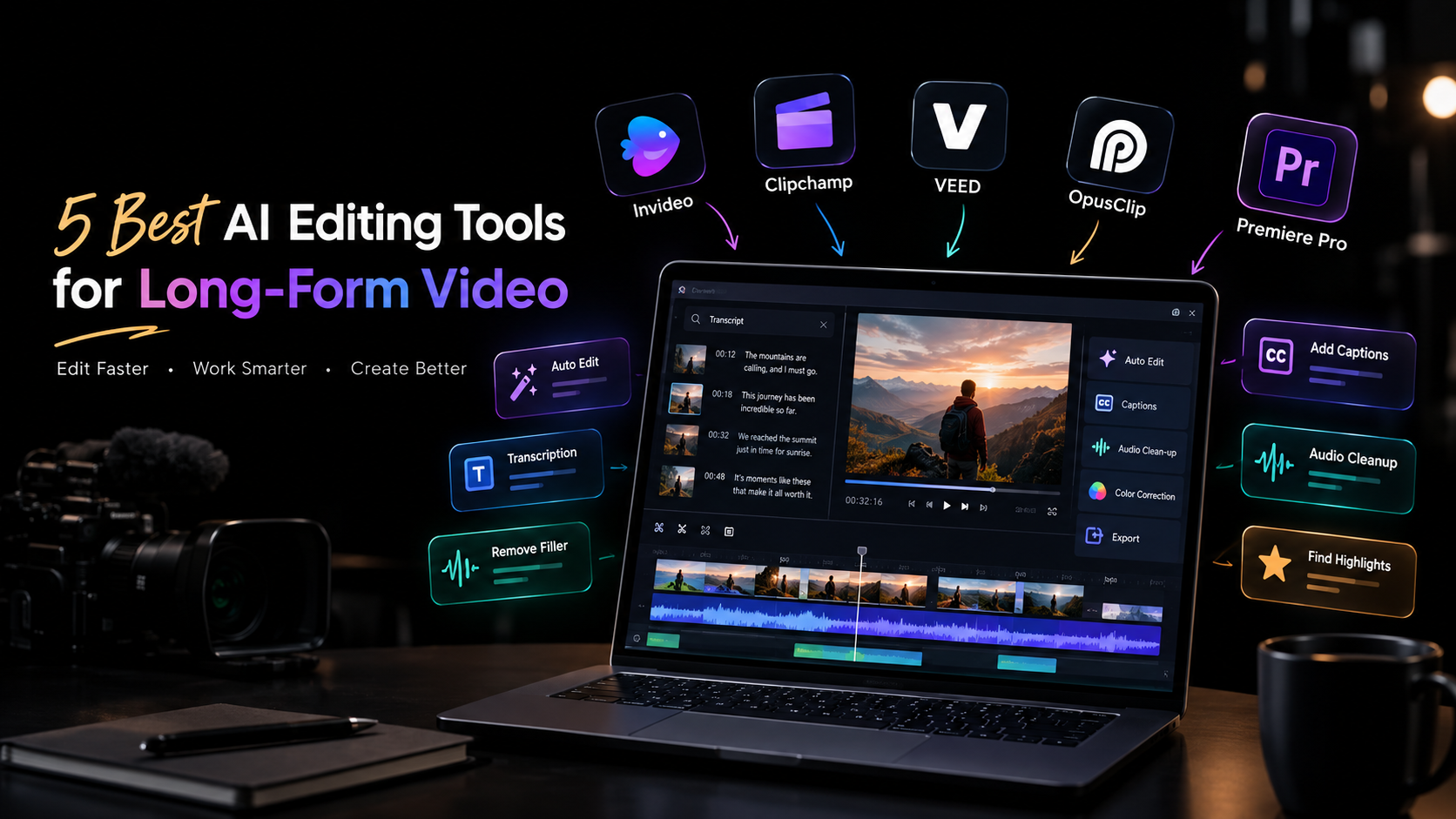
AI editing tools can help reduce that workload. Depending on the platform, they can search transcripts, remove filler, assemble footage, clean up audio, generate captions, or identify shorter clips within a longer recording.
But not every AI editor is built for the same kind of work. Some focus on traditional timeline editing, others are designed around browser-based collaboration, and some specialize in turning long recordings into short-form content. Here are five tools worth considering.
Table of Contents
What to look for in an AI editing tool
Start with the part of editing that consumes the most time.
If you spend hours reviewing footage, look for AI-powered search, take selection, and assembly. If your projects are mainly interviews or podcasts, transcription and dialogue editing may matter more. For professional productions, timeline control, color grading, audio tools, and multicam workflows become important.
Also consider what happens after AI makes its changes. Long-form projects rarely stay unchanged, so being able to inspect, modify, and refine an automated result is just as important as the automation itself.
1. Invideo Editor
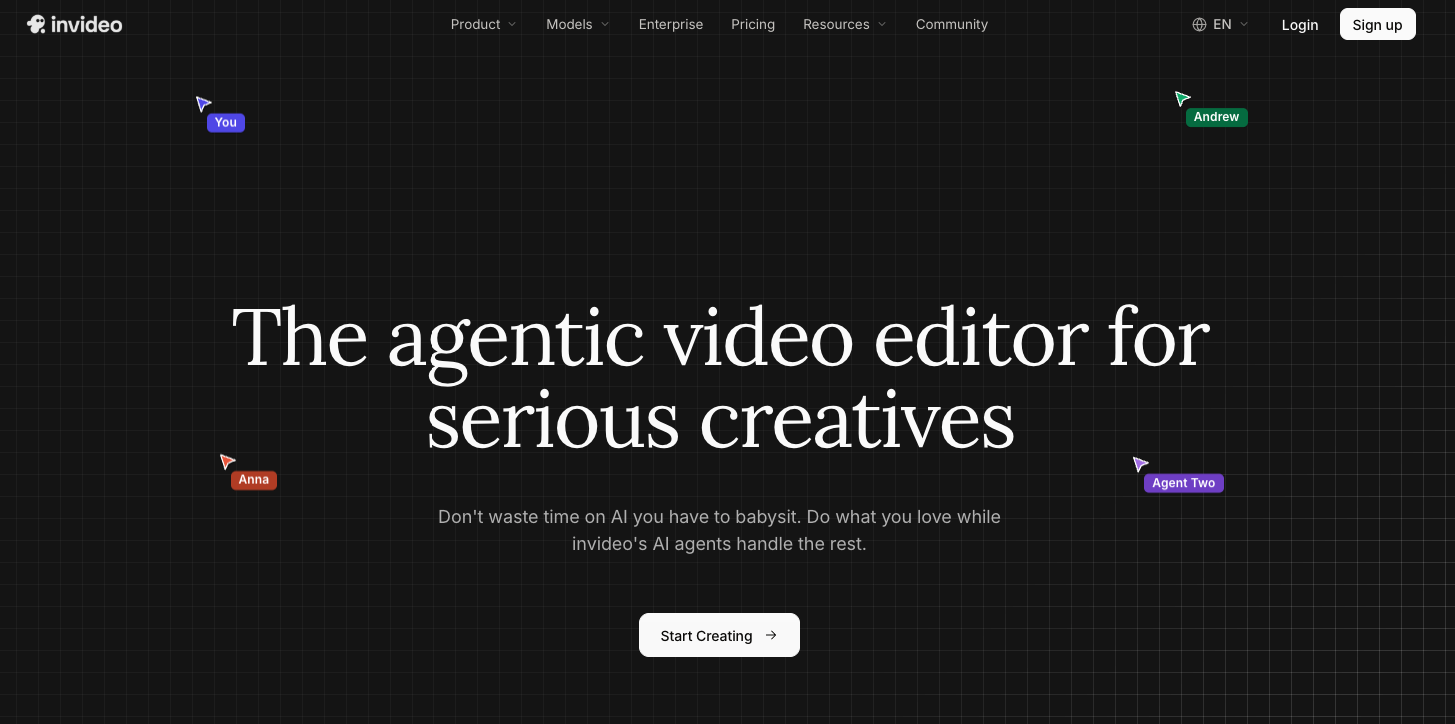
Invideo editor uses AI editing agents to work directly inside a professional timeline. Its agentic assembly workflow focuses on the early stage of long-form editing, where hours of raw footage need to become a usable base cut.
Upload your footage, add a script or transcript if available, and describe the structure you want. The agent can review takes, remove repetition and filler, and assemble selected footage into an editable timeline. It can also work with multicamera material and create a layered cut.
The workflow continues beyond assembly. Editors can manually refine the timeline or give the agent additional instructions. For finishing, the editor includes color wheels, exposure and contrast controls, temperature, tint, curves, LUTs, qualifiers, saturation controls, and waveform scopes for detailed color work.
2. Clipchamp
Microsoft Clipchamp takes a more accessible approach to video editing, making it suitable for creators, teams, and users who want to edit without adopting a complex professional application.
Its browser-based workflow supports common editing tasks alongside AI-assisted features such as automatic captions, text-to-speech, and tools for working with recorded content. These features can be useful when turning longer recordings into finished videos for presentations, social channels, or internal communication.
For long-form projects, Clipchamp makes sense when straightforward editing and easy access matter more than advanced post-production control. It can handle the practical work of assembling footage, adding text and audio, and preparing content for distribution.
Editors working on highly complex timelines may eventually need more specialized tools, but Clipchamp offers a relatively simple starting point for longer creator and business videos.
3. VEED
VEED is a browser-based editor that combines conventional video editing with AI-assisted tools. It is particularly useful for creators and marketing teams that need to edit, caption, resize, and prepare content without relying on a desktop-only workflow.
Long-form recordings can be edited with tools for subtitles, transcription, audio improvements, and other common production tasks. Once a main video is finished, the same project can also be adapted into content for different platforms.
Its browser-based setup can be useful for distributed teams because projects do not have to stay tied to a single editing workstation. VEED is a practical option for content teams producing interviews, tutorials, webinars, and marketing videos where speed and accessibility are important.
For projects requiring extensive professional color grading or highly complex timeline work, a more specialized editor may provide greater depth.
4. OpusClip
OpusClip approaches long-form editing from a different direction. Instead of primarily helping you finish the original long video, it focuses on finding shorter, usable pieces inside longer recordings.
This makes it particularly relevant to content repurposing. A podcast, interview, webinar, or recorded presentation can contain several moments that work independently as short videos. OpusClip uses AI to identify potential highlights and turn them into shorter clips.
Its workflow is therefore less about traditional long-form post-production and more about extracting additional content from footage you already have.
For creators who publish across YouTube, Instagram, TikTok, and other short-form channels, this can save the time normally spent reviewing an entire recording to find suitable sections manually. It works best as part of a broader content workflow rather than as a replacement for a full professional editing environment.
5. Adobe Premiere Pro
Adobe Premiere Pro remains a full professional editing environment, with AI-assisted features added alongside its established timeline workflow.
For long-form projects, that depth matters. Editors can work with complex sequences, multicamera footage, audio, effects, graphics, and multiple versions while retaining detailed control over individual edits.
AI features can assist with areas such as transcription, dialogue-based editing, media workflows, and other repetitive tasks. Rather than changing the entire editing process, these tools can speed up individual stages while the editor continues working in the familiar timeline.
Premiere Pro is particularly relevant when a project needs to move beyond basic editing into more involved post-production. The learning curve is higher than browser-based editors, but the trade-off is a broader professional toolset for editors who need detailed control.
How to choose the right tool
The best AI editing tool depends on what happens before, during, and after your first cut.
For raw-footage assembly: Invideo editor is worth considering if you want AI agents to review footage and create an editable starting timeline.
For straightforward browser editing: Clipchamp and VEED provide accessible workflows for creators and teams working with longer recordings.
For turning long videos into short clips: OpusClip is focused specifically on identifying and producing short-form content from longer recordings.
For complex professional projects: Premiere Pro provides deeper timeline and post-production control.
Think about the type of footage you handle most often rather than choosing based on the number of AI features listed on a product page. A podcast editor, documentary editor, and social content team may all have very different definitions of an efficient workflow.
Where AI helps most in long-form editing
The biggest time savings often come before the creative decisions begin.
Consider a long interview with several takes of the same answer. Someone still needs to decide which response best supports the story, but AI can help locate the relevant sections, identify repetition, and create a starting structure.
The same principle applies to footage search, transcript cleanup, silence removal, audio processing, and content repurposing. These tasks do not necessarily require the editor’s full creative attention, yet they can consume a significant amount of editing time.
Keeping the timeline editable is therefore important. AI should make the first pass faster without making later decisions harder.
Final thoughts
The five tools above serve different long-form workflows. Clipchamp and VEED focus on accessible browser-based editing, OpusClip specializes in extracting short-form content from longer recordings, and Premiere Pro provides a deeper professional post-production environment.
Invideo editor takes an agent-based approach, allowing AI editing agents to work directly with raw footage and an editable timeline. Its workflow extends from base-cut assembly into manual editing and detailed color refinement.
The useful question is not simply which tool has the most AI. It is where AI can remove repetitive work from your particular editing process while leaving enough control to shape the story yourself.

Vandana is a Content Writer and Digital Marketing Executive with 1+ years of experience in SEO content writing, website content, and digital marketing. She specialises in creating engaging, SEO-friendly content, keyword research, and content planning to help brands improve their online presence and audience reach.