Digi Maniac

Video Editing Training

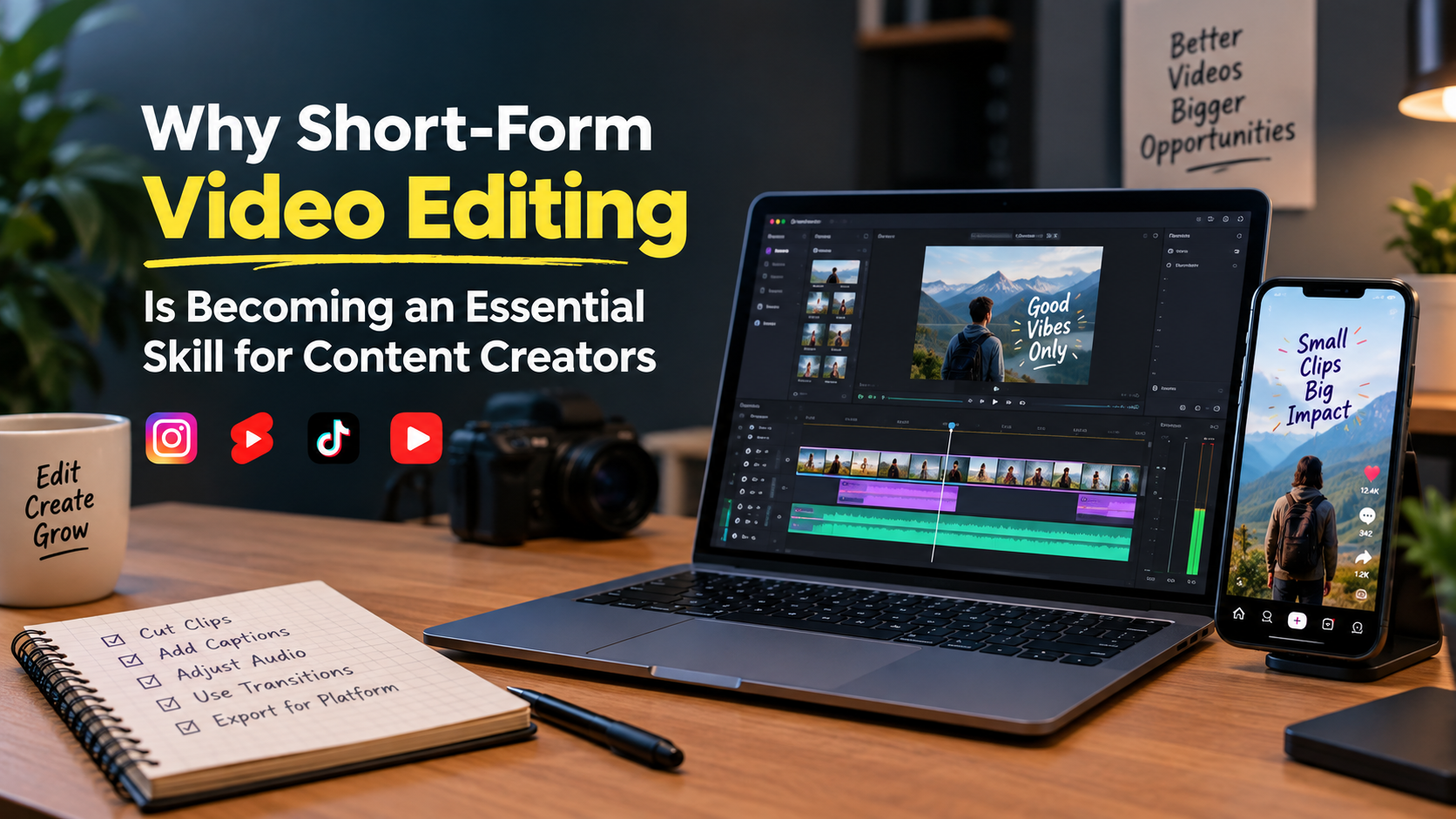
Short-form video editing showing a creator editing vertical videos for Instagram Reels and YouTube Shorts.

Why Short-Form Video Editing Is Becoming an Essential Skill for Content Creators

When you are browsing Instagram or YouTube. You will see numerous short videos on everything from cooking and fitness to education and product reviews. Some videos grab your attention. Also, others do not take your eyes off your phone for seconds. The editing process of a video makes a huge difference. In today’s day and age, content makers need more than a camera and a great idea. They should get the message across and capture and hold the viewers’ attention. Hence, the importance of short-form video editing for content creators on social media platforms. As per the report from Meta in June 2026, based on data from Ipsos, 89% of Gen Z users in India watch Instagram Reels on a daily basis. This speaks to the ubiquity of short videos in life.  Why Short Videos Are Becoming More Popular People tend to use social media to learn something quickly, find entertainment, and discover new products. Short videos allow you to convey information without having your viewers watch a lengthy video. Platforms are also providing creators with numerous new options for this format. For instance, YouTube Shorts permits creators to elucidate matters and narrate tales in under three minutes. But a short video is not necessarily interesting. It may be too choppy with pauses, audio distortion, and misplaced shots that may put viewers to sleep. Creators must keep in mind the content and how they present it. They can offer valuable information without making the viewer’s time go to waste if they are properly edited.   How Short-Form Video Editing Makes Content Better Raw footage can have errors, delays, repetitions, and irrelevant footage. This can be split into sections to be removed, and the end result will be easier to watch. If you are a fitness creator, you may record a fitness routine that lasts 10 minutes and need to post a fitness exercise guide that lasts 45 seconds. The creator can select the most pertinent clips, add some simple directions, and trim out the superfluous footage to produce a video that is clear and informative.  There are several important video editing skills to have:  The goal of editing isn’t to add to the effects. It’s for understanding and appreciation of content.  Why Content Creators Should Learn Editing The first phase of a creator’s journey is for them to record videos on their phones and handle their own social media presence. They will gain control of the final product by learning the basics of editing. Example: A foodie could cut out part of the lead-in time of a recipe video, show how to do some of the cooking steps, and post the finished product at the end of the video. Text can be inserted to explain difficult parts of the video without re-recording.  The editing skills also enable creators to experiment with various styles. They can try out a new beginning, move clips around, and even create various variations of the same video for various platforms. Not all creators need to be professional editors. But the basics can save time, improve content quality, and put ideas into videos more easily. If you want to learn these basics step by step, a structured video editing course can help you practise cutting and exporting with proper guidance.  How Storytelling Makes Short Videos More Interesting Successful short- form video editing require more than catchy graphics or tunes. It should tell viewers why they need to watch. Suppose a creator is making a video about a new product they have created. It is important to show random clips of the product, as this may help clarify why it is useful. Instead, the creator may pose a shared issue and demonstrate how the product functions, and then end with the primary benefit.  This makes a simple story that a viewer can follow. There are 3 parts to a basic structure:  This is not always required in a video. Different video styles can be used for comedy, travel, and lifestyle videos. The key is to ensure the scenes flow together and the meaning is clear. How Editing Helps Creators Build a Recognisable Style A reader who encounters this writing style frequently may start to identify the writer’s particular style. Videos can appear connected as they share the same fonts, colours, captions, and music. For instance, an education creator might offer obvious subtitles and simple graphics, and a travel creator might have photographs of the beauty in the environment.  A consistent style will be achieved with the same fonts, readable captions, music and other visual elements of the video. Consistency is not equal to uniformity. Creators can experiment with new formats but may retain familiar and familiar aspects.  Why Businesses Need Short Form Video Editors Short videos are now being used for businesses to introduce products, explain services, answer customer questions, and demonstrate how products function. For example, a restaurant might post a video on their Twitter demonstrating how their food is prepared, while a clothing company could show a video of their product in different styles. These videos are intended to be used to inform prospective customers of what the company does.  Video editors capable of turning raw footage into a clear and engaging video might get a shot at brands, video agencies, or individual video makers. But good editing does not necessarily yield results. A video editor should also be able to know the type of video, the appropriate audience, and the message that the business wants to share with others.  Important Video Editing Skills to Learn If you are a beginner, you don’t have to know all the tools that you can edit. It’s easier to build confidence with the basics. Unnecessary footage is cut out for the proper flow, and clips are used to shorten in a natural way. Here are some tools to help beginners practice these skills: CapCut, VN Video Editor, Adobe Premiere Pro, and DaVinci Resolve. It will be dependent on their device, budget and needs.  How AI Is Changing Short-Form

Why Short-Form Video Editing Is Becoming an Essential Skill for Content Creators Read More »
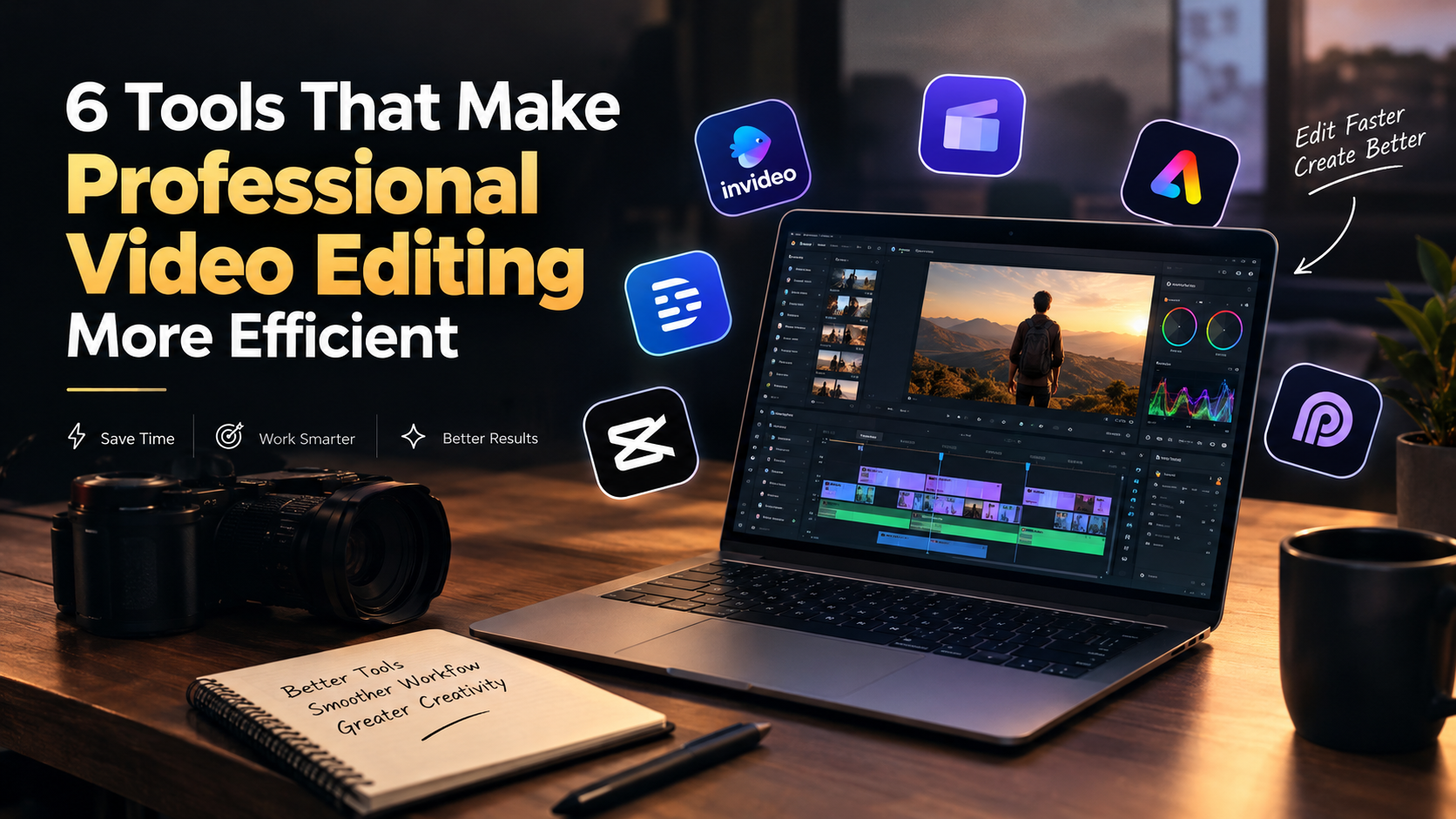
Video editing tools for professionals featuring AI-assisted editing, timeline controls, captions, and short-form video creation.

6 Tools That Make Professional Video Editing More Efficient

Professional video editing involves much more than arranging clips on a timeline. Editors need to review footage, select usable takes, remove mistakes, improve audio, adjust pacing, and prepare videos for different platforms. When deadlines are tight, or teams manage several projects at once, these tasks can leave less time for storytelling and creative refinement. The right editing software can simplify repetitive work and make production easier to manage. Some tools focus on straightforward editing and social media content, while others help with dialogue, automated clip selection, or AI-assisted timeline editing. Here are six tools worth considering, along with their main capabilities and the types of projects where they can be most useful. 1. Invideo Editor Invideo Editor combines AI editing agents with a professional editing timeline, helping creators review footage, select usable takes, remove repetition, and assemble an initial cut. The resulting project remains editable, allowing users to refine the sequence and make their own creative decisions. Through Invideo remote agent, users can connect tools such as Claude, ChatGPT, and Cursor to remote AI agents that help edit footage, correct color, mix audio, and generate image, video, or audio assets. Changes appear on the timeline as the work progresses, so users can review edits, take over at any frame, and export projects for Premiere Pro, Final Cut Pro, or DaVinci Resolve. For example, a creator editing an interview can ask an agent to assemble the strongest moments into a first cut, then adjust the pacing and transitions before publishing. Best for: Creators and teams who want AI-assisted editing while retaining control over the timeline and final output. 2. Clipchamp Clipchamp is a video editing tool suited to creating presentations, tutorials, promotional videos, and social media content. Its interface makes common tasks such as trimming clips, arranging footage, adding text, and incorporating transitions accessible without requiring extensive editing experience. The platform also offers features such as automatic captions and text-to-speech, with availability depending on the feature and account plan. These options can help creators prepare videos that communicate clearly and suit different viewing environments. For example, a small business preparing a product tutorial can combine screen recordings, demonstration footage, titles, and narration in one project. Captions can make the video easier to follow when viewers watch without sound, while simple timeline controls help organize the sequence before export. Clipchamp is a practical choice for routine content production, although projects requiring advanced color grading or complex post-production may benefit from more specialized software. Best for: Small businesses, educators, and creators producing tutorials, presentations, and straightforward marketing videos. 3. Adobe Express Adobe Express helps users create and assemble videos for social media, promotions, and other marketing needs. It combines accessible editing features with design tools that make it easier to incorporate text, graphics, templates, and branded visual elements into content. This can be useful when a team needs to produce videos that follow consistent brand guidelines without building every visual element from scratch. Users can adapt designs for different campaigns and create content that complements their existing marketing materials. For example, a marketing team launching a seasonal promotion could combine product footage with branded titles, campaign graphics, and a call to action. The video can then be adapted for different social channels while maintaining a consistent visual identity. Adobe Express is designed for accessible content creation rather than highly complex editing. Editors who need detailed timeline management or extensive post-production controls may prefer a dedicated professional editing application. Best for: Marketing teams, small businesses, and creators producing branded social media videos and promotional content. 4. Descript Descript uses transcription to help users edit spoken content by working with a video’s text. Editors can locate sections, remove unwanted speech, and shorten recordings without relying entirely on traditional timeline navigation. This makes it useful for projects where dialogue is central to the final video. The workflow can simplify reviewing long recordings, identifying repeated explanations, and removing sections that do not contribute to the main message. Editors can then review the revised sequence and refine the timing where necessary. For example, a podcast producer editing a long interview can use the transcript to locate repeated points and unnecessary pauses. After making changes, the producer should listen to the final cut to check for abrupt transitions, missing context, or unnatural speech patterns. Transcription accuracy can vary with audio quality, accents, and overlapping speakers, so automated edits should always be reviewed before publication. Best for: Podcast producers, interview editors, educators, and creators working with dialogue-heavy videos. 5. CapCut CapCut combines accessible editing controls with features designed for short-form video production. Depending on the version and plan, creators can use tools such as automatic captions, background removal, and format adjustments to prepare content for platforms like Instagram Reels, TikTok, and YouTube Shorts. These features can simplify recurring tasks for teams that publish frequently. Creators can trim footage, add text overlays, incorporate music, and adjust framing to suit mobile viewing without building a complicated workflow for every video. For example, a social media manager can turn a product demonstration into a vertical video by removing unnecessary pauses, adding readable captions, and highlighting key product features with text. Before publishing, the team can review the timing and make sure important visual details remain visible. CapCut works well for many social media projects, although complex productions involving detailed sound mixing, layered sequences, or advanced color grading may require additional software. Best for: Social media managers, creators, and marketing teams producing regular short-form content. 6. OpusClip OpusClip helps users turn longer recordings into shorter clips for social media. Its AI-assisted workflow can identify potential highlights from podcasts, interviews, webinars, and other long-form content, giving editors a starting point for creating shorter videos. Repurposing content manually often requires reviewing an entire recording, finding useful moments, and deciding where each clip should begin and end. Automated highlight suggestions can reduce some of this searching, while editors focus on selecting clips that match their audience and content goals. For example, a company hosting a webinar

6 Tools That Make Professional Video Editing More Efficient Read More »

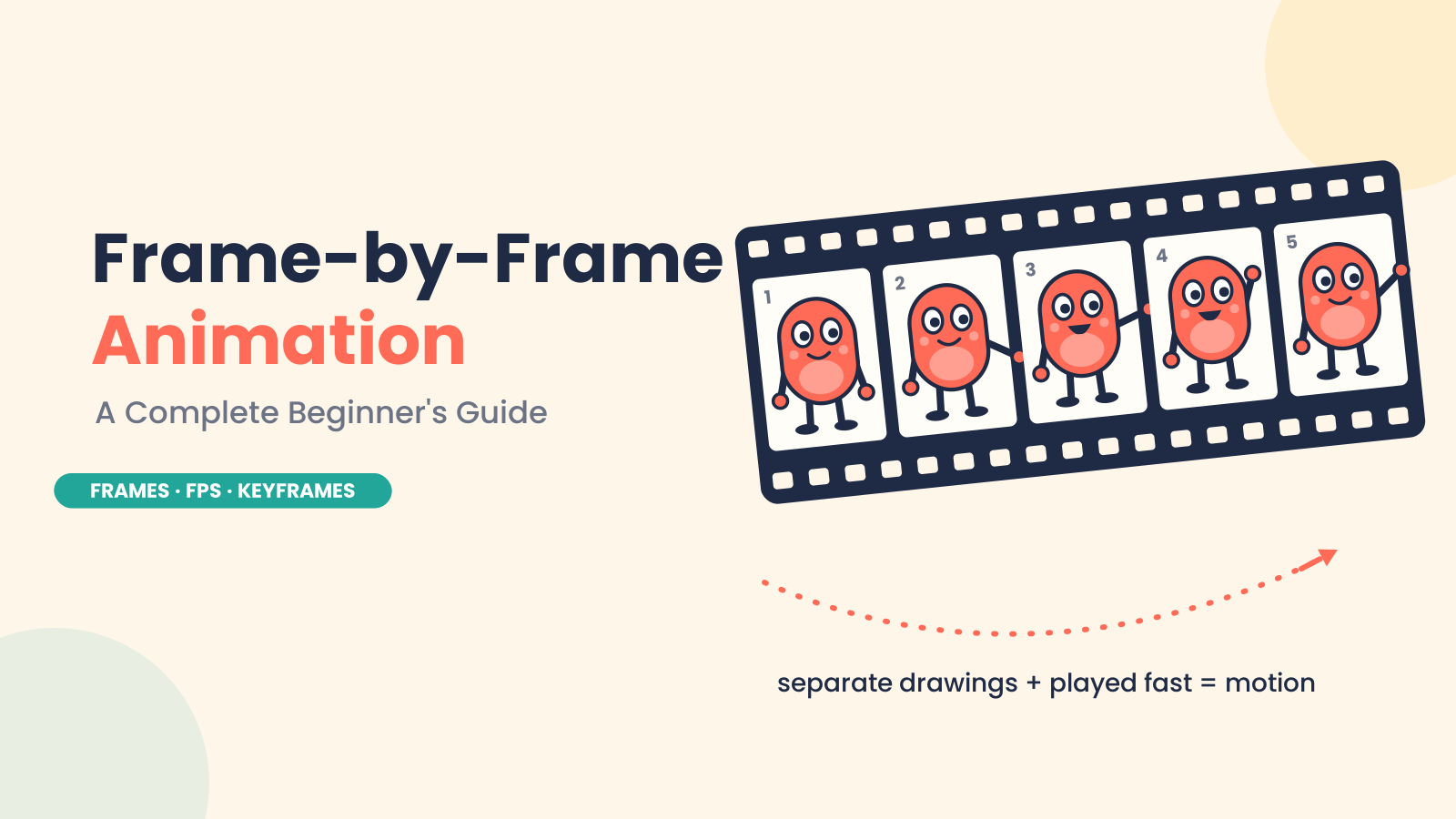
Frame-by-frame animation showing individual animation frames

What Is Frame-by-Frame Animation? A Complete Beginner’s Guide

Introduction Frame-by-frame animation is one of the oldest and most expressive ways to produce movement. Here, an animator draws each moment of an action separately. When these drawings, or frames, are shown rapidly, one after another, they give the illusion of motion. Imagine a character blinking. One frame is eyes open, one frame is eyes half-closed, and one frame is eyes closed. The blink looks natural when the frames are played in sequence. It’s the same for a waving hand, a bouncing ball, or a character raising their arm. In 2D animation, this technique is often used where every movement is carefully built frame by frame. It takes time and patience, but it gives the animator a great deal of control over timing, expression, and personality. Even today, frame-by-frame animation is still relevant. The basic concept remains the same: separate images create movement when played in order. However, modern software has accelerated the animation workflow. This is why this method is used by beginners, professional animators, and studios to produce expressive and memorable animation. What Is Frame-by-Frame Animation? Frame-by-frame animation is a technique where movement is created by drawing or changing each frame individually. The animator does not depend on automatic movement. However, the animator makes separate images for different moments of an action. A frame is a still image that is used in animation. When you play lots of frames fast in order, our eyes see them as movement. FPS, or frames per second, is the number of frames displayed in one second. For example, 24 FPS stands for 24 frames per second. Animators also use on ones and on twos. Animating on ones means each drawing appears for one frame, and this makes for a smoother motion. Animating on twos means each drawing two frames. This uses fewer drawings, but still looks natural in many types of 2D animation. A Little Bit of History: Where Frame-by-Frame Animation Began Frame-by-frame animation began with artists drawing movement by hand, one image at a time. Each drawing was slightly different from the last. When those drawings were shown quickly in sequence, the character or object appeared to move. One of the first animators to help prove the power of this technique was Winsor McCay, especially with his animated film Gertie the Dinosaur in 1914. But it was Walt Disney and the Disney studio that made animation frame by frame really popular around the world. Disney used this method to create expressive characters, smoother movement, and emotional storytelling in animation. This process came to be called traditional animation. In early studios, artists first sketched scenes on paper. Later, many productions used cel animation, where characters were painted on transparent sheets (called cels) that were laid over painted backgrounds. This avoids redrawing all the background again, and instead reduces background redraws. As animation production grew, studios developed a more systematic workflow. The senior animators drew the key poses, called the key drawings or keyframes. Then other artists would draw the frames in between to smoothly connect those poses. This meant the animation worked faster and looked clean and natural. Today, most frame-by-frame animation is created digitally, but the principle is the same. Whether the animator is drawing on paper or using software, movement is still built frame by frame. The tools have changed, but the principle of frame-by-frame is still important in 2D animation. Types of Frame-by-Frame Animation Traditional Hand-Drawn Animation The classic form of frame-by-frame animation is traditional hand-drawn animation. This technique involves drawing each frame by hand. Generally, the key frames of the action are drawn first. Important poses are called keyframes. Then artists draw the in-between drawings to bridge one key frame to the next. For example, a character may raise a hand. The keyframes may show the hand down and then fully raised. The intermediate frames show the arm moving up in steps. This method is very similar to classic 2D animation and was used in many old animated films and cartoons. Digital Frame-by-Frame Animation Digital frame-by-frame animation follows the same basic process, but the drawings are made directly inside animation software. Animators don’t draw on paper anymore. They draw on a tablet or computer screen. Digital tools make the animation workflow easier. Animators can layer, undo, copy frames, adjust timing, and see the movement right away. Onion skinning and similar techniques help, providing a faint image of previous and next frames so you can draw smooth movement. The process is still frame by frame, but it is faster and more flexible because you don’t need physical paper or cells. Stop-Motion Animation Frame-by-frame is also used in stop-motion animation, but it uses real objects instead of drawings. Animators move puppets, clay models, toys, or objects a fraction of an inch, then take a picture. They move them again and take another picture. When all those pictures are shown one after another, the object looks as if it moves by itself. The medium is different from hand-drawn or 2D digital animation, but the idea is the same: small changes from one frame to the next create motion. Frame-by-Frame Animation vs. Tweening You can create motion with frame-by-frame animation or with tweening. The process behind each is quite different. In frame-by-frame animation, the animator works on each individual frame. This allows you much more control, especially with detailed or expressive movement. For example, the animator can change the mouth, cheeks, shoulders, head movement, and timing frame by frame when a character is laughing. These small details add individuality to the character and make the action seem more organic. Tweening is another matter. The animator sets a start and end keyframe, and the software fills in the motion between them instead of moving every single frame. Tweening is very quick when it comes to actions, like moving an object, making it bigger or smaller, turning it around, or making it appear and disappear. For instance, if a box has to go from one edge of the screen to the other, the

What Is Frame-by-Frame Animation? A Complete Beginner’s Guide Read More »

How to edit long YouTube videos faster with AI

How to Edit Long YouTube Videos Faster With AI

An Edit long YouTube videos rarely becomes difficult because of one complicated editing task. The time disappears in dozens of small decisions: finding the right take, watching another version of the same answer, removing a false start, searching for B-roll, tightening a transition, fixing uneven audio, and checking whether the story still works after every cut. AI can help with much of that work, but the most useful approach is not to ask it to make the entire video for you. A better workflow gives AI the repetitive parts of post-production while the editor stays responsible for the story. That distinction becomes especially useful for interviews, podcasts, tutorials, reviews, documentaries, and other videos that regularly run 20, 30, or 60 minutes. Here is how to build that workflow. Start Where the Time Actually Goes Before adding AI to an editing process, identify the parts of the job that are consuming the most time. For many long-form videos, the bottleneck is not colour grading or adding transitions. It is footage review. Imagine recording a one-hour interview with three takes of several answers. Add a second camera, B-roll, a few screen recordings, and some pickup shots. The editor now has a large amount of material to inspect before deciding what belongs in the timeline. That first pass can be reduced with AI. Instead of treating every clip as something that has to be watched from beginning to end, use tools that can understand the contents of the footage and help locate usable material. The objective is simple: get from raw media to an editable first timeline faster. Give AI an Editorial Brief, Not Just a Command The quality of an AI-assisted edit depends partly on the quality of the direction it receives. “Edit this interview” leaves too much open to interpretation. A useful brief might say: “Keep the strongest answer for each topic, remove repeated explanations and false starts, preserve useful stories, and keep the speaker’s natural delivery. Aim for a concise but complete discussion rather than the shortest possible version.” That gives the editing system an editorial framework. You can also define things such as the intended audience, approximate duration, important topics, sections that should be retained, and material that can be removed. This does not mean the AI understands the story exactly as an experienced editor would. It means the editor has given it enough context to perform the mechanical parts of the first pass more effectively. Let the First Cut Be Imperfect One of the biggest workflow changes AI can introduce is making the first assembly less expensive. A traditional first pass might involve watching every take, comparing performances, cutting unwanted material, and building the sequence manually. An AI editing agent can take on some of that initial assembly. The invideo editor is a web-based video editor that allows you to bring footage into a timeline-based project and give an editing agent instructions for how the material should be assembled. A script or transcript can be added when available. The agent can review the footage, select usable takes, remove repetition and filler, and place the selected material into an editable timeline. That last part matters. The goal is not to receive a mysterious finished video and hope the decisions are correct. The first assembly gives the editor something concrete to inspect. Weak selections can be replaced. Sections can be shortened. The order can change. Think of it as moving the starting point of the edit forward. Make Footage Searchable Long-form projects become particularly slow when the editor knows a useful clip exists but cannot remember where it is. You might remember that someone talked about pricing around the middle of an interview. Or that there was a shot of a particular product somewhere in three hours of camera footage. This is where semantic footage search becomes useful. Instead of searching filenames or manually scrubbing through clips, describe the moment you need. Depending on the editing system, AI can help identify dialogue, people, actions, objects, scenes, or other meaningful elements. That changes the editing process from: “Where is that clip?” to: “Find the moment where the guest explains how the product is used.” For large projects, that difference can remove a surprising amount of friction. Treat the Timeline as the Source of Truth Once AI has assembled a first version, move back into the timeline. This is where creative judgment becomes more important than automation. Watch the sequence from the beginning. Look for places where the edit technically works but does not feel right. Maybe the AI chose the cleanest take, but another take has better energy. Maybe it removed a pause that gave the speaker’s answer some weight. Maybe two sections are logically correct but should appear in the opposite order. These are editorial decisions. An AI editing workflow should make them easier to make, not remove them from the process. This is also why timeline-based AI editing is different from simply generating a video. The editor can see the actual cuts and continue working with them. Use AI for the Small Decisions That Add Up After the main structure is in place, there are dozens of smaller tasks that can still consume time. This is where targeted AI assistance becomes useful. Ask it to: None of these tasks necessarily defines the creative identity of the video. But together, they can occupy a large portion of an editor’s day. The useful principle is to automate the execution, while retaining control over the decision. Don’t Cut Long Videos Just to Make Them Shorter AI makes it easy to remove material. That does not mean every long-form video should become aggressively fast. A 40-minute educational video may need context. An interview may need pauses. A documentary may benefit from a slower transition between ideas. The question is not whether a section can be removed. Ask whether removing it makes the video better. A useful review pass focuses on four things: Repetition If the same idea is explained three times, keep

How to Edit Long YouTube Videos Faster With AI Read More »

5 best AI video editing tools for speeding up professional video editing

5 Best AI Tools for Speeding Up Professional Video Editing

Professional video editing involves far more than making cuts. Before the creative decisions begin, editors may need to review hours of footage, compare takes, organize clips, remove false starts, clean dialogue, sync multiple cameras, build versions, and prepare the project for delivery. AI can help with some of that workload, but the useful question is not whether a tool can “edit a video for you.” For professional work, the bigger question is where AI can remove repetitive execution while leaving the editor in control of the story and timeline. This guide looks at five AI video editing tools that approach that problem differently. Some are better suited to raw-footage assembly, some to dialogue-driven projects, and others to broader post-production or short-form content. Understanding those differences can help you choose tools that actually fit your editing workflow. What Makes an AI Video Editing Tool Useful for Professionals? Speed does not simply mean making individual edits faster. A tool can save more time by reducing the amount of manual work required before and between creative decisions. For professional editors, useful AI capabilities include: The right combination depends on what is slowing down your current workflow. 1. Invideo Editor Invideo editor is designed around a workflow where AI editing agents can work directly with uploaded footage and an editable timeline. As an AI video editing platform, it brings agent-based assistance into the editing process while keeping the timeline and creative decisions in the editor’s hands.  That makes it particularly relevant when the slowest part of a project is getting from raw footage to a usable first assembly. Instead of manually watching every take and building the initial timeline yourself, you can provide footage, a script or transcript when available, and direction for the type of base cut you want. An agent can review the material, select usable takes, remove repetition and filler, and assemble the selected video and audio on the timeline. The result is not intended to replace the editing process. It gives the editor a starting point that can be inspected, changed, and refined. This approach can work with several common types of footage. A single-camera interview can be assembled by keeping each point once and removing repeated attempts. With multicam footage, the workflow can involve syncing angles and creating a layered cut. Music-led projects can also be assembled around a supplied structure or beat pattern. The timeline remains central to the process. Editors can continue making manual changes, redirect the agent, and work through the rest of the edit. The tool also brings AI assistance into other parts of post-production. Editors can search footage semantically, work on pacing and duration, create versions, and handle tasks involving audio, colour, dubbing, and localization. For colour work specifically, editors can describe a desired treatment to an agent or provide a reference image, then refine the result using controls such as colour wheels, curves, temperature, tint, saturation, and LUTs. That can be useful when the goal is to speed up an initial grade without giving up manual control over the final look. Best suited to: Editors who want to reduce the manual work involved in reviewing footage and building an initial timeline while keeping the project editable. 2. Adobe Premiere Pro Adobe Premiere Pro is built around a conventional professional editing workflow, with AI features added to assist with specific parts of the process. For editors working on established production pipelines, that distinction can be important. Rather than changing the entire editing process, AI can help accelerate individual tasks such as finding media, working with transcripts, handling dialogue-related operations, and making certain adjustments. Premiere Pro is particularly useful when the editor already has a structured workflow and wants automation within that environment. You can still work with tracks, effects, audio, colour, graphics, and detailed timeline edits while using AI where it makes sense. The biggest time savings may come from reducing small repetitive tasks across a large project. When those tasks are repeated hundreds of times, even modest automation can make a noticeable difference to the overall workflow. Best suited to: Professional editors who already use Adobe’s ecosystem and want AI assistance without moving away from a traditional timeline-based editing environment. 3. DaVinci Resolve DaVinci Resolve combines editing, colour, visual effects, motion graphics, and audio post-production in a single application. Its AI features can assist with different stages of the workflow, including media organization, subject isolation, tracking, dialogue-related tasks, and other technical operations. The value for professional editors is that these capabilities sit alongside detailed manual controls. Colour grading is a particularly important part of the workflow for many editors and colourists. Once the structure of a sequence is established, AI-assisted tools can help with technical or repetitive operations while the editor retains control over the visual treatment. Resolve can therefore reduce the need to move between separate applications for different stages of post-production. For larger projects, keeping editing, colour, effects, and audio in one environment can simplify the overall workflow. Best suited to: Editors and post-production teams handling projects where editing, colour, VFX, and audio all require detailed control. 4. Descript Descript takes a different approach by connecting video editing with a transcript. This can significantly change how editors handle spoken-word content. Instead of searching through a timeline to find a particular sentence, you can work from the transcript to locate and edit dialogue. That makes it useful for interviews, podcasts, webinars, presentations, and talking-head videos. AI-assisted transcription and tools for removing filler or unwanted sections can reduce some of the repetitive work associated with cleaning up long recordings. For example, an editor working through a one-hour interview may spend substantial time locating repeated statements, pauses, or sections that need to be removed. A transcript-based workflow can make those decisions much faster to identify. It is less suited to projects where the edit depends heavily on visual rhythm, complex effects, detailed multicam work, or music-driven cutting. In those cases, a conventional professional timeline may remain the primary workspace. Best suited to: Editors

5 Best AI Tools for Speeding Up Professional Video Editing Read More »

Video Editing Institutes

Top 5 Video Editing Institutes in North India 2026: Syllabus, Software & Career Scope

Video content has become an important part of YouTube, Instagram, advertising, business promotion, films and online learning. Behind every good video, there is an editor who turns raw footage into a clear and engaging final video. Because of this growing use of video, many students and working professionals are choosing video editing courses to build creative and technical skills.  But learning video editing is not only about cutting clips. A good course should teach storytelling, pacing, colour, sound, motion graphics and the software used for professional editing. If you are searching for a video editing institute in North India, choosing the right one matters. The syllabus, practical training, software, projects and career support can make a big difference. Demand for Video Editing in 2026 Video is now used by almost every type of business and content creator. Brands create advertisements, businesses post product videos, YouTubers publish regular content, and social media pages depend heavily on Reels and Shorts. This has created different types of editing work. A YouTube editor may work on long videos and storytelling, while a Reels editor may focus more on quick cuts, captions and vertical formats.  Advertising projects can require colour correction, sound editing and motion graphics. For this reason, a professional video editing course should teach more than one editing technique. Students should understand the complete process, from importing raw footage to creating the final video. Benefits of Learning Video Editing What Do You Learn in a Video Editing Course? A complete video editing course in North India should cover both technical and creative skills. Students normally begin with basic editing concepts such as formats, resolution, frame rates, cutting, trimming, sequencing and timeline management. After that, the training can move towards: The purpose is to help students understand why and how an edit is made, instead of simply teaching them where different buttons are located in the software. How We Compared Video Editing Institutes The institutes in this list were compared on practical points rather than only their names or popularity. The main factors include: Top 5 Video Editing Institutes in North India Institute Name Location Learning Focus Practical Exposure Career Direction DigiManiac Kurukshetra, Chandigarh, Ambala, Karnal, Panipat and other North India locations  Professional video editing, motion graphics, colour grading, audio, social media & post-production Hands-on projects, real-world assignments, portfolio & internship support Freelancing, content creation, video editing & digital media Delhi Video Editing Academy Laxmi Nagar, Delhi Video editing, colour, sound, motion graphics & YouTube/Reels/Shorts Real footage, projects, mentor feedback & showreel development Video editing, content creation & post-production Hexacode Academy Delhi & Noida Premiere Pro, editing, colour, sound & AI-assisted workflows Practical exercises & portfolio project Video editing and AI-supported editing workflows MAAC Delhi Delhi Video editing, post-production & filmmaking Practical software training & project work Video editing, filmmaking & post-production Arena Animation Preet Vihar, Delhi Video editing, animation, graphics & VFX Hands-on training, projects & portfolio development Video editing, animation & VFX 1. DigiManiac – Practical Video Editing Institute in North India Location: Kurukshetra, Chandigarh, Ambala, Karnal, Panipat and other North India locations Official Website: DigiManiac  DigiManiac is a practical and career-focused institute for students who want to learn professional video editing. Its course is designed for beginners as well as learners who want to work in content creation, social media, advertising, freelancing or video production. The training goes beyond basic cutting and transitions. Students learn editing fundamentals, storytelling, motion graphics, colour grading, audio editing and social media video creation. The institute also focuses on practical projects and portfolio development. What’s Better: Online Learning or Offline Learning? DigiManiac offers flexible learning options, including weekday and weekend batches. Its location-specific course information also mentions online video editing training, allowing students to choose a format according to their schedule. Online learning can be suitable if: Offline learning may work better when: For video editing, regular practice matters in both formats. Students need time to work on footage and improve their edits. What You Will Learn and Software You Will Work On  DigiManiac’s published curriculum covers the main stages of video post-production. Students learn the basics first and then move towards editing software, motion graphics, colour, audio and social media content. The major factors include: Practical Training and Internship Practical work is a major part of DigiManiac’s course structure. The institute states that students work on hands-on projects and real-world assignments and can receive portfolio and internship support. Students can practise: The institute also mentions portfolio development, internship opportunities and placement assistance. 2. Delhi Video Editing Academy Location: Laxmi Nagar, Delhi Official Website: Delhi Video Editing Academy  Delhi Video Editing Academy in Laxmi Nagar focuses on practical, project-based video editing. Its training covers Premiere Pro, After Effects, DaVinci Resolve, sound design, YouTube/Reels/Shorts editing and motion graphics. The institute follows a showreel-first approach, with students working on real footage and receiving mentor feedback on their projects.  The course is designed around practical editing skills rather than only software learning. Students can work on areas such as timeline editing, transitions, colour correction, audio mixing and export workflows. The institute also provides support for building a showreel, along with resume preparation, interview preparation and placement assistance. For students looking for a video editing course in Delhi, this option is particularly focused on creating portfolio-ready work that can be shown to clients or employers. 3. Hexacode Academy Location: Delhi and Noida Official Website: Hexacode Academy  Hexacode Academy offers video editing training in Delhi and Noida, with a focus on Premiere Pro and AI-assisted workflows. Its 6-week Premiere Pro programme covers editing fundamentals, colour grading, sound design, advanced editing techniques and AI-supported workflows. Its focused Premiere Pro programme is listed as a 6-week course covering editing fundamentals, colour grading, sound design, advanced editing techniques and AI-assisted workflows.  The course also includes practical exercises and a final client-style project that can be used as portfolio work. Its AI-related training includes workflows such as AI-assisted rough cuts and auto-captioning. Hexacode also lists a broader Video Editing with AI programme for learners

Top 5 Video Editing Institutes in North India 2026: Syllabus, Software & Career Scope Read More »

Use AI for Video

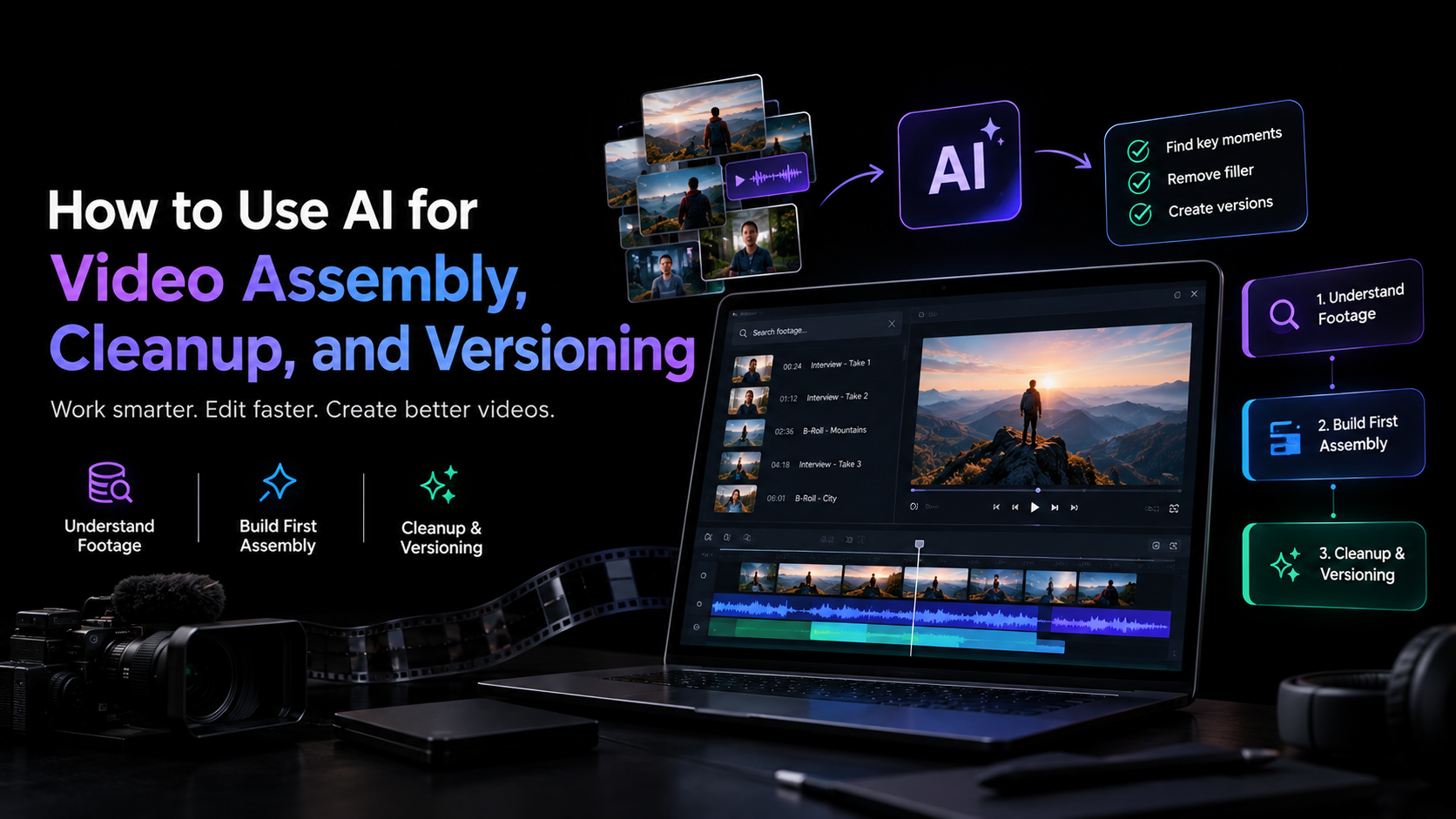
How to Use AI for Video Assembly, Cleanup, and Versioning

Video editing often takes longer than expected because the hardest part is not always the creative decision. It is everything that happens around it. An editor may spend hours reviewing duplicate takes, finding a usable line in a long interview, removing pauses, syncing camera angles, preparing different versions, and making small changes across multiple deliverables. These tasks are necessary, but they can consume time that would otherwise go into story, pacing, and visual decisions. AI can help by taking on parts of that execution. The most useful workflows do not ask AI to replace the editor. Instead, they use it to understand footage, assemble a starting point, clean up repetitive material, and create variations that the editor can inspect and refine. This guide explains how to use AI for Video across those three stages and where human judgment should remain central. Start With Footage Understanding Before AI can assemble an edit, it needs to make sense of the material. A typical project might contain several takes of the same scene, hours of interview footage, B-roll, music, multiple camera angles, or generated and existing media. Manually reviewing everything is often one of the most time-consuming parts of post-production. AI-assisted editing can reduce this initial workload by making footage searchable and easier to navigate. Instead of scrubbing through a long recording, an editor can search for a specific person, scene, action, topic, or moment using natural language. For dialogue-heavy projects, transcripts can also make it easier to locate specific statements and compare different sections of a recording. This does not mean every AI-selected clip should automatically make the final cut. The goal is to shorten the distance between a large media pool and the material worth reviewing. Use AI to Build the First Assembly The first assembly is where AI can take on a substantial amount of repetitive work. A base cut is the first complete version of a timeline assembled from usable footage. It is not a highlights reel or a finished edit. It gives the editor a coherent starting point that can be reviewed and shaped further. A practical AI video assembly workflow looks like this: This is where in video editor can help, bringing an agentic video editing platform into an AI-assisted editing workflow. Its AI editing agents can work directly with uploaded footage and an editable timeline. An agent can review source material, select usable takes, remove repetition, and assemble a base cut based on the direction provided. The workflow can accommodate different types of projects. A scripted single-camera recording can be assembled around the script, while unscripted footage can be organized around the points discussed. Multicam material can be synchronized and assembled into a layered cut. The important part is that the result remains inside the editing project. With invideo editor, the editor can inspect the assembled timeline, replace selections, change pacing, and continue refining the cut rather than treating the AI output as a finished file. Use AI for Cleanup, Not Creative Judgment Once the first assembly exists, cleanup becomes the next opportunity for automation. Cleanup can include removing false starts, repeated sentences, long pauses, filler words, unusable takes, or sections that do not contribute to the sequence. AI can identify many of these patterns faster than a person reviewing footage from beginning to end. But cleanup is not purely mechanical. A pause might be unnecessary in one interview and essential in another. A repeated sentence might sound better than the technically cleaner take. A slightly imperfect performance may carry more character than a polished replacement. For that reason, AI cleanup works best when it gives the editor a cleaner starting point rather than making irreversible editorial decisions. Keep the Timeline Editable The difference between useful automation and frustrating automation often comes down to control. If AI removes something, the editor should be able to inspect the decision and change it. If it selects one take, there should be a way to replace that take. If it changes the pacing, the editor should still be able to adjust the timing. This is particularly important for professional projects where the edit may go through several rounds of review. Invideo editor takes this timeline-based approach by keeping the agent’s work inside the project. Editors can continue working manually after an agent completes its assigned task, which makes AI assistance part of the editing process rather than a separate generation step. Improve the Picture and Sound After Assembly AI can also assist with technical cleanup once the structure is in place. Audio workflows may include dialogue cleanup, sound effects, mixing, and mastering. Visual finishing can involve exposure correction, colour balancing, matching shots, and creating a consistent look across a sequence. For example, an editor working with footage recorded under slightly different lighting conditions may need to correct temperature, tint, exposure, contrast, saturation, and highlights and shadows before final delivery. An AI-assisted workflow can start with a plain-language instruction. An editor might describe a warmer, softer look or provide a reference image, then refine the result manually using colour wheels, curves, LUTs, or other controls. Invideo editor supports this combination of AI direction and manual control. An editor can describe the desired treatment to an editing agent or provide a reference image, then refine the grade using controls such as Lift, Gamma, Gain, exposure, contrast, temperature, tint, saturation, RGB curves, and hue-based curves. This can be particularly useful when several shots need a consistent visual treatment. The AI can help establish the direction, while the editor decides how the final footage should look. Create Multiple Versions From One Edit Versioning is another area where AI can save repetitive work. A single master video may need several deliverables: Creating these manually can mean returning to the same timeline repeatedly. Instead, treat the master edit as the source and define what each version needs to accomplish. AI can then help identify sections, adjust durations, rearrange sequences, or prepare different cuts. With video editor, AI agents can be used alongside the timeline

How to Use AI for Video Assembly, Cleanup, and Versioning Read More »

5 Best AI Editing Tools for Long-Form Video

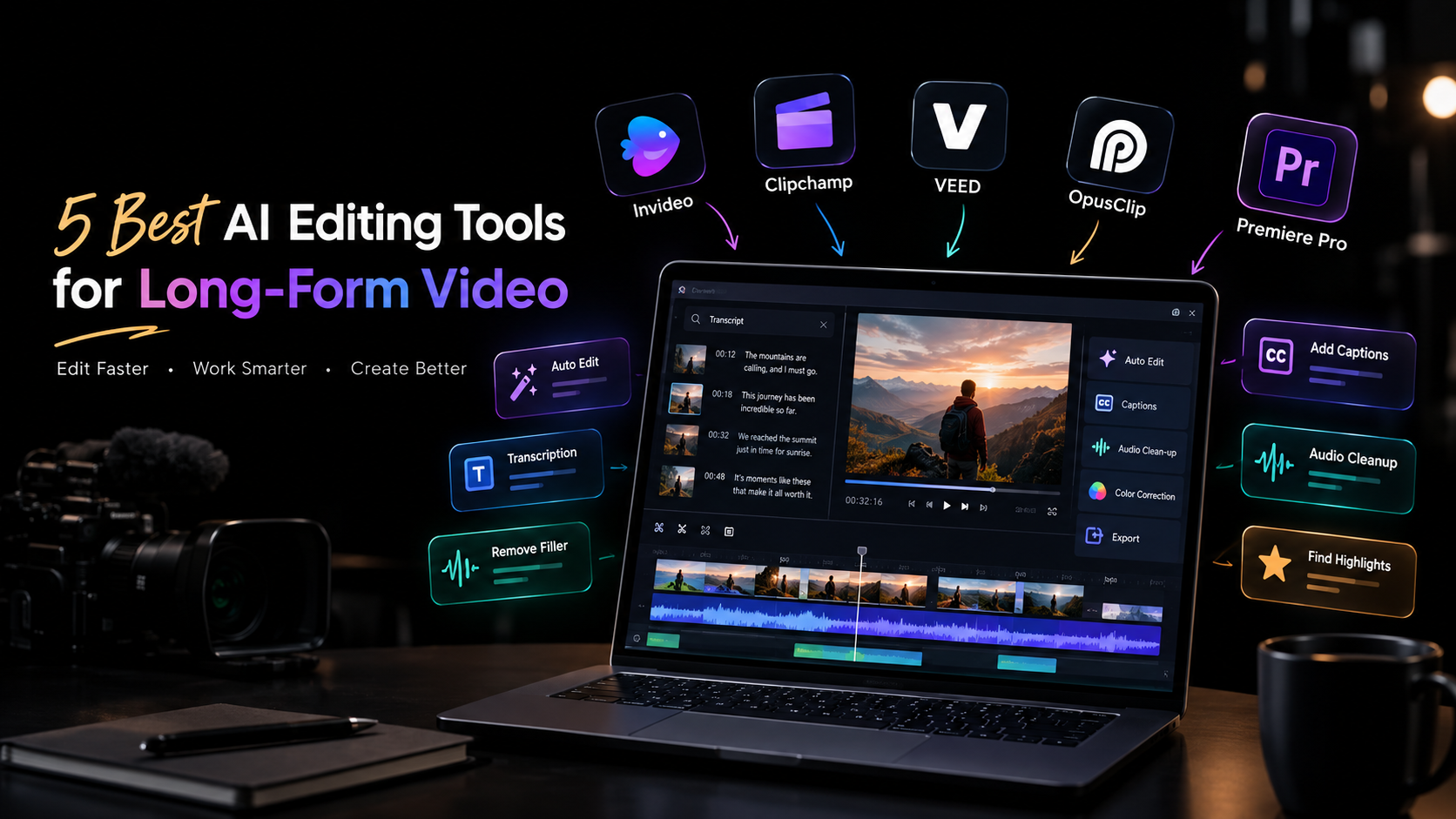
5 Best AI Editing Tools for Long-Form Video

Long-form video editing becomes difficult when the footage starts piling up. A one-hour interview can contain multiple takes, pauses, repeated answers, background noise, and sections that never make the final cut. A documentary or YouTube production can create an even larger organizational problem. AI editing tools can help reduce that workload. Depending on the platform, they can search transcripts, remove filler, assemble footage, clean up audio, generate captions, or identify shorter clips within a longer recording. But not every AI editor is built for the same kind of work. Some focus on traditional timeline editing, others are designed around browser-based collaboration, and some specialize in turning long recordings into short-form content. Here are five tools worth considering. What to look for in an AI editing tool Start with the part of editing that consumes the most time. If you spend hours reviewing footage, look for AI-powered search, take selection, and assembly. If your projects are mainly interviews or podcasts, transcription and dialogue editing may matter more. For professional productions, timeline control, color grading, audio tools, and multicam workflows become important. Also consider what happens after AI makes its changes. Long-form projects rarely stay unchanged, so being able to inspect, modify, and refine an automated result is just as important as the automation itself. 1. Invideo Editor Invideo editor uses AI editing agents to work directly inside a professional timeline. Its agentic assembly workflow focuses on the early stage of long-form editing, where hours of raw footage need to become a usable base cut. Upload your footage, add a script or transcript if available, and describe the structure you want. The agent can review takes, remove repetition and filler, and assemble selected footage into an editable timeline. It can also work with multicamera material and create a layered cut. The workflow continues beyond assembly. Editors can manually refine the timeline or give the agent additional instructions. For finishing, the editor includes color wheels, exposure and contrast controls, temperature, tint, curves, LUTs, qualifiers, saturation controls, and waveform scopes for detailed color work. 2. Clipchamp Microsoft Clipchamp takes a more accessible approach to video editing, making it suitable for creators, teams, and users who want to edit without adopting a complex professional application. Its browser-based workflow supports common editing tasks alongside AI-assisted features such as automatic captions, text-to-speech, and tools for working with recorded content. These features can be useful when turning longer recordings into finished videos for presentations, social channels, or internal communication. For long-form projects, Clipchamp makes sense when straightforward editing and easy access matter more than advanced post-production control. It can handle the practical work of assembling footage, adding text and audio, and preparing content for distribution. Editors working on highly complex timelines may eventually need more specialized tools, but Clipchamp offers a relatively simple starting point for longer creator and business videos. 3. VEED VEED is a browser-based editor that combines conventional video editing with AI-assisted tools. It is particularly useful for creators and marketing teams that need to edit, caption, resize, and prepare content without relying on a desktop-only workflow. Long-form recordings can be edited with tools for subtitles, transcription, audio improvements, and other common production tasks. Once a main video is finished, the same project can also be adapted into content for different platforms. Its browser-based setup can be useful for distributed teams because projects do not have to stay tied to a single editing workstation. VEED is a practical option for content teams producing interviews, tutorials, webinars, and marketing videos where speed and accessibility are important. For projects requiring extensive professional color grading or highly complex timeline work, a more specialized editor may provide greater depth. 4. OpusClip OpusClip approaches long-form editing from a different direction. Instead of primarily helping you finish the original long video, it focuses on finding shorter, usable pieces inside longer recordings. This makes it particularly relevant to content repurposing. A podcast, interview, webinar, or recorded presentation can contain several moments that work independently as short videos. OpusClip uses AI to identify potential highlights and turn them into shorter clips. Its workflow is therefore less about traditional long-form post-production and more about extracting additional content from footage you already have. For creators who publish across YouTube, Instagram, TikTok, and other short-form channels, this can save the time normally spent reviewing an entire recording to find suitable sections manually. It works best as part of a broader content workflow rather than as a replacement for a full professional editing environment. 5. Adobe Premiere Pro Adobe Premiere Pro remains a full professional editing environment, with AI-assisted features added alongside its established timeline workflow. For long-form projects, that depth matters. Editors can work with complex sequences, multicamera footage, audio, effects, graphics, and multiple versions while retaining detailed control over individual edits. AI features can assist with areas such as transcription, dialogue-based editing, media workflows, and other repetitive tasks. Rather than changing the entire editing process, these tools can speed up individual stages while the editor continues working in the familiar timeline. Premiere Pro is particularly relevant when a project needs to move beyond basic editing into more involved post-production. The learning curve is higher than browser-based editors, but the trade-off is a broader professional toolset for editors who need detailed control. How to choose the right tool The best AI editing tools depends on what happens before, during, and after your first cut. For raw-footage assembly: Invideo editor is worth considering if you want AI agents to review footage and create an editable starting timeline. For straightforward browser editing: Clipchamp and VEED provide accessible workflows for creators and teams working with longer recordings. For turning long videos into short clips: OpusClip is focused specifically on identifying and producing short-form content from longer recordings. For complex professional projects: Premiere Pro provides deeper timeline and post-production control. Think about the type of footage you handle most often rather than choosing based on the number of AI features listed on a product page. A podcast editor, documentary

5 Best AI Editing Tools for Long-Form Video Read More »

Professional video editing improves good footage for a polished final video

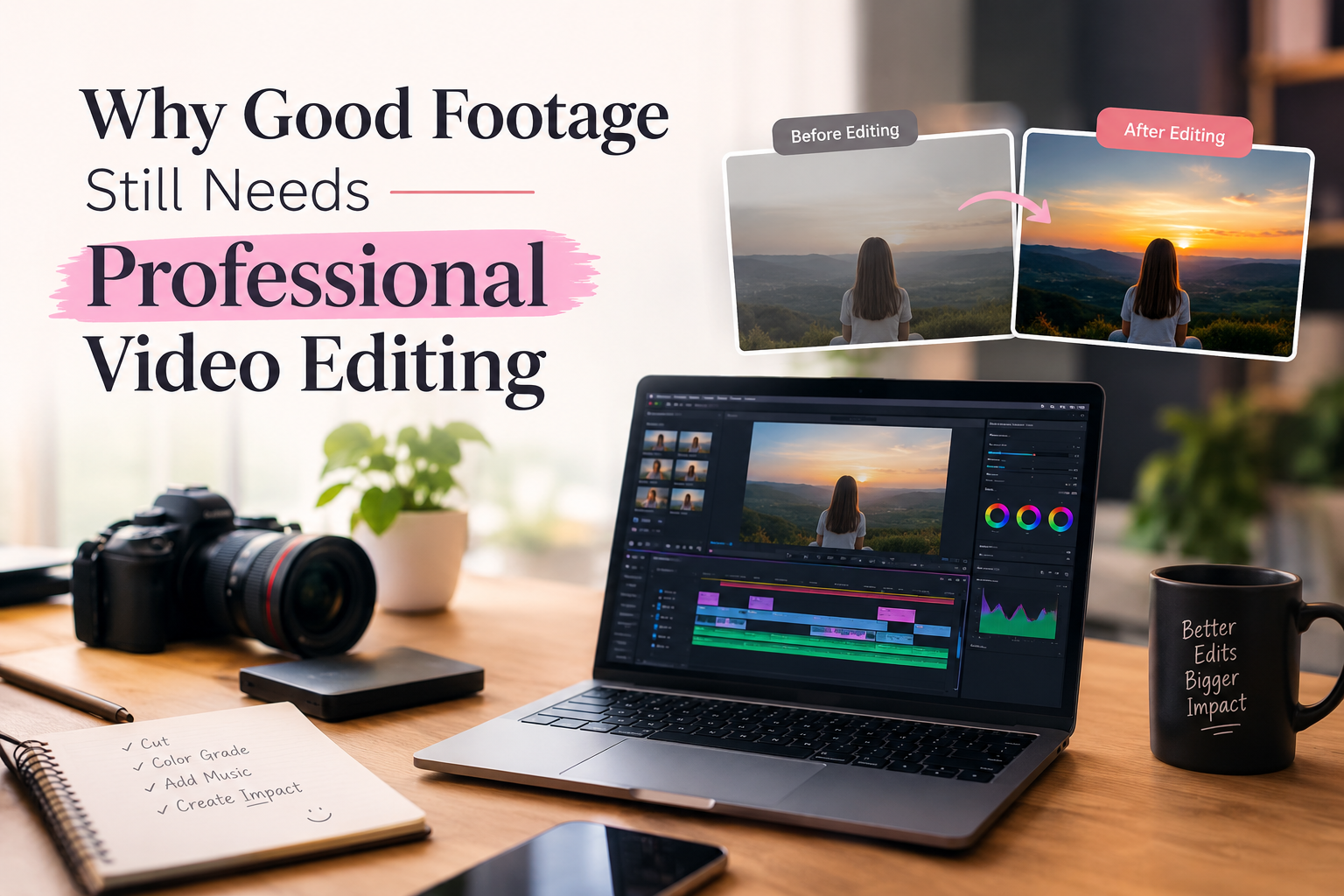
Why Good Footage Still Needs Professional Video Editing?

As we all know, in this digital era, most people are interested in social media platforms where they can post their daily schedules, shorts, videos, and blogs. For this reason, editing plays an important role. A camera can capture beautiful shots, clear images, and interesting moments, but raw footage is still just the beginning. Many people think that if the footage looks good, there is no need for professional editing.  However, even high-quality footage can feel incomplete when the clips are not properly arranged, the audio is uneven, or unnecessary parts are left in the final video. This is where Video Editing Services can make a real difference. Professional editing helps bring all the individual clips together, improve the overall quality, and create a smooth video that communicates the right message. Good Footage Is Only the Beginning Good footage makes a good video, but shooting good footage is only the start. No matter how high-quality your video is, or how well-lit or beautiful the backdrop of your shot, without good video editing, you might not have a professional-looking video. Video Editing Services can use your footage to produce a visual story that is nice to look at and easy to follow. By editing clips together, trimming excess footage, improving sound quality, inserting music that complements the clip, adjusting the color, and inserting a few effects, a video editor can help you produce a video that will keep the eyes of the viewers glued to the screen.Video is everywhere. If you do any type of business, have a social media presence, or have a brand of your own, then you will know that it is important to use video to promote, entertain, or educate your audience. So Why Does Good Footage Sometimes Fall Short? Good footage is a must, but it is just 1 of the various parts you want to have to make a very good online video. The choice of clips, its editing, and how it looks can change the overall quality of the ultimate online video. Here are ten explanations of why professional online video editing can distinguish between an average and a properly completed online video. 1. Choosing the Right Shots for Your Video When you create a video, you’re going to have a lot of footage. Some of it may be unnecessary, parts of it may be too long, and some clips may not fit well with the other parts. For example, take a product video. You could have footage of the product from various perspectives, close-up shots, and wide-angle shots of the product. With great footage, if you don’t end up using it properly and in sequence, your product video ends up being choppy or lagging. A Professional Video Editor can review the footage to select the appropriate clips. They can decide which shots should be used and where each clip should appear. Good footage gives the video editor good building blocks, while editing creates a proper structure for those building blocks. 2. Editing Gives a Good Flow One of the main reasons that even excellent footage still requires professional video editing is how the footage is arranged. It is not necessary for every video to follow a story structure, but it should have a progression that is easy for the viewer to follow. For a social media short, the content should progress smoothly and interestingly. A Professional Video Editor will know which shot to place first, when to cut between shots, when to switch to a different scene, and how long each shot should be. All of these are vital factors in the overall viewing experience of the film. Good Video Editing Services will not only be concerned with the aesthetic of a film but also its accessibility and viewer enjoyment. 3. Eliminates Unnecessary Parts Removes the excess material in your unedited videos. Your unedited footage can have mistakes and sections of the video that weren’t meant to be in the finished version. There could be long silences, repeats, portions where the audio/video wasn’t quite ready, or segments where the video is doing nothing. This can make your finished video appear slow. An editor can go through the footage and remove all the bits that aren’t necessary and only keep the bits that help tell the story or get the message across. This is another aspect of Video Editing Services that is best done by professional editors. It takes an editor a long time and patience to watch hours of footage and identify only the good parts. Experienced editors will chop a video down by cutting out all the unnecessary parts. 4. Better Editing Improves Sound Quality Video can sometimes be more difficult to achieve than quality audio. What can ruin a good video is the audio. You can hear strange ambient noises, volume fluctuations, wind noise, jumbled voices, and/or sharp changes in volume. Good quality video editing will combat these problems by removing the ambient noise, balancing the volumes, and bringing out the voice and/or music. Music can add mood to a video as well. A slow and soft music track can add a relaxed atmosphere to a promotional video, while lively music can add energy to an action-packed video. A Video Editing Company can harmonise the audio and video so that the material is more consistent and pleasing to the eye. 5. Color Correction Produces Consistent Footage Video shots may have different colors or brightness levels, which can be distracting. Some shots seem very warm, and some seem very cool. Some shots are too dark, and some are too light. Once we know what looks natural, color grading is used to create the style or mood that you want to achieve. That is, you can tell it to look very warm, very cool, or any combination of the two.Even after color correction and color grading, the shots are the same, but they appear more consistent with one another. Therefore, this is a stage of video post-production where the footage of the

Why Good Footage Still Needs Professional Video Editing? Read More »

Graphic Design Institutes in Panipat Support Creative Career Paths!

Graphic Design Institutes in Panipat Support Creative Career Paths!

Out here, where screens shape how we see things, understanding creativity feels less like a choice. Every shop, every name people recognize, needs images that speak before words do. That quiet moment when someone notices your work first – that’s what drives many young minds in Panipat toward designing paths after classes end. Sketching ideas, playing with tones, reshaping pictures – these aren’t just hobbies anymore. When color pulls you in, when arranging shapes brings calm, maybe it’s time to walk into one of those known design classrooms scattered through the city. Most folks’ graphic design institutes in Panipat offer affordable classes, making it easier for more people to join without stress. Not far off, graphic work draws interest because openings often arise across fields. Picture crafting marks for brands, visuals on shops, or digital art online – options stretch wide through experience levels. Graphic Design: A Common Career Choice Nowadays, more businesses want eye-catching visuals just to stay visible online. A corner bakery down the street wants them, so does any big firm with offices everywhere. Banners on sites need a sharp look before anyone clicks through. Ads must grab attention fast, even when people scroll quickly. Packaging draws hands toward shelves without saying much. Social updates work better if colors and shapes match correctly. Tiny images preview videos while standing out in crowds. Names mean little unless paired with strong logos made by someone who knows how. Picture this. A world opens up when you learn graphic design – doors swing wide across fields like ads, tech, TV, print shops, and even web promotion spots. Finish training? Suddenly, offices want you. Some folks skip the office life altogether. They set up shop at their kitchen table, building logos or layouts for clients far away. Cash comes in through screens, quietly, while they stay right where they are. Most learners lean toward Graphic Design Institutes in Panipat because they mix imagination with digital tools. Not stuck in a loop of the same tasks, they dream up fresh visuals each morning. Creativity stays active when tech meets original thinking on a screen. Each project feels different – no two days look alike. Ideas take shape through software, sketching, and problem-solving. The work moves beyond routine into something built by hand and mind. Choosing the Right Institute Matters Right choices matter when learning new skills. Not just tools – good schools show how ideas like layout, fonts, brand identity fit together through real tasks. One place might teach a program. Another explains why things look the way they do. Most top graphic design institutes in Panipat mix classroom lessons with doing things firsthand. Because of live tasks, building a collection of work, or tackling actual client jobs, learners practice what they learn. Confidence grows alongside skills when students face realistic challenges early on. Checking trainer experience matters first. Course length might surprise some. Software used in lessons makes a difference, too. Support after finishing the program helps later on. Finishing certificates hold weight sometimes. Learning by doing sticks is better than theory alone. Placement help can change outcomes quietly. Skills Learned in Graphic Design Courses Picture making gets clearer when schools show both crafty tricks and smart methods. Some places teach the real software artists who actually click through every day. Some important skills include: Adobe Photoshop Training With Photoshop, graphic design becomes accessible to many learners worldwide. Starting here, students explore photo editing alongside poster layouts. Social media visuals come into focus after mastering basic adjustments. Instead of skipping steps, they build skills by crafting banners step by step. Image touch-ups follow naturally once fundamentals are clear. Digital drawings emerge later in the learning path. Adobe Illustrator From sketching logos to shaping brand visuals, Illustrator handles clean, resizable artwork. Its strength lies in crafting detailed illustrations that stay sharp at any size. Designers rely on it when building identity systems for companies. Smooth lines, precise shapes – these come naturally here. Work meant to scale without blur finds its home in this tool. CorelDRAW Some schools offer CorelDRAW lessons focused on printed materials like brochures. Others teach it for making business cards, using different methods each time. A few include pamphlets in their coursework, depending on the program’s structure. Flex banners sometimes appear, too, shaped by local demand and instructor preference. Typography and Color Theory Most folks diving into graphic design spend time learning about typefaces and hues. Picking letters carefully can shape how people feel when they see a layout. Colors bring mood to the surface, guiding eyes without words. One choice leads to another – contrast here, spacing there. How things look ties back to why they work the way they do. Branding with Social Media Design These days, companies rely heavily on social platforms to spread their names. Because of this shift, graphic design institutes in Panipat have begun covering topics such as Instagram visuals, catchy YouTube thumbnails, attention-grabbing ads, and brand-building strategies that shape how brands look and feel. Career Paths Following Graphic Design Once training ends at the well-known graphic design institutes in Panipat, graduates step into many work options. Digital fields open different positions based on what someone can do and how much they’ve done it. Among the choices people often pick are jobs like these. Some learners mix graphic design with digital marketing know-how, boosting job options along with income potential. Not everyone follows this path, yet it opens doors through added abilities. Pairing these fields often leads to more roles being available later on. Skills in both areas tend to support stronger financial outcomes over time. Learning Graphic Design in Panipat Fresh chances to learn keep popping up in Panipat, where class fees stay easier on the wallet than big city schools. Students now lean toward this place for career-focused courses that don’t demand high payments. The major benefits include: Affordable Course Fees Starting small, many graphic design institutes in Panipat offer low-cost programs for learners just beginning. Because of this,

Graphic Design Institutes in Panipat Support Creative Career Paths! Read More »