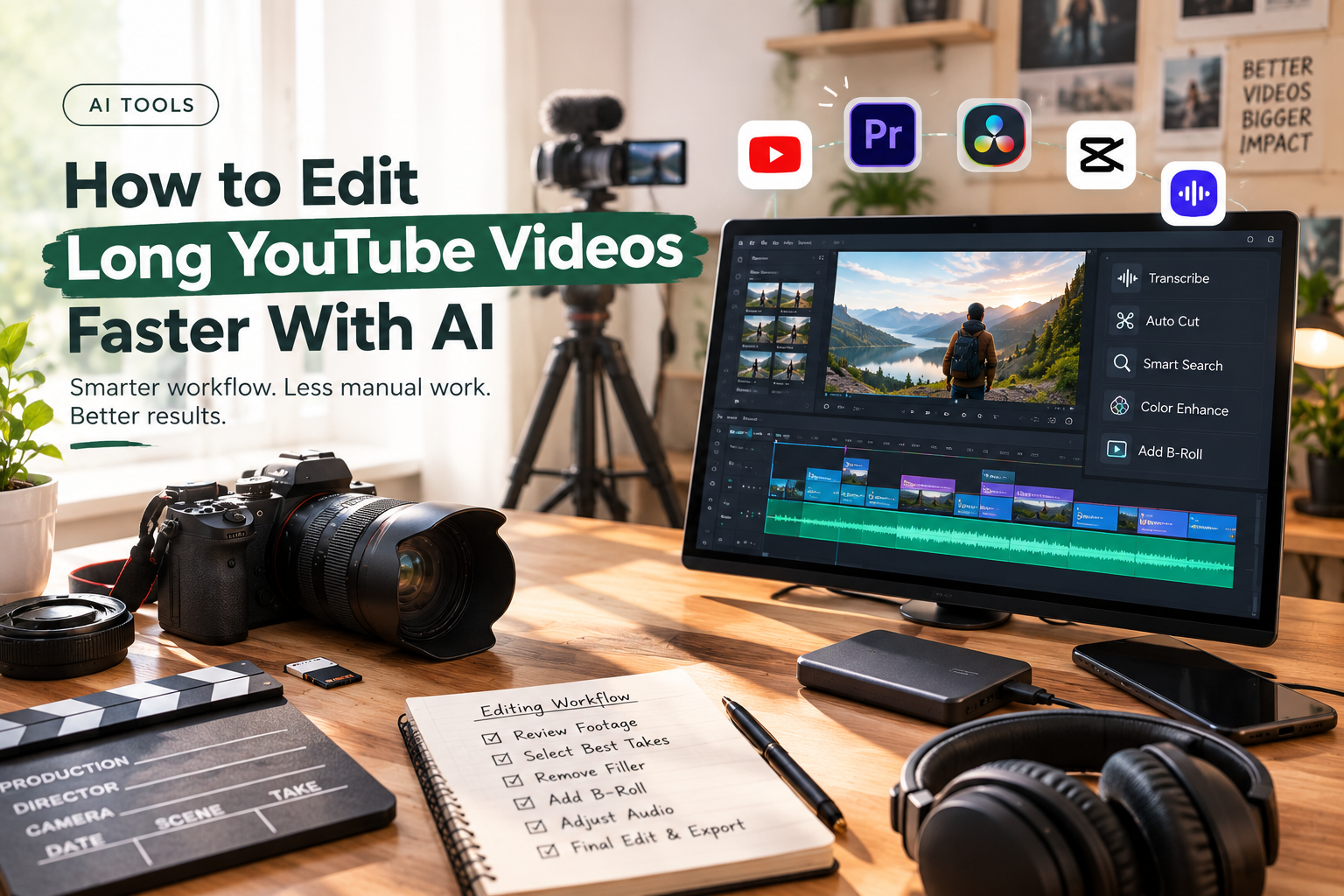
A long YouTube video rarely becomes difficult because of one complicated editing task. The time disappears in dozens of small decisions: finding the right take, watching another version of the same answer, removing a false start, searching for B-roll, tightening a transition, fixing uneven audio, and checking whether the story still works after every cut.
AI can help with much of that work, but the most useful approach is not to ask it to make the entire video for you. A better workflow gives AI the repetitive parts of post-production while the editor stays responsible for the story.
That distinction becomes especially useful for interviews, podcasts, tutorials, reviews, documentaries, and other videos that regularly run 20, 30, or 60 minutes.
Here is how to build that workflow.
Table of Contents
Start Where the Time Actually Goes
Before adding AI to an editing process, identify the parts of the job that are consuming the most time.
For many long-form videos, the bottleneck is not colour grading or adding transitions. It is footage review.
Imagine recording a one-hour interview with three takes of several answers. Add a second camera, B-roll, a few screen recordings, and some pickup shots. The editor now has a large amount of material to inspect before deciding what belongs in the timeline.
That first pass can be reduced with AI.
Instead of treating every clip as something that has to be watched from beginning to end, use tools that can understand the contents of the footage and help locate usable material.
The objective is simple: get from raw media to an editable first timeline faster.
Give AI an Editorial Brief, Not Just a Command
The quality of an AI-assisted edit depends partly on the quality of the direction it receives.
“Edit this interview” leaves too much open to interpretation.
A useful brief might say:
“Keep the strongest answer for each topic, remove repeated explanations and false starts, preserve useful stories, and keep the speaker’s natural delivery. Aim for a concise but complete discussion rather than the shortest possible version.”
That gives the editing system an editorial framework.
You can also define things such as the intended audience, approximate duration, important topics, sections that should be retained, and material that can be removed.
This does not mean the AI understands the story exactly as an experienced editor would. It means the editor has given it enough context to perform the mechanical parts of the first pass more effectively.
Let the First Cut Be Imperfect
One of the biggest workflow changes AI can introduce is making the first assembly less expensive.
A traditional first pass might involve watching every take, comparing performances, cutting unwanted material, and building the sequence manually. An AI editing agent can take on some of that initial assembly.
The invideo editor is a web-based video editor that allows you to bring footage into a timeline-based project and give an editing agent instructions for how the material should be assembled. A script or transcript can be added when available.
The agent can review the footage, select usable takes, remove repetition and filler, and place the selected material into an editable timeline.
That last part matters.
The goal is not to receive a mysterious finished video and hope the decisions are correct. The first assembly gives the editor something concrete to inspect. Weak selections can be replaced. Sections can be shortened. The order can change.
Think of it as moving the starting point of the edit forward.
Make Footage Searchable
Long-form projects become particularly slow when the editor knows a useful clip exists but cannot remember where it is.
You might remember that someone talked about pricing around the middle of an interview. Or that there was a shot of a particular product somewhere in three hours of camera footage.
This is where semantic footage search becomes useful.
Instead of searching filenames or manually scrubbing through clips, describe the moment you need. Depending on the editing system, AI can help identify dialogue, people, actions, objects, scenes, or other meaningful elements.
That changes the editing process from:
“Where is that clip?”
to:
“Find the moment where the guest explains how the product is used.”
For large projects, that difference can remove a surprising amount of friction.
Treat the Timeline as the Source of Truth
Once AI has assembled a first version, move back into the timeline.
This is where creative judgment becomes more important than automation.
Watch the sequence from the beginning. Look for places where the edit technically works but does not feel right.
Maybe the AI chose the cleanest take, but another take has better energy. Maybe it removed a pause that gave the speaker’s answer some weight. Maybe two sections are logically correct but should appear in the opposite order.
These are editorial decisions.
An AI editing workflow should make them easier to make, not remove them from the process.
This is also why timeline-based AI editing is different from simply generating a video. The editor can see the actual cuts and continue working with them.
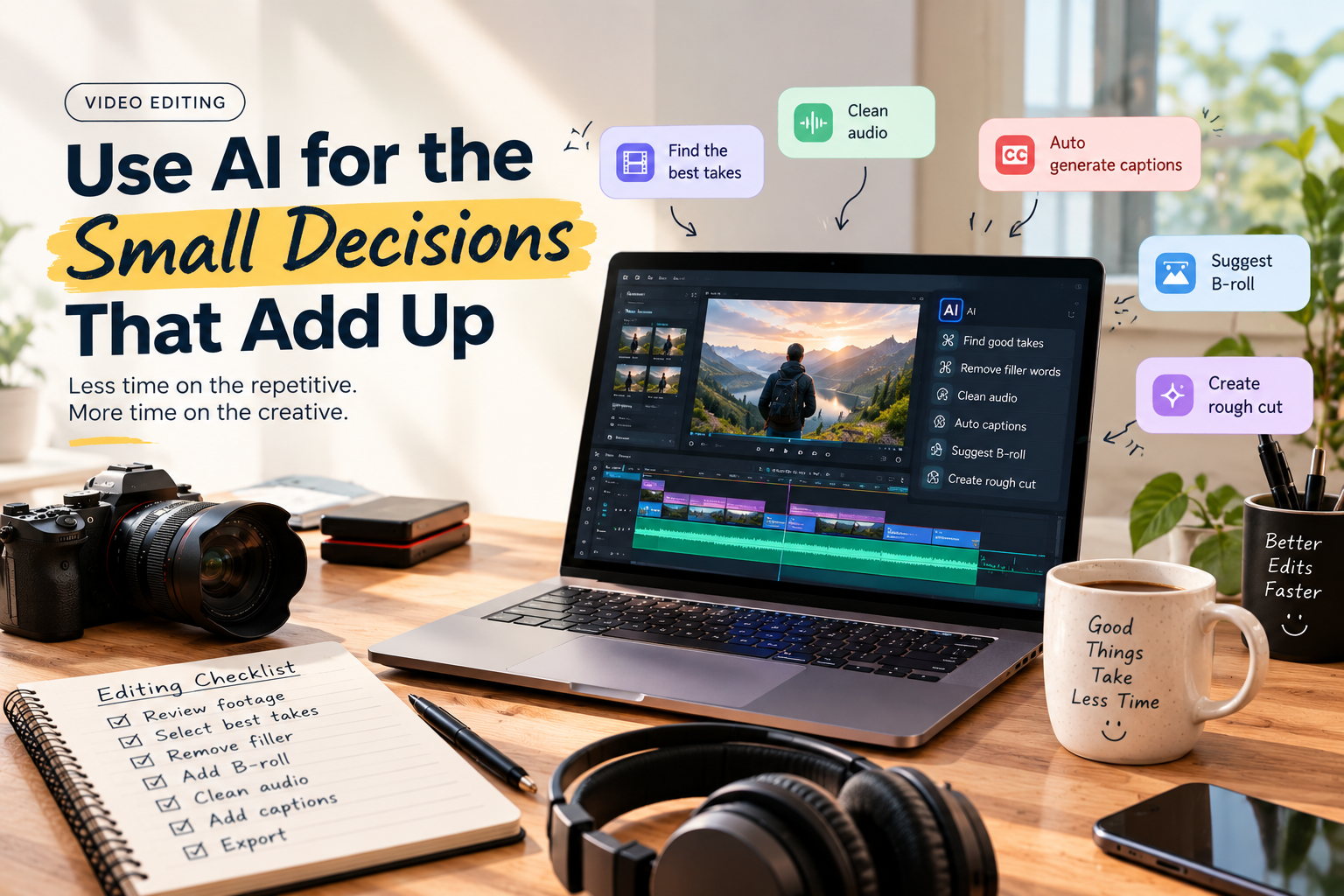
Use AI for the Small Decisions That Add Up
After the main structure is in place, there are dozens of smaller tasks that can still consume time.
This is where targeted AI assistance becomes useful.
Ask it to:
- Remove obvious filler and unnecessary pauses
- Find repeated sections
- Swap a selected take
- Shorten a section to a specific duration
- Add chapter markers
- Locate B-roll for a particular subject
- Restructure a sequence
- Create a shorter version of an existing section
None of these tasks necessarily defines the creative identity of the video. But together, they can occupy a large portion of an editor’s day.
The useful principle is to automate the execution, while retaining control over the decision.
Don’t Cut Long Videos Just to Make Them Shorter
AI makes it easy to remove material. That does not mean every long-form video should become aggressively fast.
A 40-minute educational video may need context. An interview may need pauses. A documentary may benefit from a slower transition between ideas.
The question is not whether a section can be removed. Ask whether removing it makes the video better.
A useful review pass focuses on four things:
Repetition
If the same idea is explained three times, keep the clearest version unless the additional explanations add meaningful context.
Momentum
Look for sections where the video stops progressing. A long explanation may be useful, but several sentences that repeat what the viewer already understands may not be.
Transitions
Check whether each section leads naturally into the next. Sometimes the problem is not length but sequencing.
Payoff
Make sure the setup leads somewhere. If the opening promises an answer, the video should deliver it without unnecessary detours.
AI can help identify potential problem areas. The editor still decides what stays.
Bring B-Roll Into the Edit Earlier
B-roll is often treated as a finishing layer, but on long YouTube videos it can also affect pacing.
A talking-head section may feel too long until supporting footage is introduced. A screen recording may explain something more clearly than another paragraph of narration.
Once the main assembly is working, use AI-assisted search to locate relevant supporting footage.
For example, if the speaker discusses packaging, look for footage of the product being packed. If they explain a software feature, locate the relevant screen recording. If they describe an event, find the corresponding footage.
The objective is not to cover every spoken sentence with a new visual. It is to give the viewer visual information when it genuinely helps.
Save the Finishing Work for the Right Moment
There is little value in spending an hour perfecting the colour of a clip that gets removed later.
Do the major structural work first. Once the story is stable, move into audio, colour, graphics, captions, and other finishing tasks.
AI can help here too.
For colour, an editor can describe the desired treatment or provide a reference image and then refine the result using manual controls. Exposure, contrast, temperature, tint, saturation, colour wheels, curves, and LUTs can be adjusted when the footage needs more precise work.
For a long YouTube project, consistency is usually more important than applying a dramatic grade. If footage comes from different cameras or lighting conditions, matching shots can make the finished video feel much more cohesive.
The same principle applies to audio. Let automation handle repetitive cleanup where appropriate, then listen through the final sequence and make the decisions that affect the character of the recording.
Turn One Long Edit Into Several Deliverables
The long-form project can become the source for everything else.
Once the main video is complete, identify sections that can work independently. A strong explanation might become a short educational clip. A particularly interesting exchange might work as a social post. A longer product demonstration could become a focused tutorial.
This is another area where AI can reduce repetitive editing.
Rather than starting each version from an empty timeline, use the existing project as the source and ask AI to help identify, restructure, or shorten relevant sections.
The editor then reviews each version for context and pacing.
This approach also reduces one of the common problems with repurposed content: clips that technically make sense but feel like they were cut out of a larger video without consideration for the new audience.
A Faster Long-Form Workflow
Put all of these steps together and the workflow looks less like “AI edits my video” and more like a production pipeline:
Raw footage → AI-assisted review → first assembly → human editorial pass → AI-assisted cleanup → story and pacing refinement → audio and colour → final review → cutdowns
The order matters.
If you ask AI to polish everything before the structure is right, you are simply making changes to material that may later disappear.
If you use AI early for footage review and assembly, then return to human-led editing for the important creative decisions, the technology has a much clearer role.
Where the Editor Still Matters Most
There are parts of long-form editing that are difficult to reduce to instructions.
An experienced editor can sense when a pause should remain. They can recognize the difference between technically clean footage and a compelling performance. They can change the order of an interview because the emotional payoff works better later.
Those decisions involve context, taste, audience understanding, and storytelling.
AI can help with the volume of work surrounding those decisions.
That is why an AI-assisted workflow can be more useful than a fully automated one. The editor does not need to choose between doing everything manually and giving up control. The repetitive work can be delegated while the creative authority stays with the person shaping the project.
Final Takeaway
Editing long YouTube videos faster is less about finding a button that automatically produces a finished episode and more about changing where manual effort is spent.
Use AI to understand large amounts of footage, search for specific moments, compare takes, build a first assembly, remove repetitive material, and prepare additional versions. Keep the timeline visible and editable so you can challenge those decisions when the story requires it.
The Invideo editor is one example of this approach, using AI editing agents to work directly with footage and an editable timeline rather than treating AI as a separate generation step.
The biggest benefit comes when AI handles the work that slows the edit down, while the editor continues to decide what the audience sees, hears, and feels.

Vandana is a Content Writer and Digital Marketing Executive with 1+ years of experience in SEO content writing, website content, and digital marketing. She specialises in creating engaging, SEO-friendly content, keyword research, and content planning to help brands improve their online presence and audience reach.