
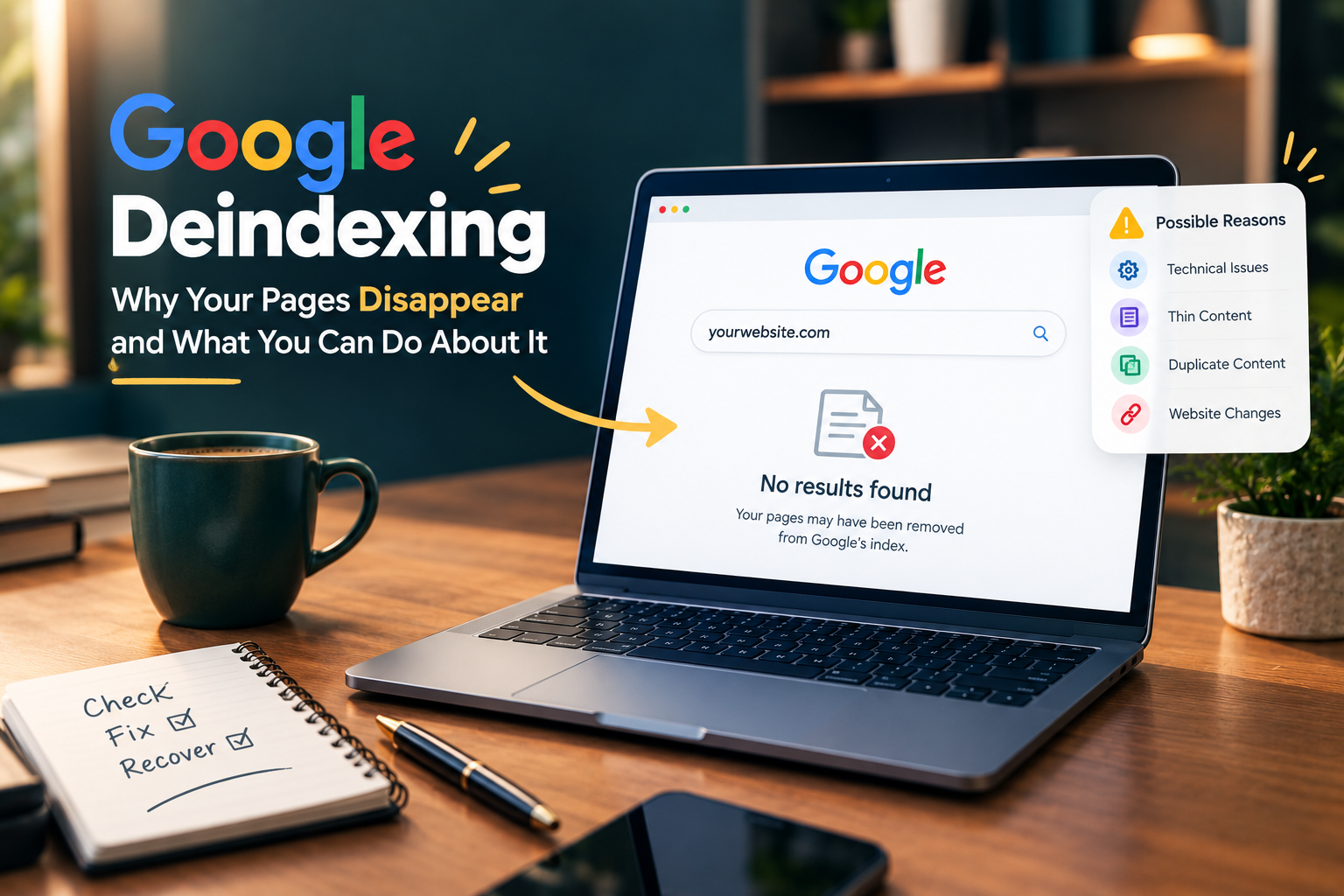
Seeing your website pages disappear from Google can be worrying, especially when those pages were bringing regular visitors. Deindexing means Google has removed a page from its search index, so the page may no longer appear in search results even though it still works when someone visits the URL directly. The cause is not always a Google penalty. Technical problems, low-quality pages, duplication, changes to your website or indexing signals can all play a part. The good news is that you can usually find the reason by checking your site carefully and fixing the underlying problem.
Table of Contents
What Does Google Deindexing Mean?
Google keeps a large index of web pages that it considers useful for searchers. When a page is indexed, it has a chance to appear in relevant search results. When Google removes that page from its index, organic visibility can disappear.
A single page disappearing does not necessarily mean something is wrong with your entire website. Google may decide that a particular page does not currently meet its indexing or quality systems. A larger drop across many pages needs more attention because it can point to a technical issue, a website-wide change or a broader quality problem.
Why Is Google Deindexing Your Pages?
Technical indexing problems
Technical issues are one of the first areas you should check. A page can become difficult for Google to index when your robots.txt file blocks crawling or when a noindex directive has been added to the page.
Incorrect canonical tags can also create confusion. If your page tells Google that another URL is the preferred version, Google may choose to index that other URL instead.
Server problems matter too. Frequent 5xx errors, long periods of downtime or pages that return unexpected status codes can affect crawling and indexing.
Thin or unhelpful content
Google wants search results to provide useful information. Pages with very little original information may struggle to remain indexed when better results are available.
This issue can affect websites that publish large numbers of short articles with little added value. A page may technically contain text but still offer very little that helps the reader.
Your content should answer the reason behind the search. Clear explanations, useful details and original information can make a page much more valuable than a page created simply to target a keyword.
Duplicate content across your website
Duplicate or highly similar pages can also create indexing problems. This often happens when websites have several URLs showing almost identical content.
Google may choose one version as the main page and leave other versions out of the index. That situation is not automatically a penalty. It is often Google trying to avoid showing multiple copies of the same information.
Your internal linking, canonical tags and URL structure should make it clear which version you want Google to understand as the main page.
Content that looks copied or heavily reproduced
Originality matters when you want a website to build lasting search visibility. Articles that simply reproduce information already available elsewhere may have little reason to rank above the original source.
Your own reporting, analysis, examples, experience and useful details can give a page a stronger purpose. For news and opinion websites, proper attribution is also important when information comes from another publication or source.
Major website changes
A website migration, redesign or change in URL structure can cause temporary indexing problems. Broken redirects are particularly important because old URLs may stop leading Google to the correct new pages.
Changes to categories, internal links, navigation and XML sitemaps can also affect how Google discovers your content.
If your traffic and indexed pages dropped shortly after a redesign, the timing itself is an important clue.
How to Check If Google Has Deindexed Your Pages
Google Search Console should be your first place to investigate. The Pages report can show URLs that Google discovered but did not index. It can also highlight problems related to crawling, redirects, duplicate URLs and other indexing conditions.
You can inspect individual URLs with the URL Inspection tool. This can help you understand whether Google can access the page and whether the URL is currently eligible for indexing.
A simple Google search using site:yourdomain.com can also give you a rough idea of how much of your website appears in the index. However, this search is not a complete replacement for Search Console data. Tracking indexing signals should be part of a wider SEO monitoring routine, rather than a one-time check after traffic has already dropped.
What Should You Do After Deindexing?
The right solution depends on the reason. You should avoid making random changes across your entire website before identifying the problem. First, check your important pages in Search Console. Look for patterns. If hundreds of pages have disappeared at the same time, investigate technical changes first. If only certain types of articles are affected, review those pages for duplication, thin content or limited usefulness.
Your robots.txt file and noindex settings deserve a careful check. Your canonical tags should also point to the correct URLs. Broken internal links and incorrect redirects should be repaired.
Content that provides little value may need a deeper rewrite rather than a few extra paragraphs. In some cases, combining several similar pages into one stronger resource makes more sense.
Do Not Assume Every Drop Is a Google Penalty
This is an important point for website owners. A fall in Google traffic does not automatically mean that Google has penalised your website.
Search rankings can change because competitors publish stronger content, search behaviour changes, Google updates its systems or some of your pages become less relevant. Deindexing is specifically about a page being absent from Google’s index. Ranking losses are a different issue.
A calm investigation is usually more useful than immediately deleting hundreds of pages or making major changes to your website.
How to Reduce the Risk of Future Deindexing
Your website should have a clear structure and a consistent publishing process. Each important page should have a clear purpose and should offer something useful to the reader.
Regular technical checks can catch accidental noindex tags, broken links, redirect problems and sitemap errors before they become larger issues. Your older content also deserves attention. Pages that are outdated or substantially weaker than newer material may need updating, combining or removing.
Most importantly, your focus should remain on the reader. A page created only to attract search traffic is unlikely to provide the same value as a page created to answer a genuine question clearly and accurately.
Google Deindexing Can Often Be Fixed
Deindexing can feel serious when your search traffic suddenly falls, but the problem is not always permanent. Technical errors can be corrected. Weak pages can be improved. Duplicate URLs can be consolidated and outdated content can be reviewed.
The first step is understanding what actually happened. Once you know whether the issue involves crawling, indexing, content quality or website changes, you can take a more focused approach. Search visibility is easier to recover when you fix the cause instead of simply trying to get pages back into Google. There are some digital marketing blog that you should keep checking for Google and SEO updates. So you can avoid penalties and ranking drops.

Vandana is a Content Writer and Digital Marketing Executive with 1+ years of experience in SEO content writing, website content, and digital marketing. She specialises in creating engaging, SEO-friendly content, keyword research, and content planning to help brands improve their online presence and audience reach.