Professional video editing involves far more than making cuts. Before the creative decisions begin, editors may need to review hours of footage, compare takes, organize clips, remove false starts, clean dialogue, sync multiple cameras, build versions, and prepare the project for delivery.
AI can help with some of that workload, but the useful question is not whether a tool can “edit a video for you.” For professional work, the bigger question is where AI can remove repetitive execution while leaving the editor in control of the story and timeline.
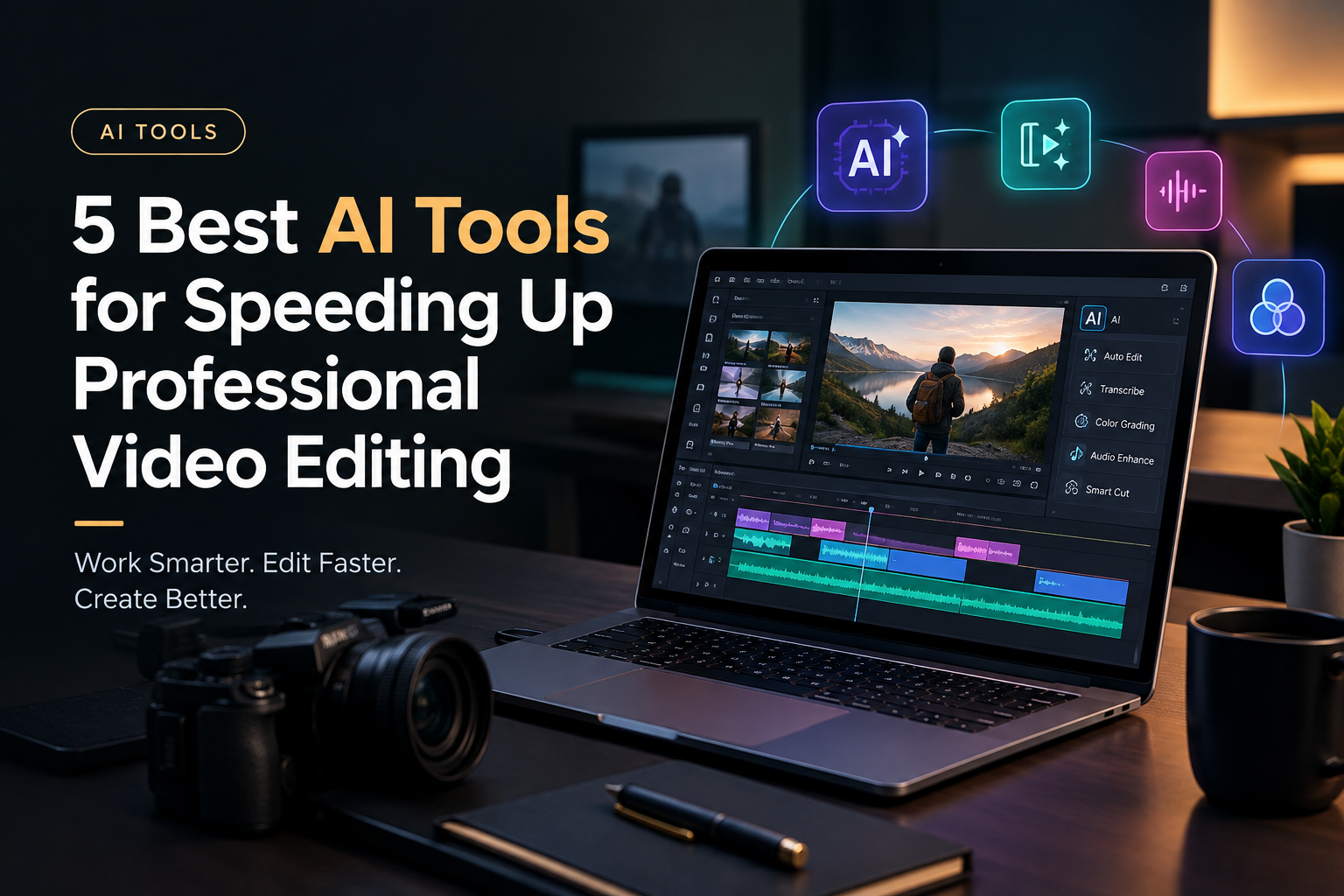
This guide looks at five AI video editing tools that approach that problem differently. Some are better suited to raw-footage assembly, some to dialogue-driven projects, and others to broader post-production or short-form content. Understanding those differences can help you choose tools that actually fit your editing workflow.
Table of Contents
What Makes an AI Editing Tool Useful for Professionals?
Speed does not simply mean making individual edits faster. A tool can save more time by reducing the amount of manual work required before and between creative decisions.
For professional editors, useful AI capabilities include:
- Footage analysis: Finding relevant scenes, people, dialogue, actions, or takes without manually scrubbing everything.
- Automated assembly: Creating a usable first cut from raw footage.
- Take selection: Identifying clean takes and removing repeated or unusable material.
- Natural-language editing: Giving instructions without manually performing every routine adjustment.
- Transcript-based workflows: Searching and editing spoken content through text.
- Audio and colour assistance: Speeding up technical finishing work.
- Versioning: Creating cutdowns and alternate versions from an existing project.
The right combination depends on what is slowing down your current workflow.
1. Invideo Editor
Invideo editor is designed around a workflow where AI editing agents can work directly with uploaded footage and an editable timeline. As an AI video editing platform, it brings agent-based assistance into the editing process while keeping the timeline and creative decisions in the editor’s hands.
That makes it particularly relevant when the slowest part of a project is getting from raw footage to a usable first assembly. Instead of manually watching every take and building the initial timeline yourself, you can provide footage, a script or transcript when available, and direction for the type of base cut you want.
An agent can review the material, select usable takes, remove repetition and filler, and assemble the selected video and audio on the timeline. The result is not intended to replace the editing process. It gives the editor a starting point that can be inspected, changed, and refined.
This approach can work with several common types of footage. A single-camera interview can be assembled by keeping each point once and removing repeated attempts. With multicam footage, the workflow can involve syncing angles and creating a layered cut. Music-led projects can also be assembled around a supplied structure or beat pattern.
The timeline remains central to the process. Editors can continue making manual changes, redirect the agent, and work through the rest of the edit.
The tool also brings AI assistance into other parts of post-production. Editors can search footage semantically, work on pacing and duration, create versions, and handle tasks involving audio, colour, dubbing, and localization.
For colour work specifically, editors can describe a desired treatment to an agent or provide a reference image, then refine the result using controls such as colour wheels, curves, temperature, tint, saturation, and LUTs. That can be useful when the goal is to speed up an initial grade without giving up manual control over the final look.
Best suited to: Editors who want to reduce the manual work involved in reviewing footage and building an initial timeline while keeping the project editable.
2. Adobe Premiere Pro
Adobe Premiere Pro is built around a conventional professional editing workflow, with AI features added to assist with specific parts of the process.
For editors working on established production pipelines, that distinction can be important. Rather than changing the entire editing process, AI can help accelerate individual tasks such as finding media, working with transcripts, handling dialogue-related operations, and making certain adjustments.
Premiere Pro is particularly useful when the editor already has a structured workflow and wants automation within that environment. You can still work with tracks, effects, audio, colour, graphics, and detailed timeline edits while using AI where it makes sense.
The biggest time savings may come from reducing small repetitive tasks across a large project. When those tasks are repeated hundreds of times, even modest automation can make a noticeable difference to the overall workflow.
Best suited to: Professional editors who already use Adobe’s ecosystem and want AI assistance without moving away from a traditional timeline-based editing environment.
3. DaVinci Resolve
DaVinci Resolve combines editing, colour, visual effects, motion graphics, and audio post-production in a single application.
Its AI features can assist with different stages of the workflow, including media organization, subject isolation, tracking, dialogue-related tasks, and other technical operations. The value for professional editors is that these capabilities sit alongside detailed manual controls.
Colour grading is a particularly important part of the workflow for many editors and colourists. Once the structure of a sequence is established, AI-assisted tools can help with technical or repetitive operations while the editor retains control over the visual treatment.
Resolve can therefore reduce the need to move between separate applications for different stages of post-production. For larger projects, keeping editing, colour, effects, and audio in one environment can simplify the overall workflow.
Best suited to: Editors and post-production teams handling projects where editing, colour, VFX, and audio all require detailed control.
4. Descript
Descript takes a different approach by connecting video editing with a transcript.
This can significantly change how editors handle spoken-word content. Instead of searching through a timeline to find a particular sentence, you can work from the transcript to locate and edit dialogue.
That makes it useful for interviews, podcasts, webinars, presentations, and talking-head videos. AI-assisted transcription and tools for removing filler or unwanted sections can reduce some of the repetitive work associated with cleaning up long recordings.
For example, an editor working through a one-hour interview may spend substantial time locating repeated statements, pauses, or sections that need to be removed. A transcript-based workflow can make those decisions much faster to identify.
It is less suited to projects where the edit depends heavily on visual rhythm, complex effects, detailed multicam work, or music-driven cutting. In those cases, a conventional professional timeline may remain the primary workspace.
Best suited to: Editors and content teams working mainly with interviews, podcasts, presentations, and other dialogue-heavy footage.
5. CapCut
CapCut is widely oriented toward fast content production, particularly for social platforms.
Its AI-assisted features can help with tasks such as captions, background treatment, effects, formatting, and other common requirements for short-form video. This can make it useful when speed matters more than building a complex long-form post-production project.
For professional editors, one practical use is handling smaller deliverables. A project may already have a finished master, but the team may still need vertical versions, short clips, captions, or platform-specific edits. A more lightweight editing environment can be useful for those tasks.
The tradeoff is that complex productions may require more detailed timeline, colour, audio, and project-management capabilities than a social-focused tool provides.
Best suited to: Editors and content teams producing short-form social videos and fast-turnaround versions.
How to Speed Up Editing Without Losing Creative Control
AI is most useful when it takes responsibility for repetitive execution rather than creative judgment.
A practical workflow might begin with footage analysis and organization. AI can help identify relevant material and surface specific moments. The next step can be an AI-assisted rough cut, where usable takes are selected and obvious repetition is removed.
The editor then takes over the creative decisions. Story structure, pacing, performance selection, transitions, visual rhythm, and the overall feel of the sequence still require human judgment.
After the main cut is established, AI can assist with technical work such as dialogue cleanup, colour adjustments, captions, localization, or alternate versions.
This creates a useful division of labour. The editor spends more time deciding what the video should communicate and less time performing repetitive operations that do not require the same level of judgment.
Which AI Workflow Fits Your Editing Process?
The best choice depends on where your time is currently going.
If you spend hours reviewing raw footage and building first assemblies, an agentic editing workflow can address that specific bottleneck. If you work primarily with dialogue, transcript-based editing may provide greater efficiency. Editors handling detailed colour, effects, and audio work may prefer a comprehensive professional post-production environment with AI integrated into individual operations.
For social content, speed and versioning may matter more than deep post-production controls.
The important thing is to evaluate AI tools against your actual workflow rather than simply comparing feature lists. A feature is only useful if it removes a task that is consuming meaningful time.
Final Takeaway
AI can speed up professional video editing in several different ways. It can help review footage, assemble first cuts, find dialogue, handle repetitive technical work, prepare social versions, and assist with finishing.
The most effective workflow is usually not one where AI makes every creative decision. It is one where AI handles predictable execution and the editor remains responsible for the decisions that shape the final piece.
Tools such as invideo editor, Premiere Pro, DaVinci Resolve, Descript, and CapCut approach that balance differently. The right choice depends on whether your biggest bottleneck is raw-footage review, dialogue editing, post-production, or fast content versioning.
Start by identifying the most repetitive part of your current workflow. That is usually the clearest place to introduce AI and measure whether it is actually saving editing time.

Nizu Sachdeva is a Digital Marketing Specialist with around 6 years of experience in SEO, content marketing, social media strategy, graphic design, and video editing. She specializes in creating digital strategies and content-driven campaigns that help businesses strengthen their online presence.