Table of Contents
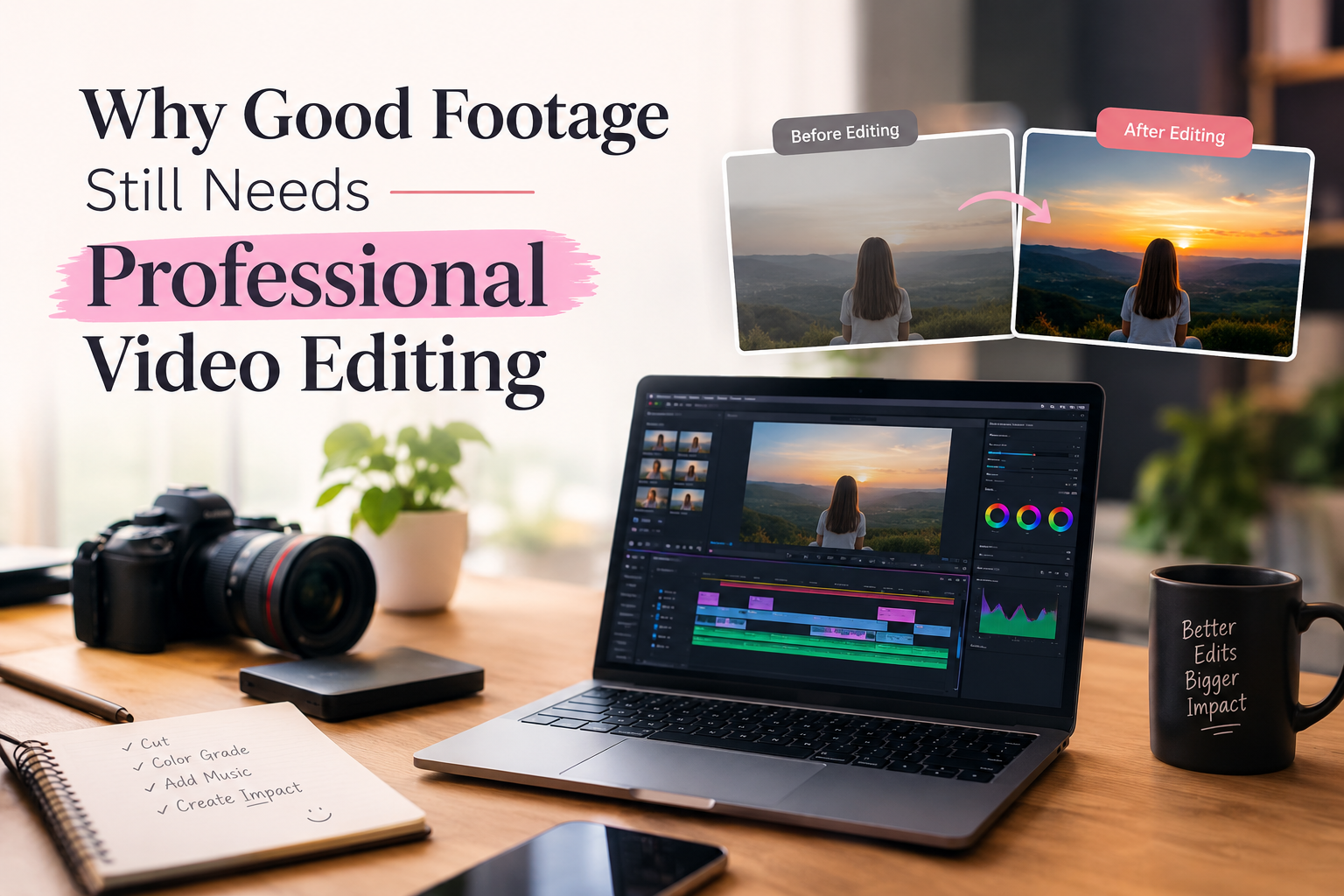
A good video can tell a story, teach a new skill, or explain a product in a few minutes. The video has to go through a few editing processes before it reaches the viewers. Any unwanted clips are cut, the sound is enhanced, colours are corrected, and visuals are organized to create clarity of the message. Nowadays, video editing is being utilized for online business, entertainment, education and digital marketing.
There are many different kinds of videos that a company or content creator might need, so the ability to edit them is valuable. Knowing video editing software is not the only part of the learning process. Students must also know about the planning, editing, checking and delivery of videos.
Whether you’re looking for the best video editing course in Hisar in 2026, this guide covers the essentials of a quality course, the tools used in video editing like Premiere Pro and After Effects, and what to take into account before signing up.
Why Video Editing is a Useful Skill in 2026
Video content doesn’t just have to be movies and TV shows. For instance, a fashion shop can make Instagram Reels to introduce their new look, or a coaching institute can shoot a lesson for their students. Videos are also utilized for advertisements, product demonstrations, and customer reviews for businesses. There is a different way to edit each type of video.
For instance, a brief ad needs to get its message across rapidly. An educational video should have clear explanations, appropriate visuals, and clear audio. YouTube also has a feature for videos of up to three minutes for eligible videos, known as Shorts. This allows creators to have more time to elaborate on topics and provide in-depth information. For beginners, it’s helpful to learn different editing styles so they can be prepared for working on more than one type of project.
What Should You Learn Before Advanced Video Editing?
Students need to understand the mechanisms of video files so that they can learn the complex effects.
There are three important terms: frame rate, resolution, and aspect ratio.
- Frame rate: The number of pictures shown per second. 24, 25, 30, and 60 fps are common frame rates.
- Resolution: The dimensions of a video picture. Full HD is usually 1920 × 1080, while 4K UHD is 3840 × 2160.
- Aspect ratio: The aspect ratio of a video. The typical aspect ratio for a standard YouTube video is 16:9, while vertical Reels and Shorts are typically 9:16.
Students should also know the video formats and export settings. For example, MP4 is a common video file format, and H.264 is a common method of compressing video.
These settings affect video quality, how much storage space is needed, and how well the videos will play on different platforms. These fundamentals are important for beginners to avoid issues when tackling real-world projects.
Learning Adobe Premiere Pro for Professional Editing
All of the interviews, ads, tutorials, and videos for YouTube are edited using Adobe Premiere Pro. The software has a timeline for editing video clips, music, audio, and graphics. The first steps are usually what to do to import the clips, how to edit out the parts you don’t want, and how to arrange the clips in the proper sequence. After students have mastered these basics, they can work on several camera angles and adjust the levels of the sound, colors, and titles.
For example, edit an interview shoot that was done with two cameras. One camera has a close-up view of the speaker, and one camera is set on a wide shot. The editor has to select the right shots, remove all the irrelevant pauses, and preserve natural dialogue. Text-based editing is also available in Premiere Pro. Editors can edit the text to make changes to the spoken content and can create transcripts, according to Adobe’s documentation.
This is a great function to utilize for interviews, podcasts, and schooling videos. These should be taught not as individual tools, but as part of a larger project in a good course.
How Adobe After Effects Helps Create Better Visuals
Premiere Pro will be good for shorter videos and editing, whereas Adobe After Effects will be excellent for motion graphics, animation, and visual effects. Suppose a business desires an ad for a product, and the main characteristics are written down one line at a time; then the company’s logo is visible at the end. These elements can be created using After Effects.
An important term that students learn is keyframes. A keyframe is a frame in which an element is given a specific position, size, or other value. If the editor changes these settings between keyframes, he or she will be able to make the scene move. Students will also be taught animation titles, animation layers, masks and simple motion tracking. But not all videos have to be complexly animated. Sometimes, it’s easier to follow a piece of text and simple cuts. As much as it is important to learn how to make effects, it is essential to know when to use them.
How AI Tools Are Changing Video Editing
AI tools can help video editors complete certain tasks faster. For example, manually typing captions for a long interview can take considerable time. AI-powered tools can generate captions that editors can review and correct.
Some useful video editing, motion graphics, and AI tools include
| Tool | How It Helps |
| Adobe Premiere Pro | Edits videos, adjusts audio, creates captions, and supports text-based editing. |
| Adobe After Effects | Creates motion graphics, animated text, visual effects, and logo animations. |
| Adobe Animate | Creates 2D animations, animated characters, and moving graphics. |
| CapCut | Edits short videos, generates automatic captions, and adds transitions. |
| Runway | Offers AI-powered video generation and editing features. |
| DaVinci Resolve | Provides video editing, colour correction, audio editing, and visual effects tools. |
| Adobe Photoshop | Creates thumbnails, graphics, and visual elements for videos. |
| Blender | Creates 3D animations, moving objects, and visual effects. |
However, AI-generated results are not always accurate. Captions may contain spelling mistakes, and automatically selected clips may not match the intended message.
That is why students should first understand manual editing. AI can reduce repeated work, but editors still need to make decisions about timing, sound, visuals, and storytelling.
Why Practical Training Matters in Video Editing
Students get to know software through tutorials, and editing in a real situation is learned through real projects. An aspiring producer may start by creating a short product ad with video clips, music, and text. The next project may be editing a YouTube tutorial where the focus is on getting things right and the explanations clear. Students are then provided a chance to edit interviews, promotional videos, and simple animation.
During these projects, they should also be able to learn to organize the footage, music, graphics, and the project files into various folders. Reduced time and risk of loss of files with well-organized file management. Trainers’ feedback is also an important part of the training. Students should be able to make their work more effective; knowing why a particular cut looks bad, or why music is too loud, will be helpful. Completed work can also be showcased as a portfolio for internships, jobs, or freelance tasks.
Common Video Editing Mistakes Beginners Should Avoid
Despite learning the software, novices can still make errors, which can impact the quality of their videos. Below are some typical errors to avoid. Too many transitions can result in a distracting video. With a simple cut, the content can be displayed to a greater degree.
Without considering the sound, the message is incomprehensible. Always listen to the volume of background noise, music and speech clarity. If the video is either smaller or larger in size, it might impact how the video appears on the various platforms. Utilize the right video dimensions for YouTube videos, Reels and Shorts. Note: If you set up the exporting incorrectly, you may find the exported video is reduced in resolution, or it is larger than you require. Pick settings depending on the channel you will be posting the video on.
Failure to detect errors in the previous review. Test the exported video for missing text, sound issues or unwanted black frames. These are some of the common video editing mistakes that beginners make and by avoiding them, they can make better and more successful videos and enhance their video editing skills.
How to Choose the Best Video Editing Course in Hisar
The institutes have different software, course timings, and teaching methods. Before applying for a video editing course in Hisar, there are a number of issues that students should consider.
- Review the course outline to check for the inclusion of Premiere Pro, After Effects, audio editing, colour correction and AI tools.
- Look for hands-on training sessions where students can not only witness but also edit full videos.
- Find out more about the trainers and ask if they have any experience of real video editing projects.
- Look through student folders and see what the students have produced when they have been on training.
- Review software and equipment to ensure access to appropriate computers and editing software for practice.
- To get a picture of the overall price, class schedules, and the support offered during training, it is necessary to compare course prices.
A demonstration class may also be offered to help students see how things will be taught prior to admission.
Career Opportunities After Learning Video Editing
Students can pursue a career in marketing agencies, production companies, educational institutes, and online businesses with the help of video editing skills. Some common career options include:
- Social Media Video Editor is a tool for creating Instagram Reels and YouTube Shorts, as well as promotional videos, for businesses and content creators.
- Make clear and engaging tutorials, interviews, vlogs, and educational videos on YouTube using YouTube Video Editor.
- Motion Graphics Designer produces moving graphics, animated text, and visual effects for advertisements and other videos.
- Corporate Video Editor creates business videos, product demos, corporate videos, and training videos for companies.
- Freelance Video Editor provides editing services to various clients, including social media videos, video content for the YouTube platform, and promotional ads.
The skills vary from person to person, and they can explore those roles if they’re interested in them and feel they have the skills to fit the role. Freelancing is an option too, but that involves time and will depend on the quality of editing, the ability to communicate, and the ability to meet deadlines. Courses are not a guarantee of employment. Students can receive a robust portfolio and practical experience to prepare them for their work and freelance opportunities.
Conclusion
When choosing the best video editing course in Hisar in 2026, it’s not just about the course cost or the software used. Pupils should seek training that makes editing concepts easily understandable as well as offers them chances for practice. Premiere Pro can handle video projects, motion graphics and animation in After Effects, while AI can make certain tasks easier.
These skills can be developed in practical projects, which can enable a beginner to understand the process of professional editing and inform them about various creative possibilities.
FAQs
Which is the best video editing course in Hisar for beginners?
Seek out a course that teaches editing fundamentals, professional software, audio, colour correction and real-life projects. Research the syllabus, trainers, fees, and student portfolios before enrolling.
Which is the better choice for beginners: Premiere Pro or After Effects?
Premiere Pro is typically a better video editing system to begin with for learning all aspects of video editing. After Effects can be used to learn animation, motion graphics, and visual effects.
Is it possible to edit video without a strong computer?
Depending on the software and footage available, a modest laptop may be suitable for basic editing. For more complex animation projects or high-resolution projects, more powerful hardware is typically required.
How can I get free video editing knowledge?
Yes. For beginners, there are tutoriDo you need to code to edit videos?s and software available to try for free, such as DaVinci Resolve. Blackmagic Design also offers official training materials and practice files.
Do you need to code to edit videos?
No. Visual tools and timelines are the most common tools in most video editing tasks. You do not need to know coding to perform basic editing.
Can I get freelance work after learning video editing?
Of course, the acquisition of clients is based on your portfolio, skills, communication and ability to complete projects on time.

Akshit Rana is the Co-Founder of Digimaniac and a performance marketing professional with around 7 years of experience in digital advertising and growth strategies. He specializes in performance marketing, paid campaigns, and helping businesses improve online visibility and lead generation.