Table of Contents
Video is now a part of everyday life—whether for education, shopping, marketing a business, or sharing information online. YouTube channels post in-depth videos, brands create product videos for promotion, and social media pages rely on Reels and Shorts to keep them busy. All this content is accompanied by an editing process that transforms raw footage into something that people can view and understand.
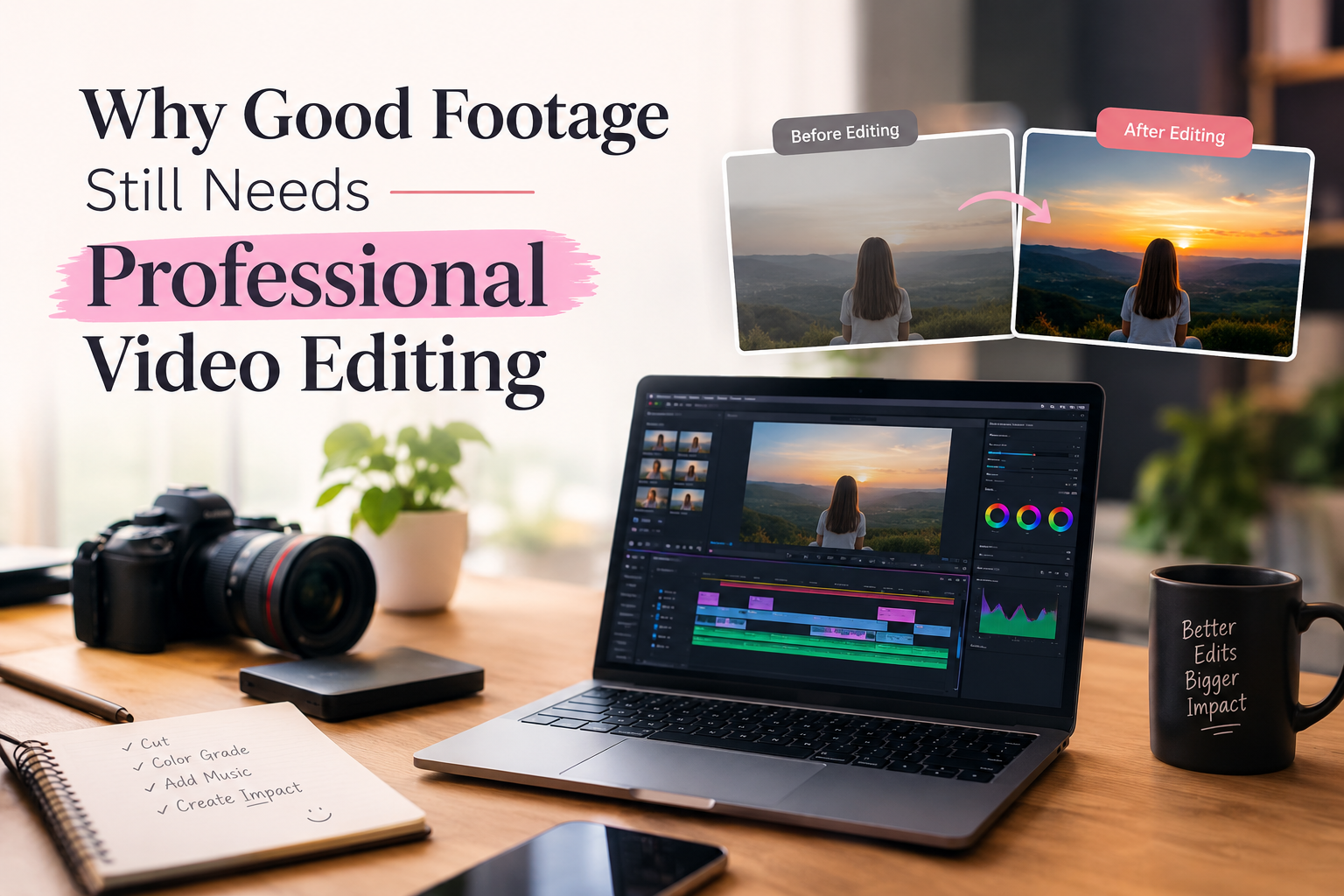
Hence, video editing skills have become a handy skill for students, content creators, freelancers, and digital marketing practitioners. But editing is not just about cutting a scene and putting a song on it. The key to a good edit is selecting the right shots, pacing the film, enhancing the sound, and using colour when appropriate.
When thinking about a video editing course in Haryana, it is important to know what exactly the training has to offer and what type of work with video editing is possible after the basic training.
Why Video Editing Skills Are Useful Today
The demand for video is not limited to films or television anymore. A local business may need a short product Reel, a coach may want videos for an online course, and a YouTube creator may need someone to edit hours of recorded footage into one finished video.
The work also changes with the content. A promotional video may need product shots, branding and motion graphics. An interview requires attention to dialogue and audio. A social media Reel usually depends on quick cuts, captions and a strong opening.
This variety gives video editors several areas to explore. Someone may prefer short-form social media content, while another person may enjoy long-form YouTube videos, advertisements, events or post-production work.
What Do You Learn in a Video Editing Course?
A beginner usually starts with the basic tools before moving into more detailed editing work. The first few lessons may cover file formats, resolution, frame rates, aspect ratios and timeline management. These basics become important when the same footage has to be prepared for different platforms.
Cutting and sequencing come next. Students learn how to remove unwanted portions, arrange shots, work with multiple clips and create a smooth sequence. From there, the training can move into areas such as:
- Storytelling and pacing
- Transitions and visual effects
- Audio editing and sound mixing
- Colour correction and colour grading
- Titles, captions and text animation
- Motion graphics
- YouTube video editing
- Reels and Shorts editing
- Advertisement and promotional videos
- Export settings and final delivery
The aim is to understand how an edit is built rather than simply learning where a particular button is located.
What Happens During a Real Editing Project?
Suppose a creator records a 30-minute interview. The camera may have captured several takes, pauses, mistakes and repeated answers. The editor first reviews the material and selects the usable sections.
The selected clips are then placed in order. If there are two camera angles, the editor can switch between them at suitable points. Background noise may need attention; the speaker’s voice has to remain clear, and supporting footage can be added where it makes sense. The final stage may include captions, titles, colour adjustments, music and export.
A short promotional video follows a different process. There may be only a few seconds to show the product, explain its benefit and display the brand message. The cuts therefore have to be much tighter. This is one reason practical video editing training matters. The same software can be used for very different projects, but the editing decisions are not the same.
How YouTube, Reels and Ads Require Different Editing
The platform and purpose of a video can change almost every part of the edit.
YouTube videos usually give the editor more time to build a story. Long pauses, repeated statements and unnecessary footage can be removed, while B-roll, graphics and music can be added to support the main content.
Instagram Reels and Shorts work with a much shorter format. Vertical framing, captions, quick cuts and visual changes are commonly used to keep the content moving.
Advertisements need to communicate a message within a limited time. Product shots, branding, text, music and a call to action have to fit together without making the video feel crowded.
Educational videos have another requirement: clarity. The viewer should be able to follow the explanation, so screen recordings, diagrams, highlighted text and voice-over may be more useful than heavy visual effects.
Learning these differences is an important part of becoming comfortable with video editing.
Software Used in Video Editing and Design
Software is one of the first things people check when comparing a video editing course for beginners. However, different applications handle different parts of the creative process.
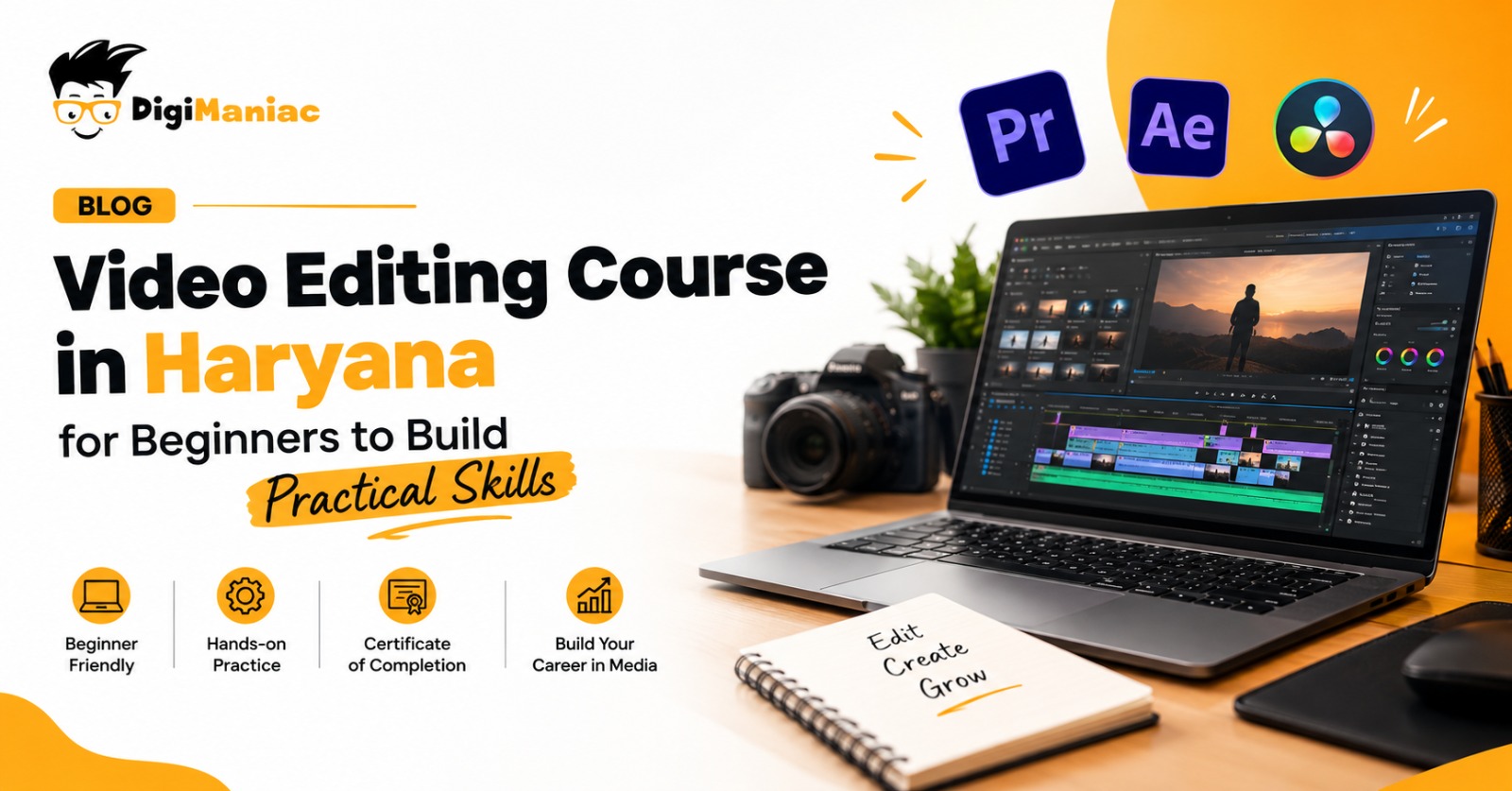
Adobe Premiere Pro is used for editing, cutting, sequencing and working with audio and visual elements on a timeline.
DaVinci Resolve combines video editing with colour correction, colour grading and audio post-production.
Adobe After Effects is mainly used for motion graphics, animation and visual effects. It can be used for animated titles, logo reveals, text effects and other graphics.
Video editors also work with supporting visual material. This is where design applications can become useful.
Adobe Photoshop can be used for thumbnails, image editing and graphics. Adobe Illustrator and CorelDRAW are useful for vector artwork, logos and illustrations. Adobe InDesign is mainly used for page layouts and publishing work, while Figma is commonly used for interface and collaborative design.
Knowing some of these tools can be helpful when a project requires more than edited footage.
How AI Is Changing Video Editing Work
AI tools are now being added to several parts of the editing workflow. Depending on the software, they can assist with tasks such as transcription, automatic captions, background removal, masking, footage search and some repetitive editing work.
For example, an editor working with a long interview can use transcription to find a particular part of the conversation more quickly. Automatic captions can also reduce the amount of manual typing required for short-form content.
These tools can save time, but they do not decide how the final video should look. The editor still needs to select the right footage, check the accuracy of captions, control the pacing and make creative decisions. For beginners, understanding the regular editing process first makes it easier to see where AI can actually be useful.
Why Practical Projects Matter
Editing becomes much easier to understand once you start working with actual footage. A tutorial can show how a transition works, but a project tells you whether that transition is actually needed. During a video editing course in Haryana, project work may include YouTube videos, Reels, interviews, product videos, event footage or advertisements. Each one brings a different editing problem.
An interview may require careful audio work. A Reel may need quick cuts and captions. A product video may involve branding and motion graphics. An event video may depend more on music, shot selection and pacing. Working on such projects also gives students an opportunity to receive feedback and correct their work before putting it into a portfolio.
Building a Portfolio Through Practice
A portfolio becomes useful when you start applying for editing work. Instead of simply writing “Premiere Pro” or “video editing” on a resume, you can show actual examples of what you have made. The portfolio does not have to contain twenty similar videos. A smaller collection with different kinds of work can show more about your skills.
For example, you could include:
- One long-form YouTube edit
- One short-form Reel
- A product or promotional video
- An interview or podcast edit
- A project showing motion graphics or colour work
It is also worth reviewing older projects after gaining more experience. An edit that looked fine when you first created it may have obvious pacing, audio or colour problems when you watch it again later.
Common Problems Beginners Face While Editing
New editors often focus heavily on effects because they are interesting to experiment with. The problem starts when the effects become more noticeable than the content.
A few issues are worth checking before delivering any video:
- Too many transitions between clips
- Long pauses or unnecessary footage
- Background music covering the dialogue
- Captions that are too small or difficult to read
- Different colour tones between shots
- Too many fonts or text styles
- Visual effects that do not add anything to the video
- Incorrect aspect ratio for the intended platform
- Exporting the video without watching the final file
A clean edit does not mean an empty edit. Music, graphics, transitions and effects all have their place, but they should fit the content rather than be added simply because the option is available.
Who Can Learn Video Editing Course in Haryana?
Video editing can fit into different career paths. A student may learn it as a professional skill, while a content creator may want to handle their own videos. People working in social media or digital marketing can also use editing skills when creating content for clients.
Freelancing is another route. An editor may work on YouTube videos, Reels, product content, advertisements, podcasts or event videos for different clients. There is also room to specialise later. Someone interested in design may move towards motion graphics, while another editor may focus on colour grading, social media content or long-form video.
Choosing a Video Editing Course in Haryana
When comparing video editing courses in Haryana, the software list is only one thing to consider. Two courses may mention the same applications but offer very different amounts of practice. Look at the actual syllabus and find out whether it includes editing fundamentals, audio, colour, motion graphics and platform-specific content. Check how many projects students complete and whether trainers review those projects.
The learning format also matters. Some people prefer classroom training where they can ask questions while working. Others need online classes because of college, work or travel. The important point is that there should be enough time for hands-on practice.
It is also useful to check whether the institute offers portfolio guidance, internship opportunities, placement assistance or support for students interested in freelancing. Course duration and fees can vary between programmes, so those details should be confirmed before enrolment.
Career Areas After Learning Video Editing
Video editing skills can be used across several areas of digital media. The exact role depends on the type of work you choose and the additional skills you develop.
Some common roles include:
- Video Editor
- YouTube Video Editor
- Social Media Video Editor
- Freelance Video Editor
- Post-Production Assistant
- Motion Graphics Editor
A person who starts with basic editing can later add skills such as colour grading, sound design, motion graphics or visual effects. Experience with different types of projects can also make it easier to decide which area to pursue.
Final Thoughts
Choosing a video editing course in Haryana is not only about finding a place that teaches editing software. The more useful question is what you will be able to create after completing the training.
Look for a course that gives you a chance to work with different kinds of footage, understand sound and colour, create content for different platforms and build a portfolio along the way. These practical parts of training can give you a much clearer understanding of video editing than software demonstrations alone.
Whether you want to edit YouTube videos, create Reels, work with brands or explore freelance projects, the skills you build through regular practice can help you move from basic editing to handling complete video projects.
Frequently Asked Questions
What is taught in a video editing course?
A video editing course teaches cutting, trimming, transitions, colour correction, audio editing, motion graphics and text animation. Students can also learn how to edit YouTube videos, Reels, Shorts and advertisements. The course helps learners understand how to improve the flow, look and sound of a video.
Which software is used in a video editing course?
A video editing institute may teach software such as Adobe Premiere Pro, After Effects, DaVinci Resolve, Adobe Audition and Final Cut Pro. Some courses also introduce AI video editing tools. Learning more than one software can help students handle different editing and post-production tasks.
Can beginners join a video editing institute?
Yes, beginners can join a video editing Institutes in North India without professional editing experience. Most courses start with basic editing concepts before moving to advanced tools and techniques. Regular practice is important for understanding the software and improving editing skills.
How long does a video editing course take?
The duration of a video editing course depends on the institute and course level. Short courses may take a few weeks, while detailed courses can take around 3–6 months or longer. The learning time can also depend on how regularly students practise outside their classes.
Is video editing useful for freelancing?
Yes, video editing can be used for freelance work with YouTubers, influencers, brands, businesses and agencies. Freelancers can work on YouTube videos, Reels, advertisements, promotional videos and other digital content. A good portfolio or showreel can help freelancers present their work to potential clients.
What career options are available after a video editing course?
After completing a video editing course, students can explore roles such as video editor, YouTube video editor, social media video editor, post-production assistant and freelance video editor. With experience, they can also develop skills in areas such as motion graphics, colour grading and video production.
How do I choose the best video editing institutes in North India?
When choosing a video editing institutes in North India, check the syllabus, software, practical projects, trainer support and portfolio work. Also check whether the course covers current formats such as YouTube videos, Reels and Shorts. It is also useful to compare the course duration, learning format and career support before joining.

Akshit Rana is the Co-Founder of Digimaniac and a performance marketing professional with around 7 years of experience in digital advertising and growth strategies. He specializes in performance marketing, paid campaigns, and helping businesses improve online visibility and lead generation.